Carry On adds a simple way to move blocks and creatures without breaking them or using special tools. It is useful when reorganizing a base, transporting animals, or moving machines to another room.
Move Filled Blocks Without Breaking Them
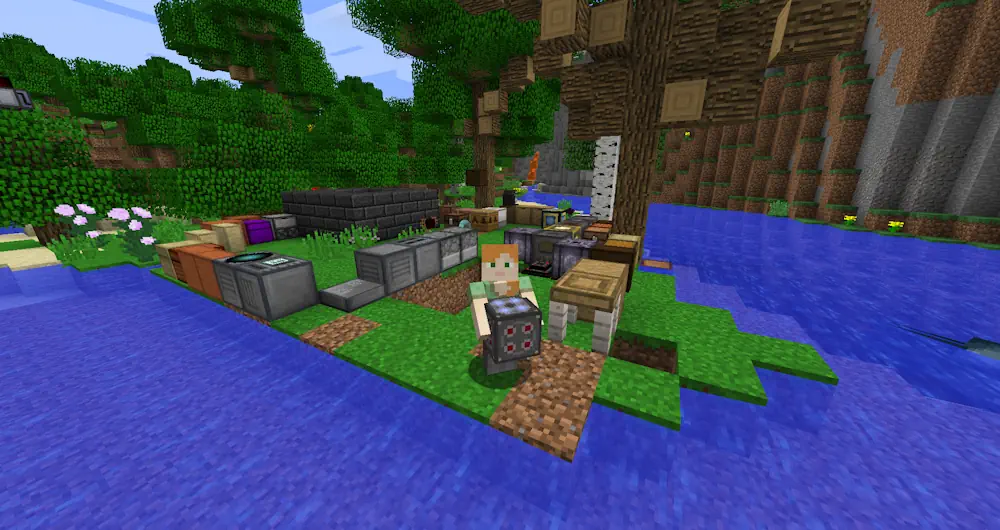
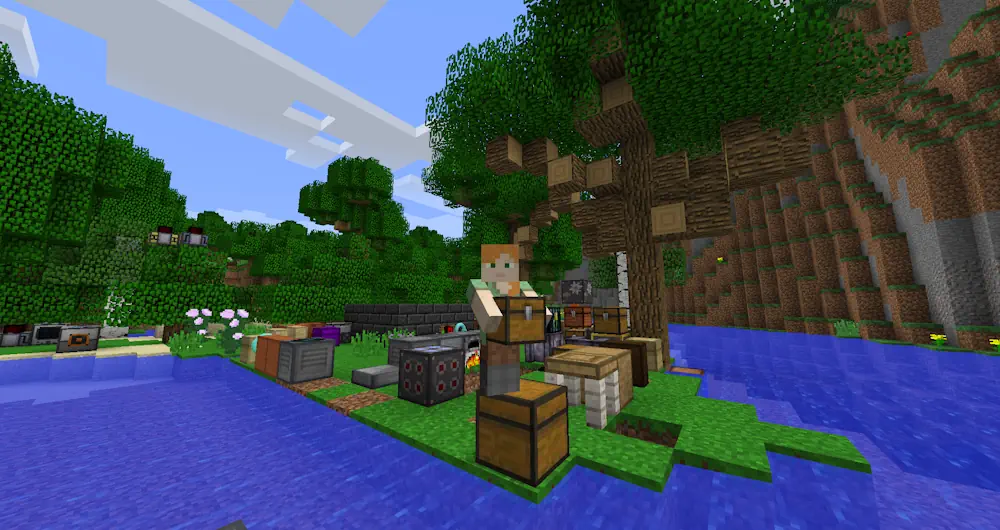
Players can pick up chests, furnaces, droppers, spawners, and many single-block machines from other mods. Their inventory, settings, and stored data remain unchanged during transportation. This means a full chest can be moved without placing every item into another container first.
To lift a supported block, approach it with empty hands and press Shift while right-clicking. Carry it to the required location and right-click again to place it. Only one block or creature can be held at a time.
Carry Animals and Other Entities
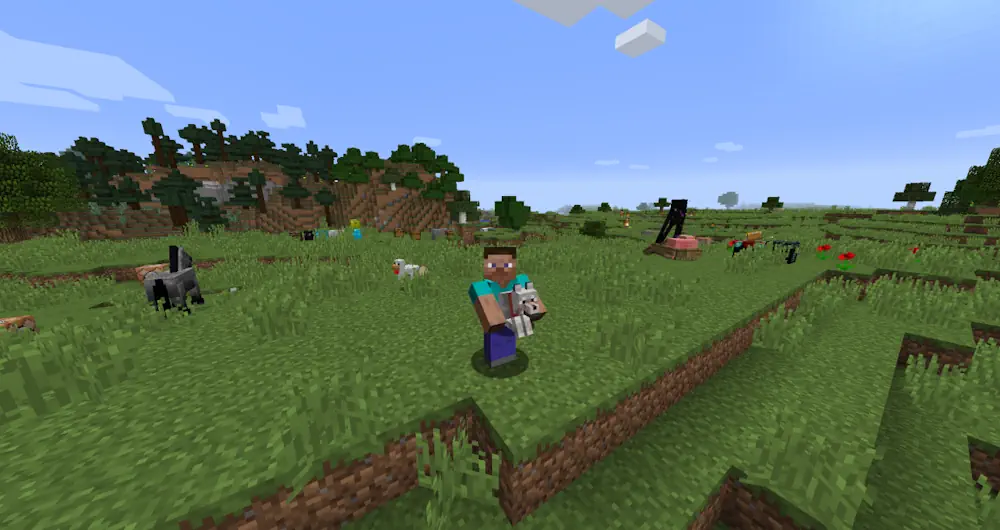
Carry On also works with many creatures, including farm animals, villagers, and smaller entities. Hostile mobs cannot normally be lifted in Survival mode, although this behavior can be changed through the configuration file.
Carrying heavy blocks or large creatures slows the player. Actions are also limited until the object is placed. Server owners can blacklist individual blocks, entities, or complete mods to prevent unwanted interaction.
Screenshots
How to Install Carry On
- Download Carry On for your Minecraft version and mod loader.
- Check whether the selected release requires an additional library.
- Move the downloaded JAR files into the mods folder.
- Launch Minecraft and test the controls with empty hands.