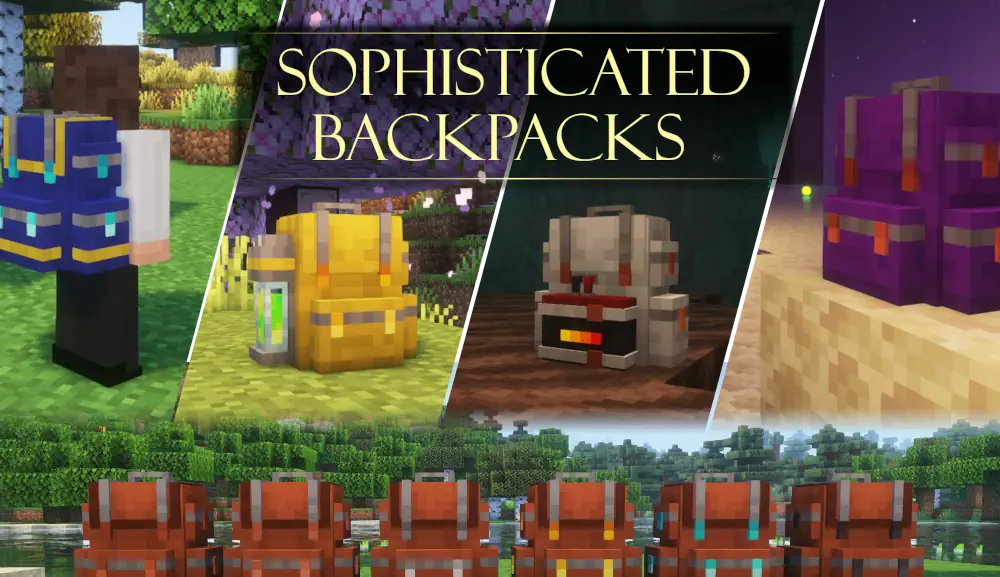
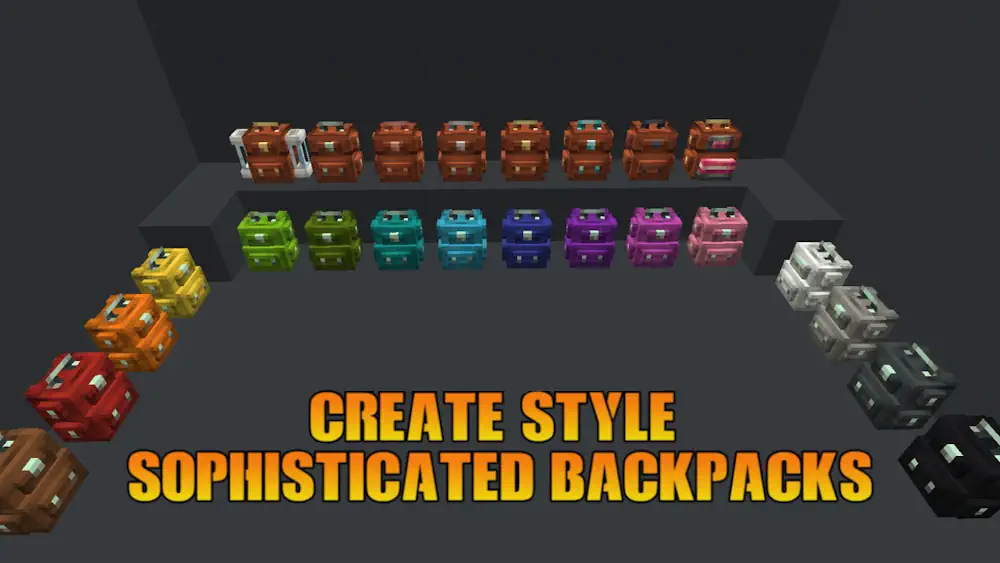
Sophisticated Backpacks gives Minecraft a backpack system that can grow with your world. Start with a basic leather backpack, then upgrade it through copper, iron, gold, diamond, and netherite tiers. Each new tier adds more inventory space and more slots for functional upgrades, so the same backpack can stay useful from an early survival base to late-game automation.
A Backpack Built Around Your Playstyle
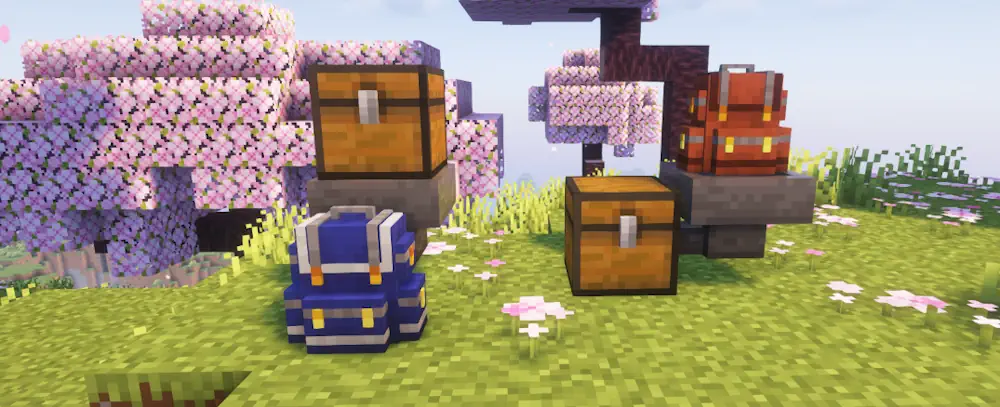
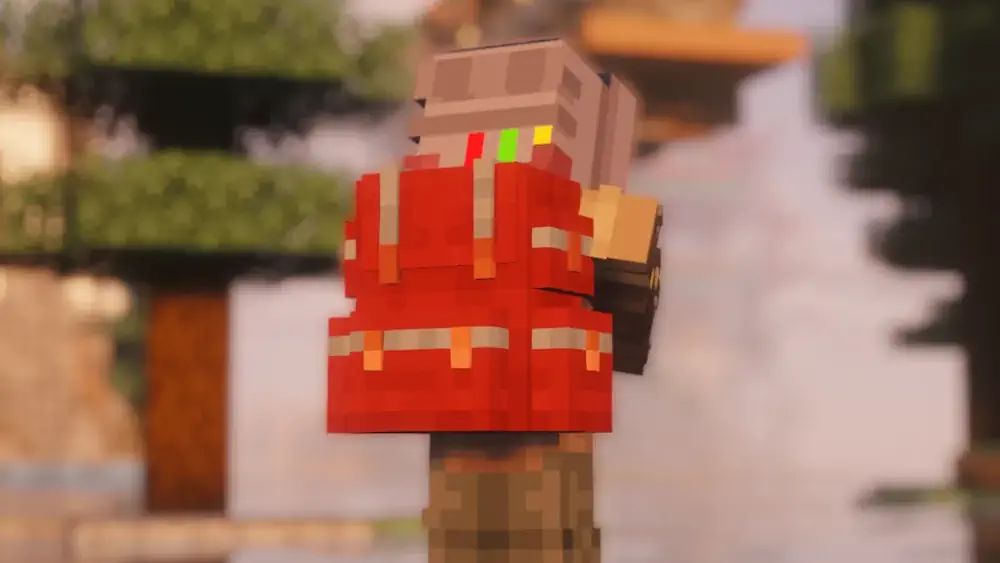
You can open a backpack while holding it, access it from your inventory, or wear it on your character. It can also be placed in the world as a storage block. Once placed, hoppers, pipes, and other inventory systems can insert or extract items, which makes it practical for farms, mining setups, and machine rooms.
The upgrade system is where the mod becomes especially useful. A Pickup or Magnet Upgrade collects dropped items and can use filters to avoid filling the backpack with unwanted blocks. Compacting turns materials into blocks, a Smelting Upgrade processes ores and food, while a Crafting Upgrade keeps a crafting grid inside the backpack. You can also add feeding, refill, deposit, restock, tool swapper, fluid tank, and energy upgrades depending on what you carry most often.
Filters give you control over every automated action. Set them by item, mod, tag, NBT data, or damage value. This is useful when mining with several mods installed: valuable drops can go into the backpack, while common stone or dirt can be voided after one stack is kept.
Backpacks have two dyeable colour areas, allowing you to make separate bags for building blocks, ores, food, or tools. An Everlasting Upgrade protects a valuable backpack from lava, fire, explosions, cactus damage, despawning, and the void.
Screenshots
How to Install Sophisticated Backpacks
- Download Sophisticated Backpacks for your Minecraft version.
- Move .jar file into the Minecraft mods folder.
- Launch the game, craft a backpack, and upgrade it as your storage needs grow.