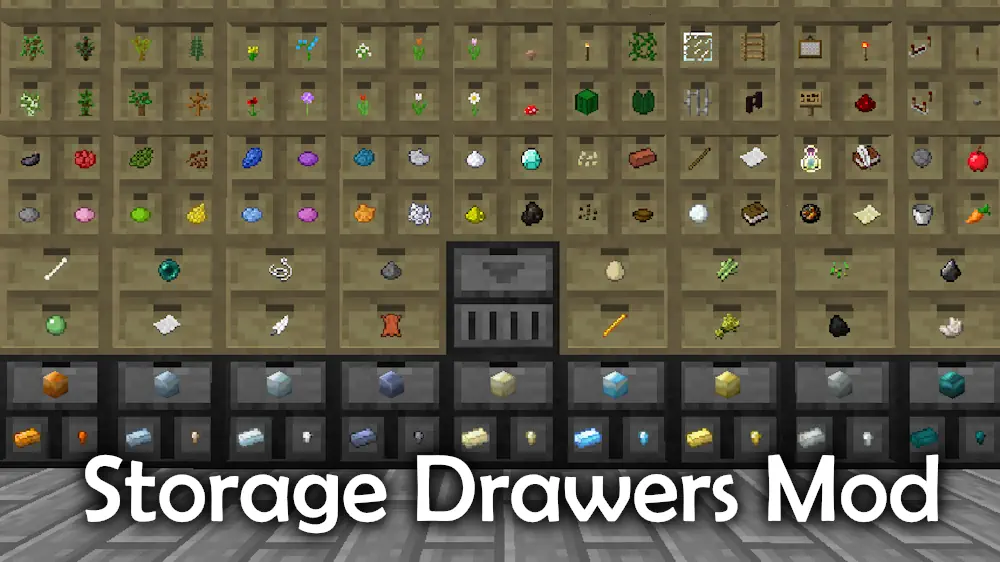
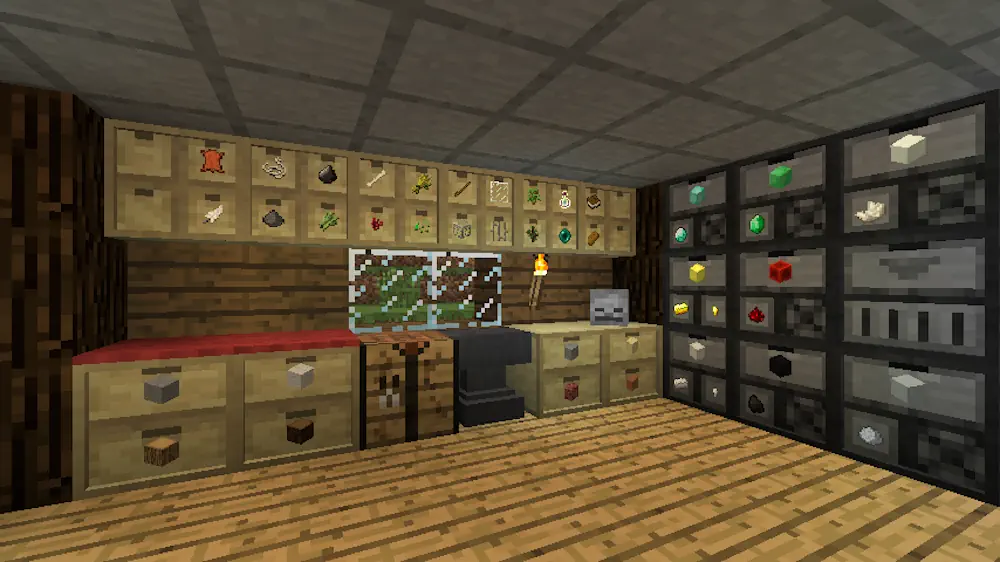
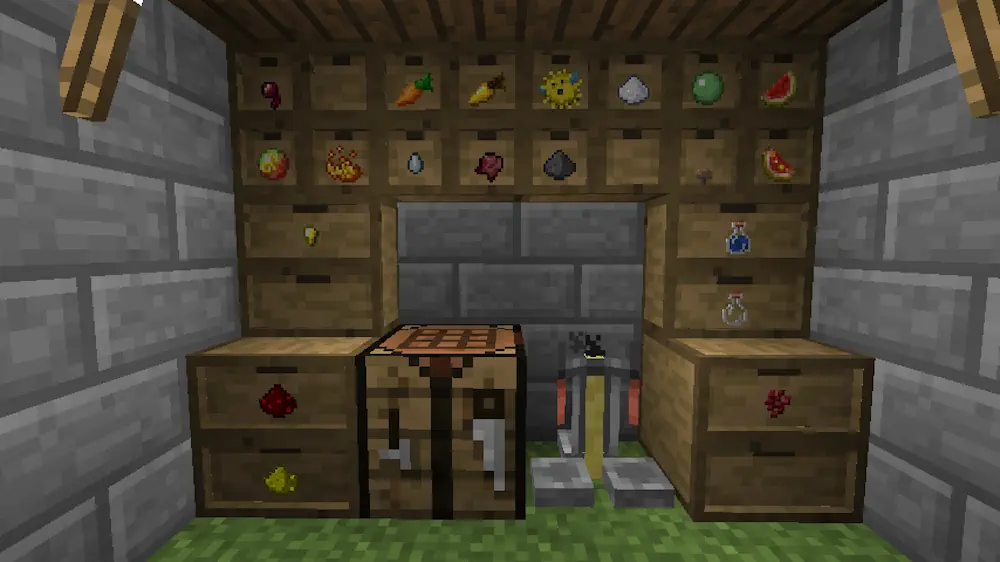
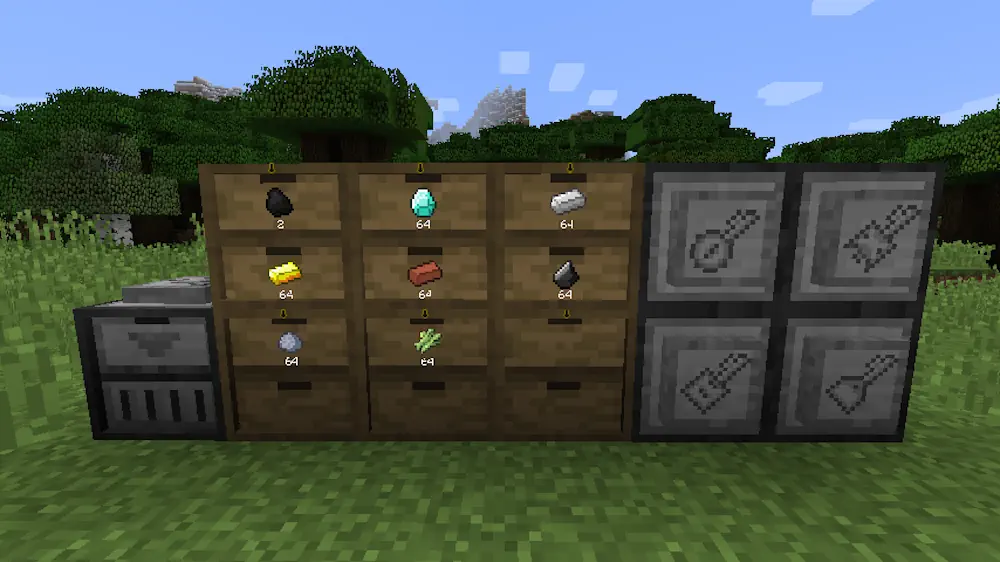
Storage Drawers offers a compact way to keep large quantities of frequently used materials. Instead of hiding everything inside ordinary chests, each drawer displays its stored item on the front. This makes it easy to identify resources without opening several containers.
Compact Storage with Quick Controls
Drawers do not use a traditional inventory screen for basic interactions. Right-clicking inserts the stack held in your hand, while double right-clicking transfers every compatible stack from your inventory. A left-click removes one item, and Shift plus left-click takes out a complete stack.
Holding Shift and right-clicking a drawer with an empty hand opens its management screen. Here you can check the exact item count and work with installed upgrades. Storage capacity can be expanded, allowing common blocks, ores, crops, and crafting materials to remain in one organized system.
Different drawer layouts help balance capacity and variety. A single block can hold one resource in large amounts or divide its space between several item types. The wooden appearance also fits naturally into workshops and storage rooms. Items remain visible and immediately accessible, making the mod convenient for both small bases and large production areas.
Screenshots
How to Install Storage Drawers
- Download Storage Drawers for your Minecraft version and mod loader.
- Move the downloaded files into the .minecraft/mods folder.
- Launch Minecraft.