Shulker Box Tooltip makes it possible to inspect stored items without placing or opening a shulker box. The preview appears directly inside the inventory, making it much easier to find tools, building materials, food, or equipment while travelling.
Preview Container Contents Instantly
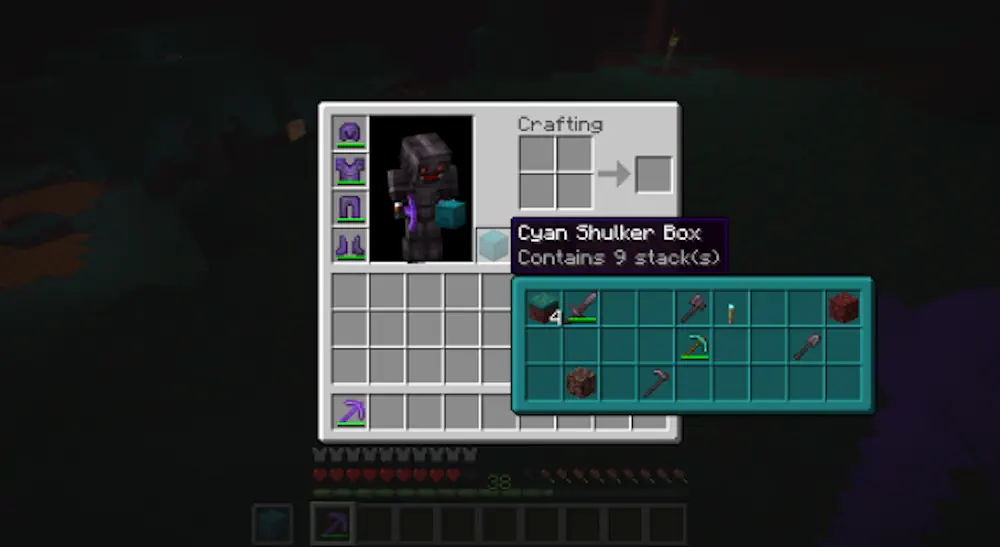
Hover over a shulker box and hold Shift to display a compact preview of its contents. The window shows every stored item and its stack size, allowing several boxes to be checked quickly without moving them to the hotbar.
Holding Alt and Shift opens a full preview where items appear in their correct slots. This view is useful when the exact arrangement matters or when several similar stacks are stored together. The preview color matches the shulker box, helping different containers remain easy to recognize.
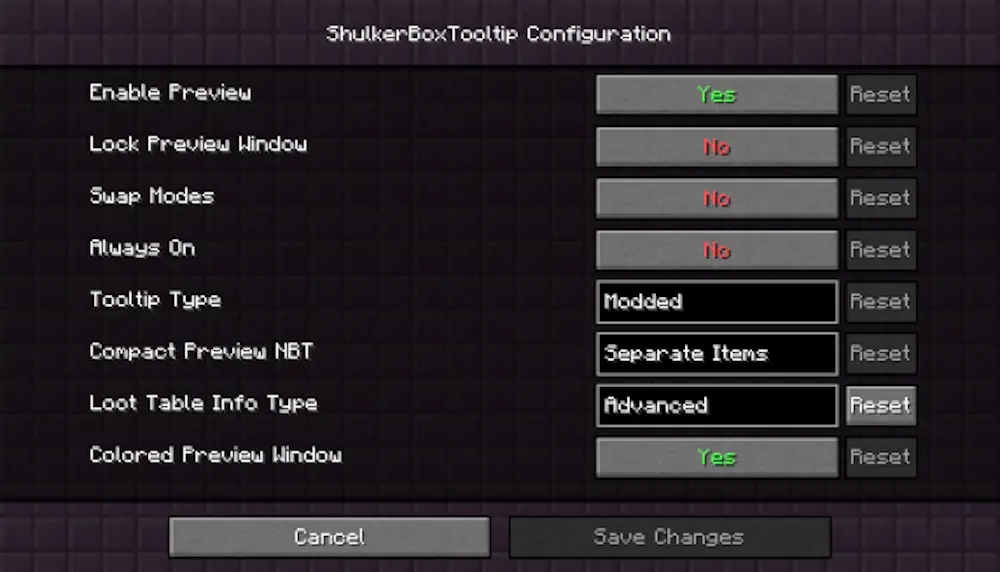
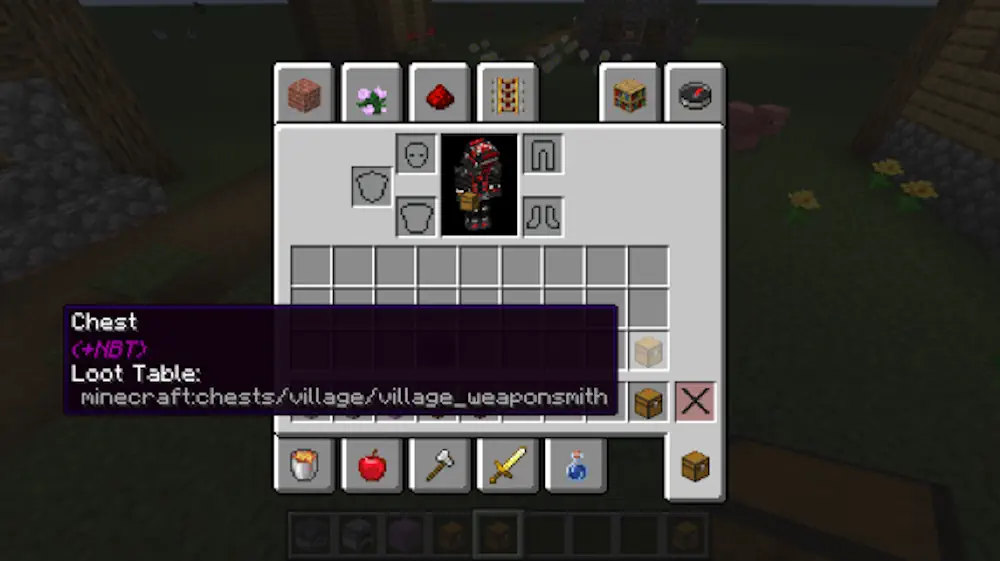
The same system can work with chests, barrels, furnaces, and many modded containers obtained through creative pick block. Controls, window colors, positioning, and other display details can be changed in the settings. Shulker Box Tooltip only changes how stored items are viewed, leaving the containers and their contents untouched.
Screenshots
How to Install Shulker Box Tooltip
- Download Shulker Box Tooltip for your Minecraft version and mod loader.
- Move the downloaded files into the .minecraft/mods folder.
- Launch Minecraft.