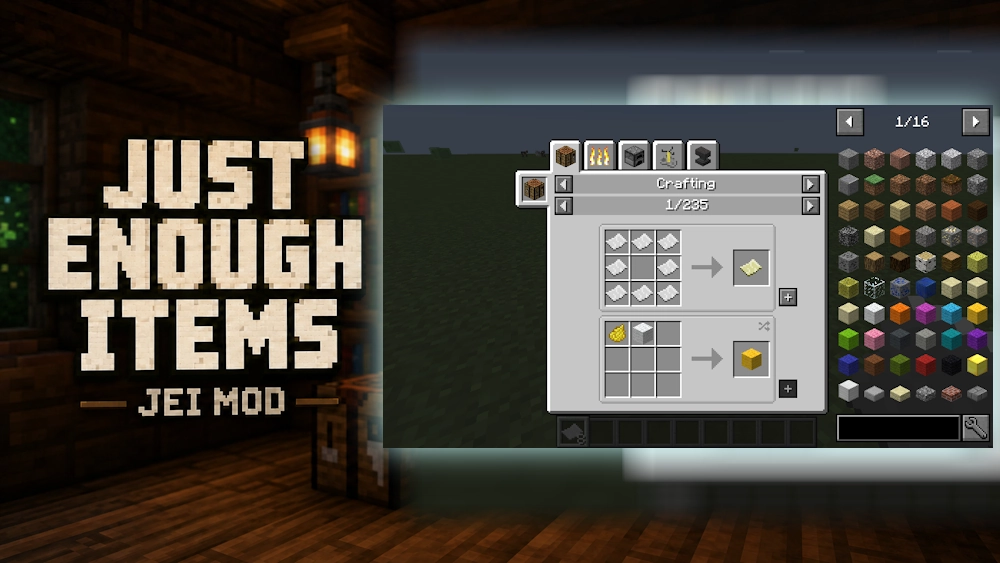
Just Enough Items (JEI) is a utility mod that makes Minecraft recipes much easier to understand. It adds an item browser to your inventory screen, allowing you to search through blocks, tools, materials, and modded items without leaving the game.
This is especially useful in large modpacks where one item may have several crafting methods or be needed for many different machines. Instead of checking a wiki every few minutes, you can see the information directly inside Minecraft.
Find Recipes Without Leaving Your World
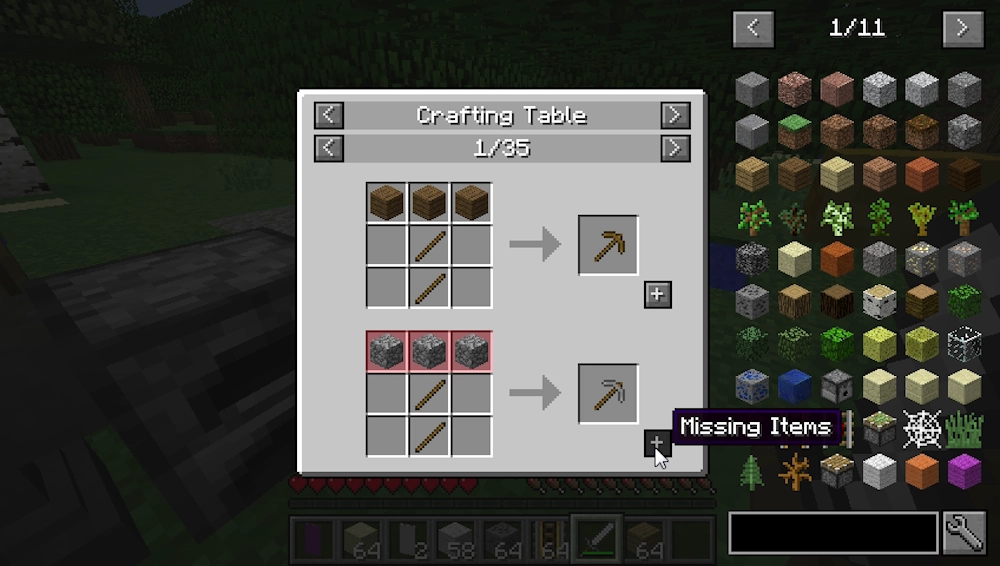
Hover over an item and press R to open its recipe. JEI shows the required ingredients, crafting grid, furnace recipes, machine processing, and other available methods added by installed mods.
Press U to see the opposite side of the recipe: where an item is used. This is helpful when you find an unfamiliar material and want to know whether it is worth keeping, crafting, or processing further.
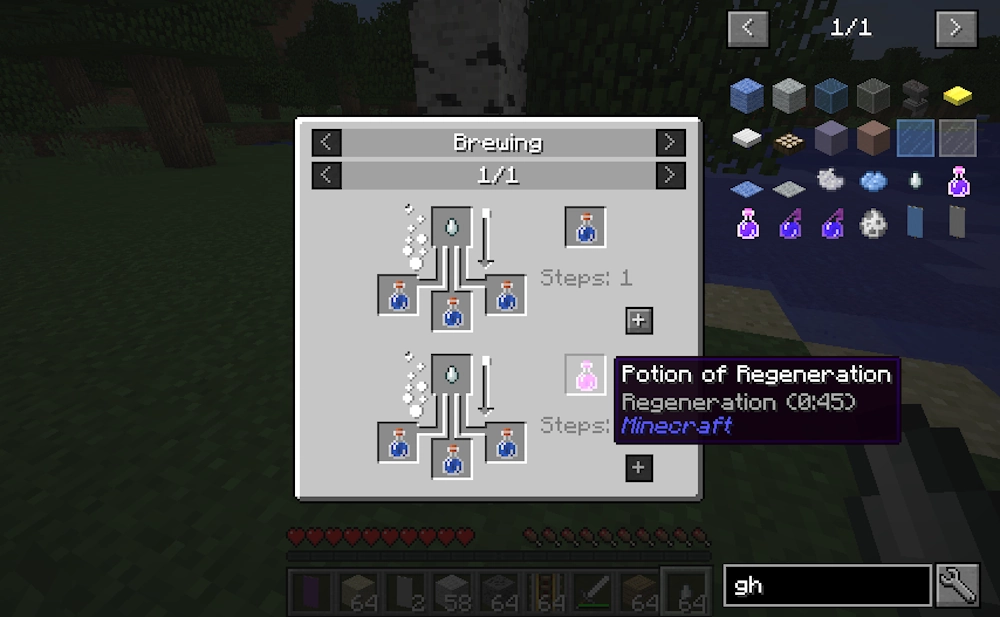
The item list can be searched by name, and the search field also supports mod names. For example, typing @create shows items from the Create mod only. You can combine terms to narrow the list and find a specific item faster.
Useful Tools for Modpacks
JEI keeps recipes organized even when a pack contains hundreds of new blocks and resources. Recipe categories are separated clearly, while page buttons let you move through alternative crafting methods.
Some recipe screens include a [+] button. When the required materials are already in your inventory, this button can move them into the crafting grid automatically. It saves time when you need to craft the same item more than once.
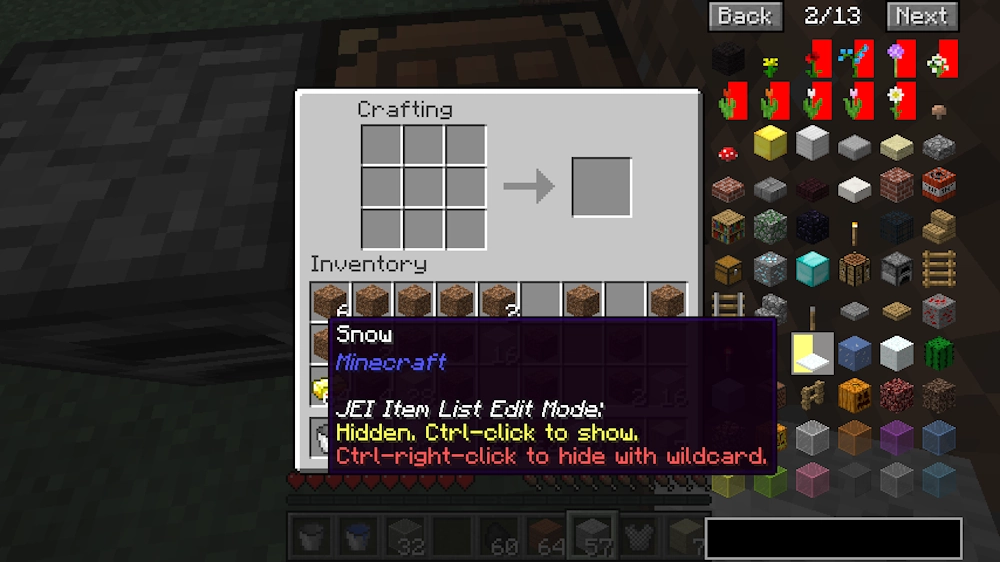
JEI also includes optional item hiding and cheat-mode controls for players who use creative worlds, testing setups, or custom modpacks.
Important Compatibility Note
JEI works with Fabric, Forge, and NeoForge. On Minecraft 1.21.2 and newer, recipes are stored on the server, so JEI and the correct mod loader should also be installed server-side to show all recipe data correctly.
Screenshots
How to Install Just Enough Items
- Download the JEI file that matches your Minecraft version and mod loader.
- Open the Minecraft folder and go to the mods folder.
- Move the downloaded JEI .jar file into this folder.
- Launch Minecraft with the same loader profile.