Towns and Towers expands Minecraft exploration with new villages, pillager bases, and ocean structures. Its buildings use familiar blocks and vanilla mechanics, but offer more variety than the standard structures found across the Overworld.
New Villages Across the Overworld
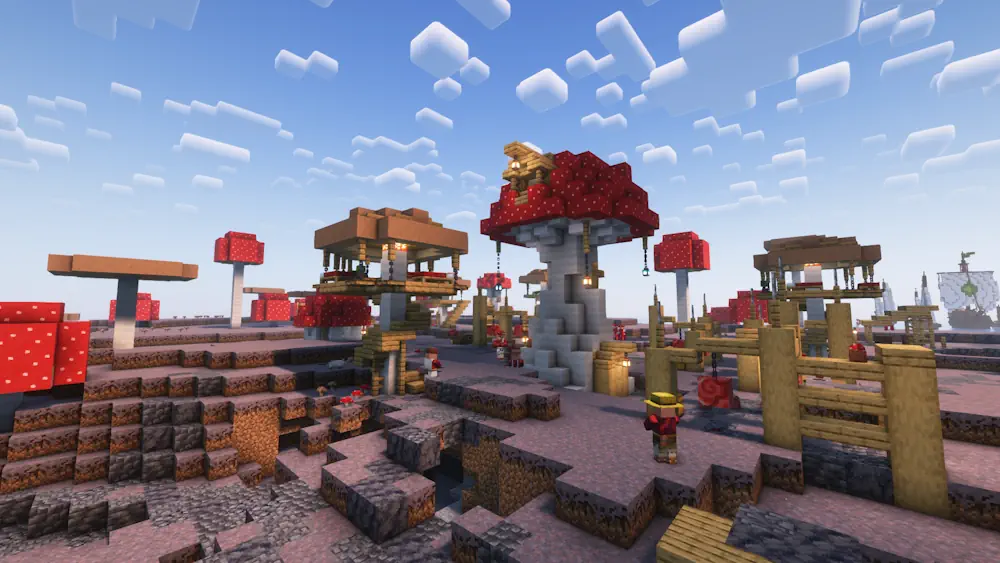
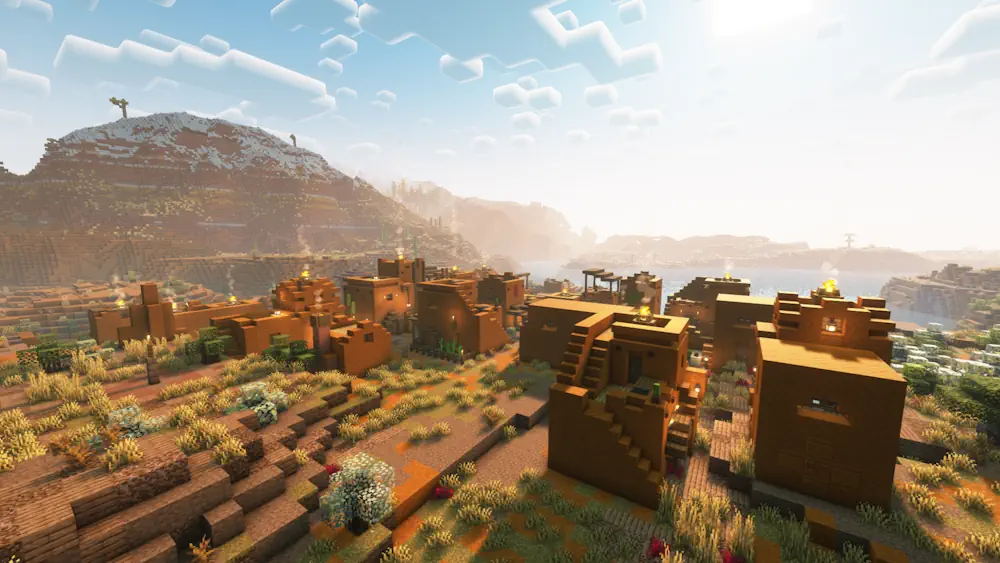
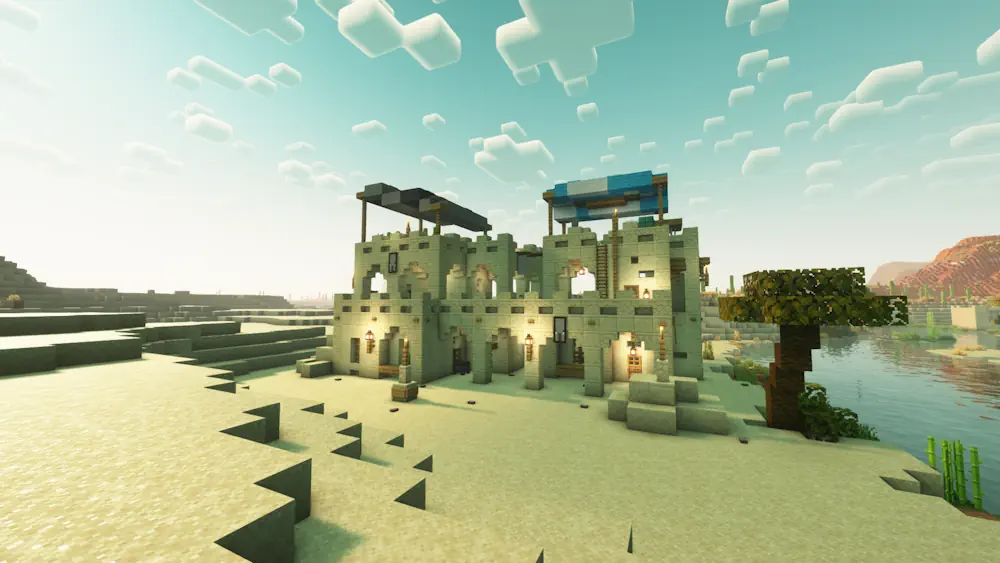
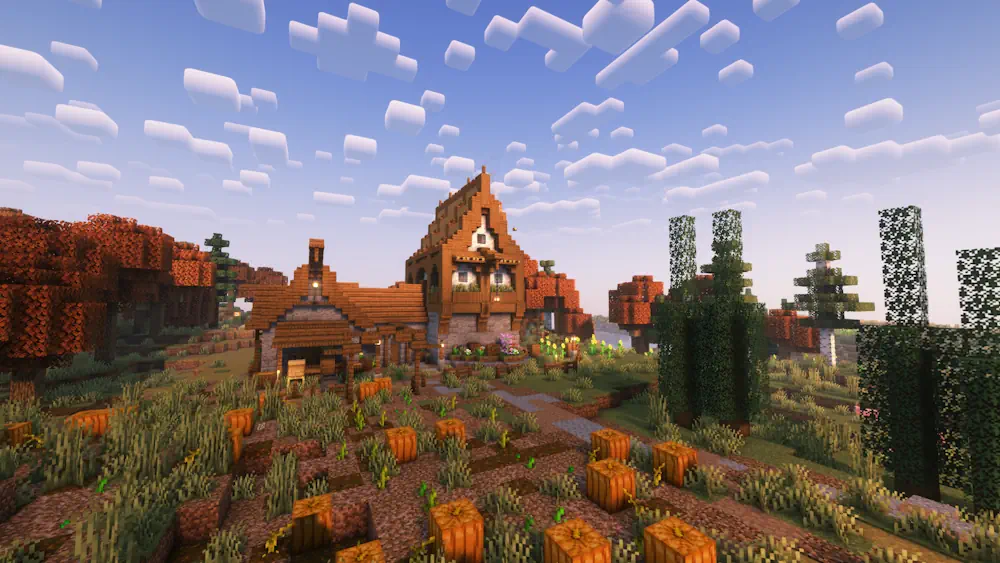
The mod adds settlements designed for different biomes, including forests, badlands, beaches, swamps, jungles, snowy regions, and mushroom islands. Many buildings take inspiration from real architectural styles while still matching Minecraft’s simple appearance.
These villages contain homes, farms, profession buildings, bells, workstations, cats, and iron golems. Most chests use familiar loot tables, so exploration remains balanced. Towns and Towers adds new structures instead of replacing existing vanilla villages.
Pillager Outposts, Ships, and Exploration
Pillager outposts receive much more variety. Instead of finding the same wooden tower, players can discover guarded camps, forts, ruined buildings, and large towers. These locations may contain more enemies and useful loot, making raids more interesting and dangerous.
The oceans also gain villager fleets, pillager galleons, and floating wreckage. Together with the new settlements and outposts, Towns and Towers includes over 50 structures. Some designs are also available when compatible world-generation mods are installed.
The mod can be added to an existing save, but its structures will only appear in newly generated chunks. Starting a fresh world provides the best exploration experience.
Screenshots
How to Install Towns and Towers
- Download the version matching your Minecraft release and mod loader.
- Download Cristel Lib if it is required by the selected version.
- Move the downloaded JAR files into the mods folder.
- Launch Minecraft and generate new chunks to find the structures.