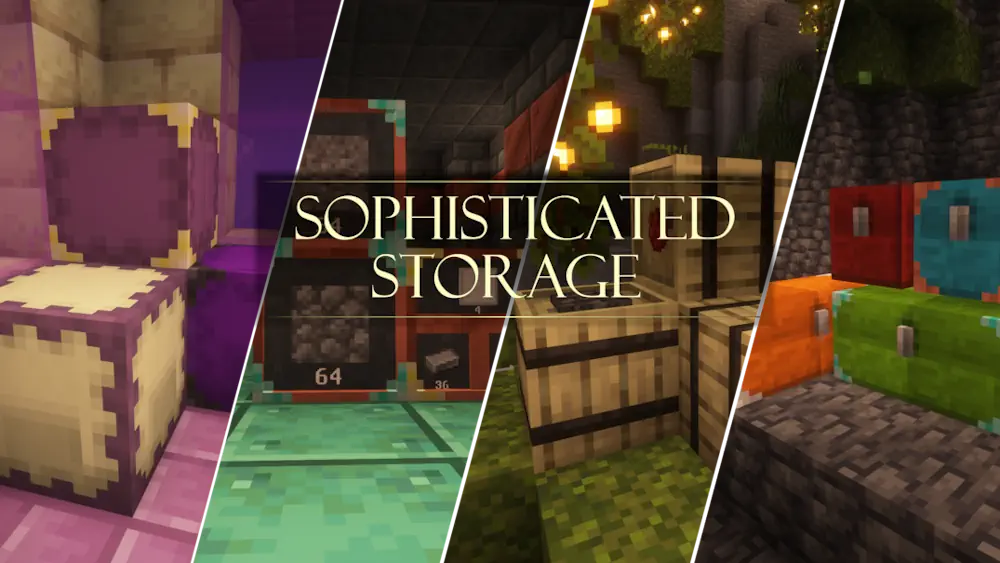
Sophisticated Storage expands the standard Minecraft storage system with upgradeable chests, barrels, limited barrels, and shulker boxes. Each container can hold more items and perform useful tasks that normally require a separate automation setup.
Upgradeable Storage and Automation
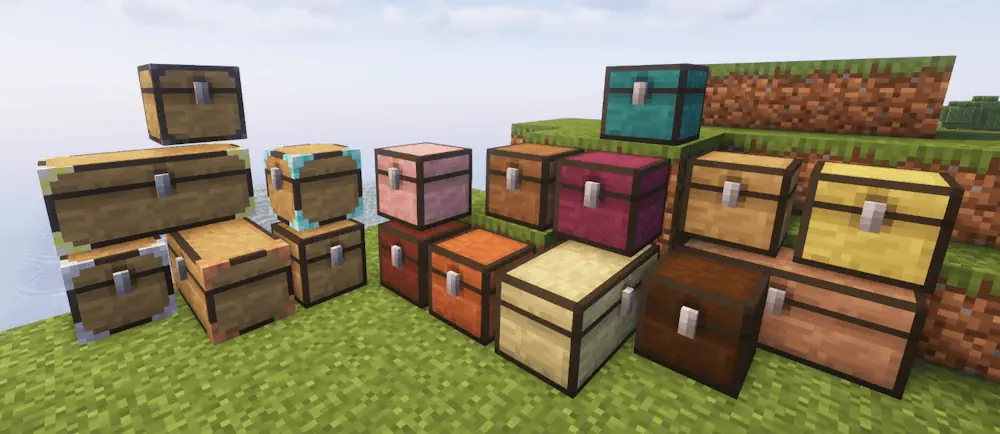
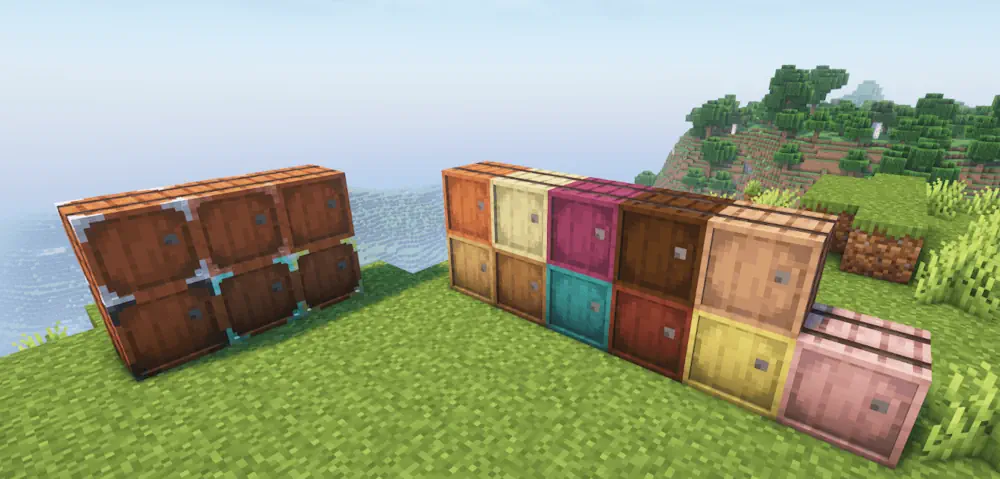
Chests, barrels, and shulker boxes can be improved through copper, iron, gold, diamond, and netherite tiers. Every new tier increases the available inventory space and provides additional upgrade slots. This lets you expand an existing storage block without moving its contents into another container.
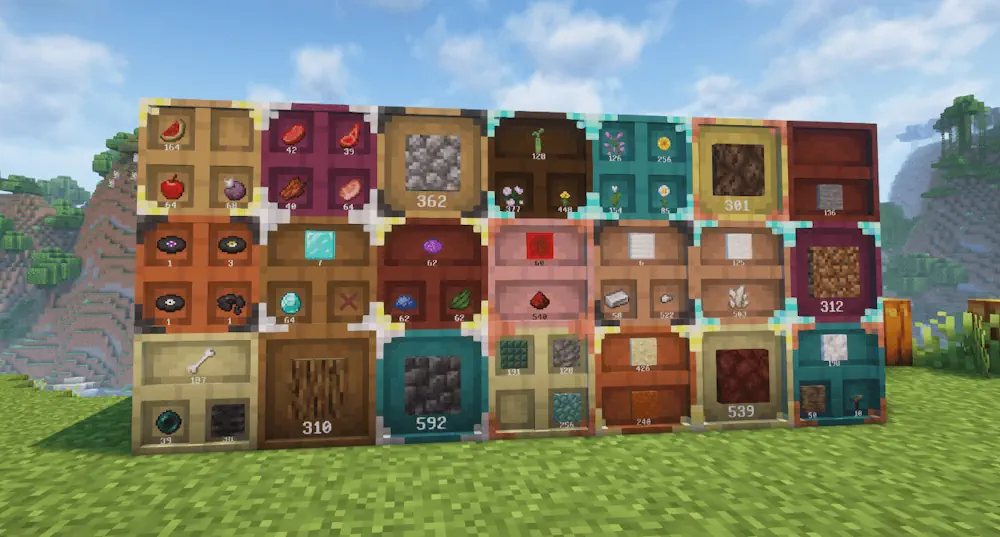
Limited Barrels are designed for keeping a large quantity of only a few item types. Depending on the selected model, they contain between one and four slots with much higher stack limits. Items can be deposited or removed by interacting with the display on the front of the barrel.
The upgrade system changes how each container works. Stack upgrades increase the number of items held in one slot, while pickup and magnet upgrades collect nearby drops. Other options can filter items, move them between inventories, compact materials, remove excess resources, smelt ores, prepare food, or add a crafting grid directly to the storage interface. These upgrades allow you to build storage for a specific task instead of using every container in the same way.
A Storage Controller connects nearby containers into one organized network. Right-clicking it with an item sends the stack to a connected container that already holds the same resource. Double right-clicking deposits all matching items from your inventory, making it much faster to unload after mining or exploration.
Storage blocks can also be recolored with separate main and accent colors. Barrels support additional materials, allowing them to match floors, walls, and furniture. Combined with the different wood variants, this provides functional storage that fits naturally into a base.
Screenshots
How to Install
- Download Sophisticated Storage and Sophisticated Core for your Minecraft version.
- Move both JAR files into the mods folder.
- Launch Minecraft and check the new storage recipes.