Essential Mod brings the social part of Minecraft into one menu. It lets you keep friends, chat, invitations, hosted worlds, cosmetics, screenshots, and skin options in the same place instead of relying on separate tools outside the game. The interface is clean and easy to understand even if you only need one or two of its features.
Invite Friends Into Your World
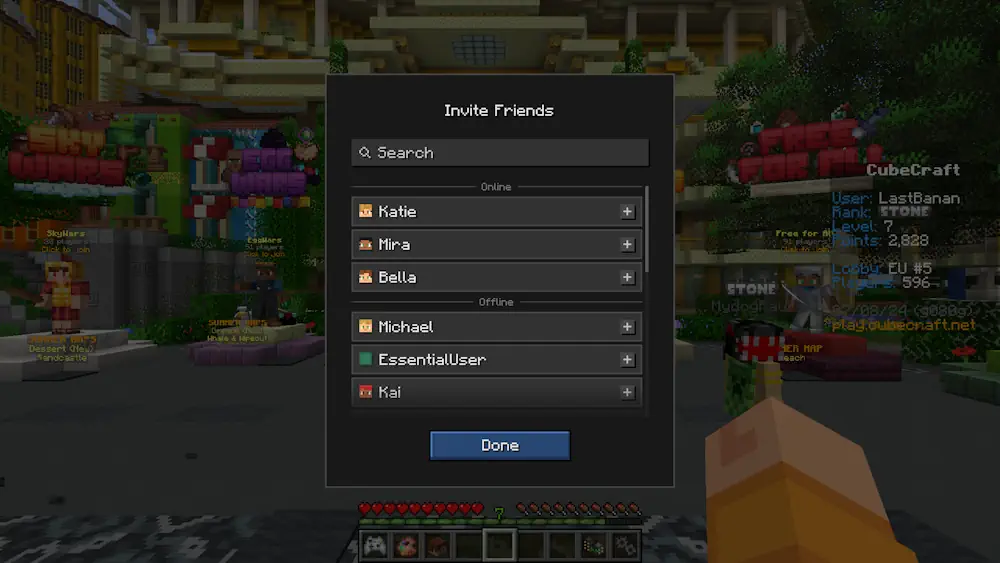
The most useful feature is the ability to open your own world for friends in a few clicks. Start playing in singleplayer, open the Essential menu, invite people from your friend list, and they can join your world. This works well for a small survival world, a building session, or testing something together without setting up a separate multiplayer world first.
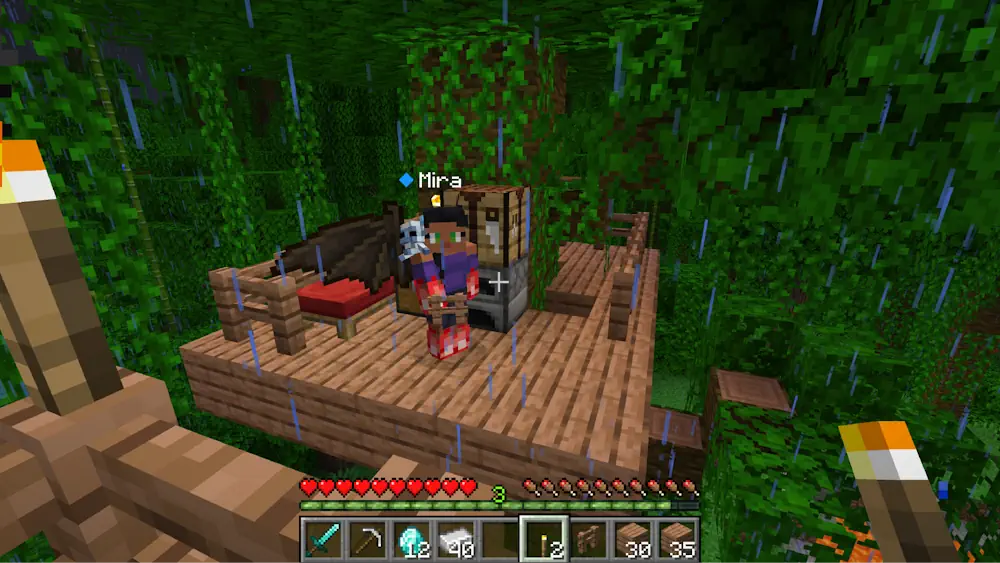
Essential also gives you a proper in-game friend list. Add players, create groups, send messages, and invite them directly when you are ready to play. You can see when friends are online, keep chats in one place, and share screenshots without leaving Minecraft. It is a much smoother option than constantly switching between the game and Discord just to send an invite or show a build.
Skins, Outfits, and Small Details
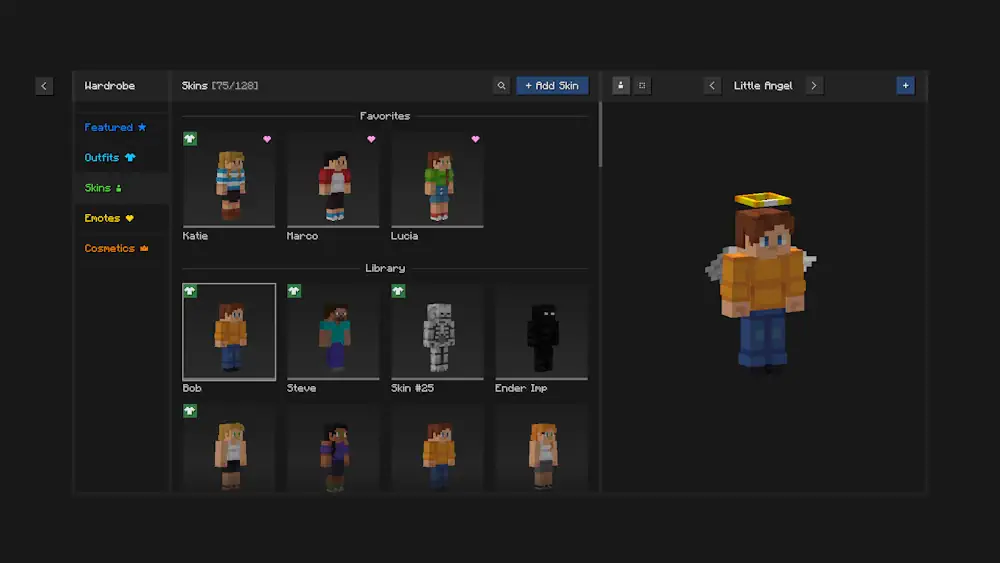
Essential includes a skin manager that makes changing and saving skins more convenient. You can create outfits, switch cosmetics, and use emotes during gameplay. These extras are optional, but they make the mod feel more personal when you play regularly with the same group.
Essential is especially useful when friends play casually rather than on one permanent world. You can start a world when everyone is free, invite the group, and return to it later without turning the whole process into a technical task. The social menu stays available in the background and does not get in the way of normal Minecraft gameplay.
Screenshots
How to Install Essential Mod
- Download the Essential file for your Minecraft version.
- Move the .jar file into the Minecraft mods folder.
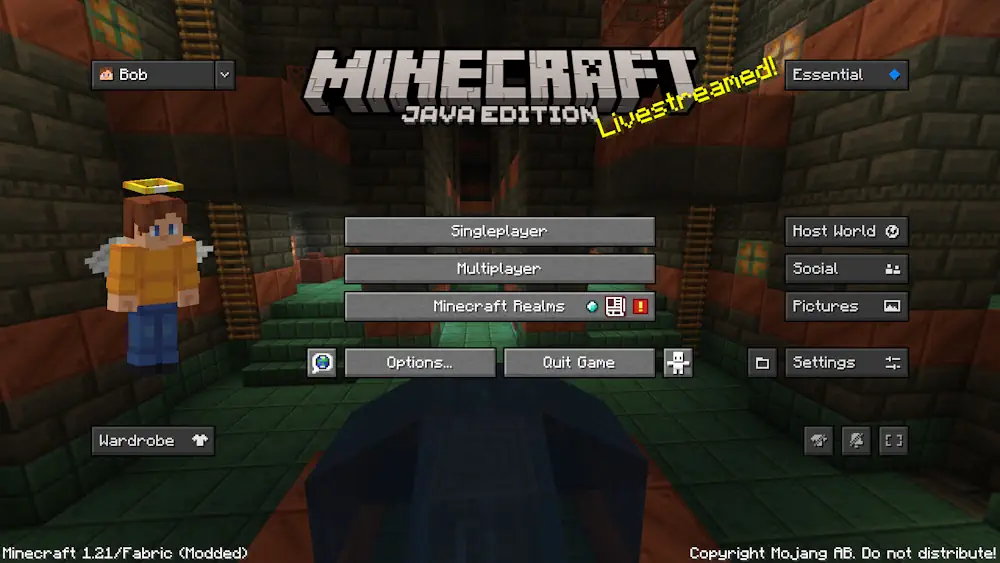
- Launch Minecraft and open the Essential menu from the main screen.
- Add friends, then use the menu to invite them into your world.