Inventory Profiles Next makes inventory management faster when you return from mining, farming, or exploring with a full backpack.
It adds sorting, item movement, slot locks, gear sets, and configurable shortcuts directly to normal inventory screens. The mod is useful from the first chest in a survival house to a large base with dozens of containers.
Sort, Store, and Keep Important Items in Place
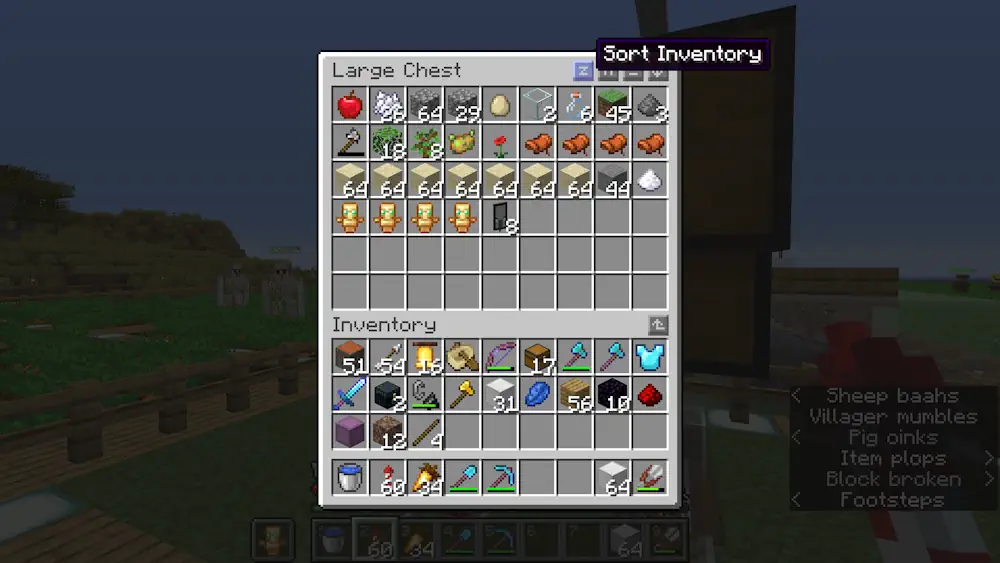
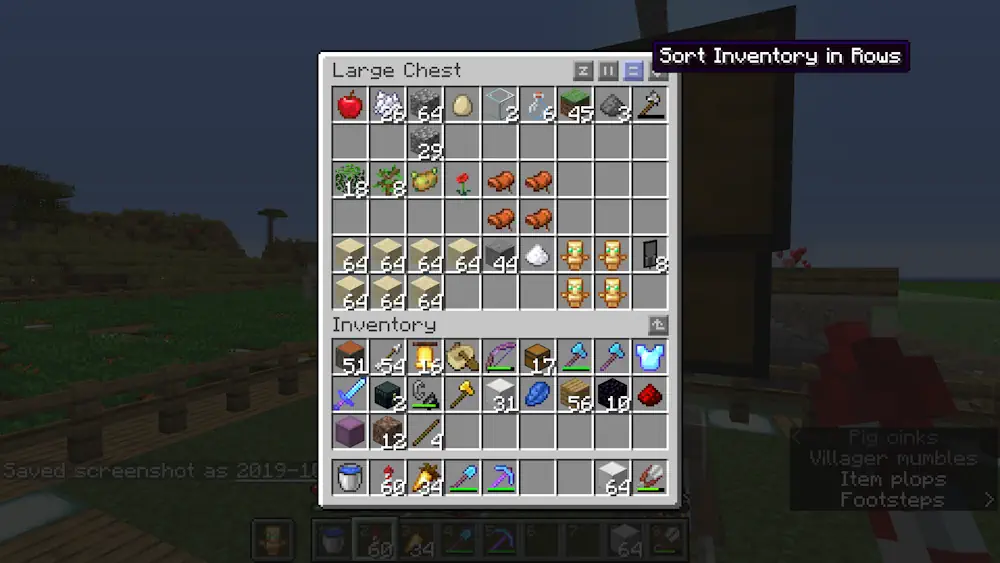
Use the sorting button or a shortcut to arrange items in your inventory or a chest. Blocks, tools, food, and resources are grouped into a cleaner order, making it easier to see what you have before heading out again.
Move Matching Items checks the open container and transfers items from your inventory only when that item already exists there. Open your ore chest, use the feature, and iron, coal, redstone, and other matching stacks are moved across without sending random loot into the wrong place.
Dump All is useful after a long mining trip. It transfers everything possible into the opened chest with one action. You can then keep the few items you need in locked slots, while the rest of the inventory is cleared quickly.
Slot locking is one of the best features for everyday survival. Lock your sword, pickaxe, food, torches, rockets, or a building block, and sorting will leave those slots untouched. Locked slots can also be kept empty, so an important hotbar position does not get filled by random items.
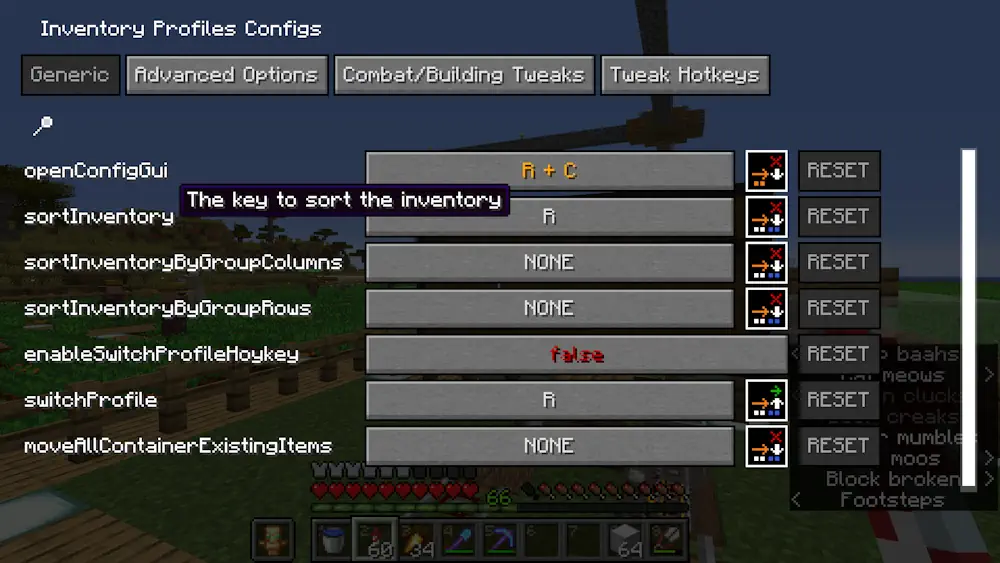
Gear Sets let you save equipment layouts and switch between them when needed. Create one setup for mining, another for building, and another for combat, then configure the shortcuts in the mod settings to fit your controls.
Screenshots
How to Install Inventory Profiles Next
- Download the Inventory Profiles Next file for your Minecraft version.
- Move the .jar file into the Minecraft mods folder.
- Launch the game and open an inventory or chest.
- Use the mod settings to choose sorting, transfer, and gear-set shortcuts.