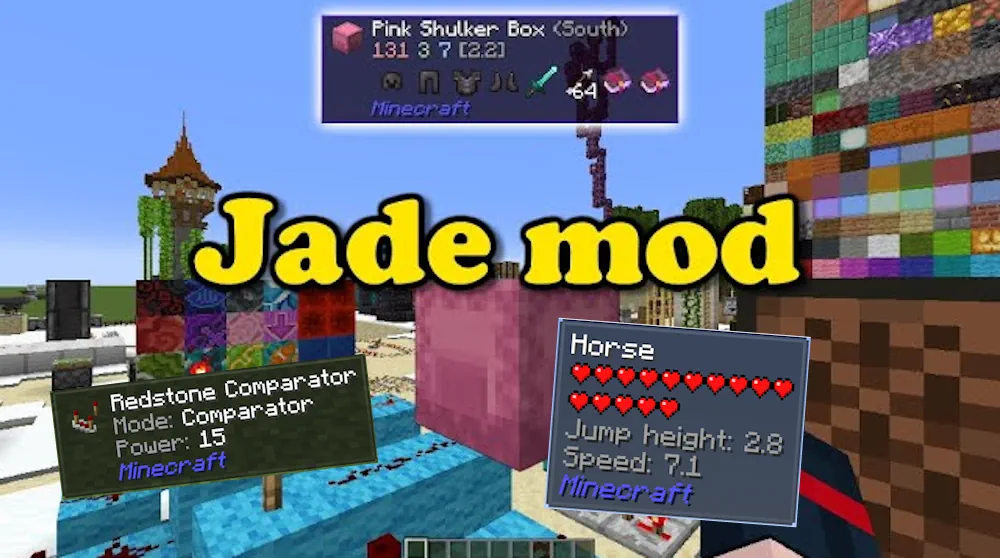
Jade adds a compact information panel that appears when you look at a block, mob, or other object in Minecraft. It gives you useful details immediately, so you spend less time guessing what an unfamiliar machine does or checking every container by opening it.
Information at a Glance
The Target HUD shows the name of the object you are looking at and can display extra information from compatible blocks. This is helpful in worlds with many mods, where several machines may look similar but have completely different functions. Point at a block, read the panel, and you can quickly understand what it is before placing, breaking, or connecting anything.
Jade can also show useful data from supported storage and utility blocks, including stored items, brewing fuel, or bees inside a beehive. These small details save time when managing a base, brewing potions, sorting resources, or checking whether something needs attention.
Use Overlay Controls to adjust how Jade behaves. The default Numpad 0 key opens its settings, Numpad 1 toggles the panel, and Numpad 2 enables or disables liquid information. You can keep the display simple for survival or enable more details when working with large mod collections.
Accessibility Narration is also available through the default Numpad 5 key. It reads the current target aloud, which can make the information panel easier to use without relying only on the screen.
Screenshots
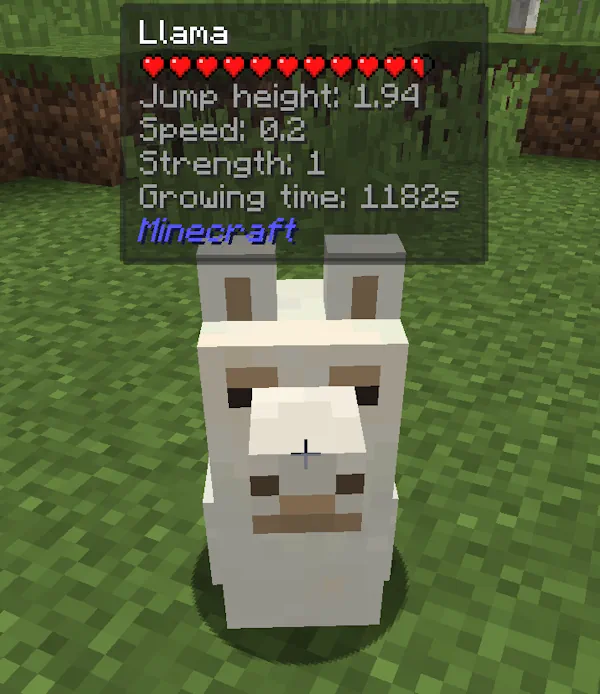
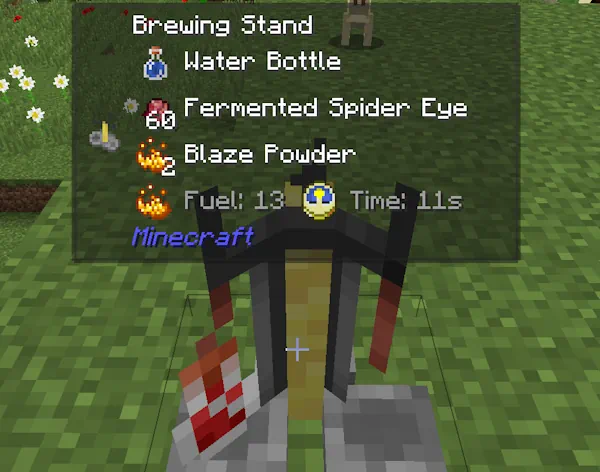
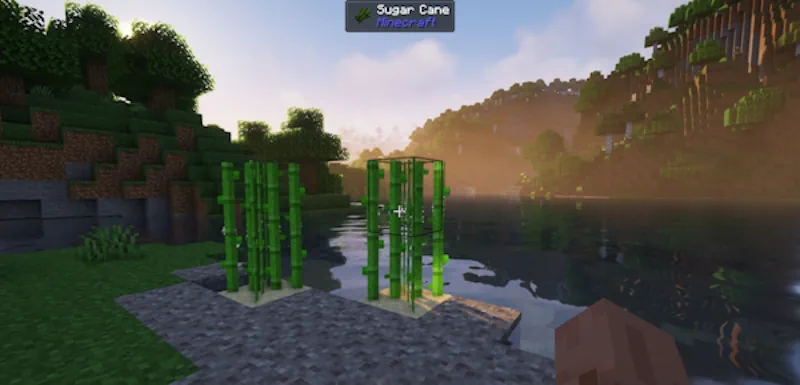
How to Install Jade
- Download the Jade file for your Minecraft version.
- Move the .jar file into the Minecraft mods folder.
- Launch the game and look at a block or mob to see the Jade panel.
- Press Numpad 0 to customize the display if needed.