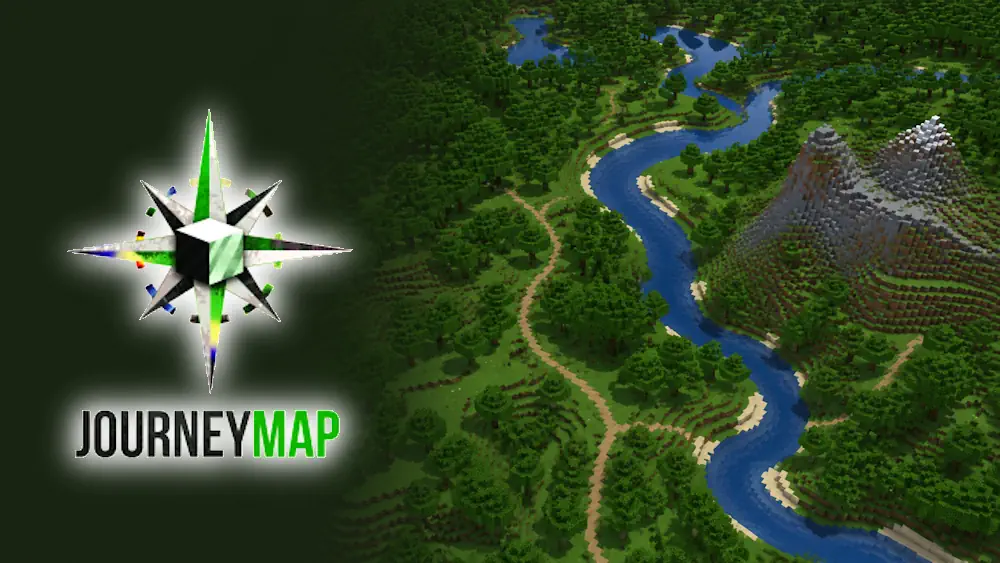
JourneyMap records the world around you while you travel and turns explored areas into a clear map. It is useful when a survival world grows beyond a small base: you can remember caves, villages, paths, portals, and places worth returning to without writing down coordinates every time.
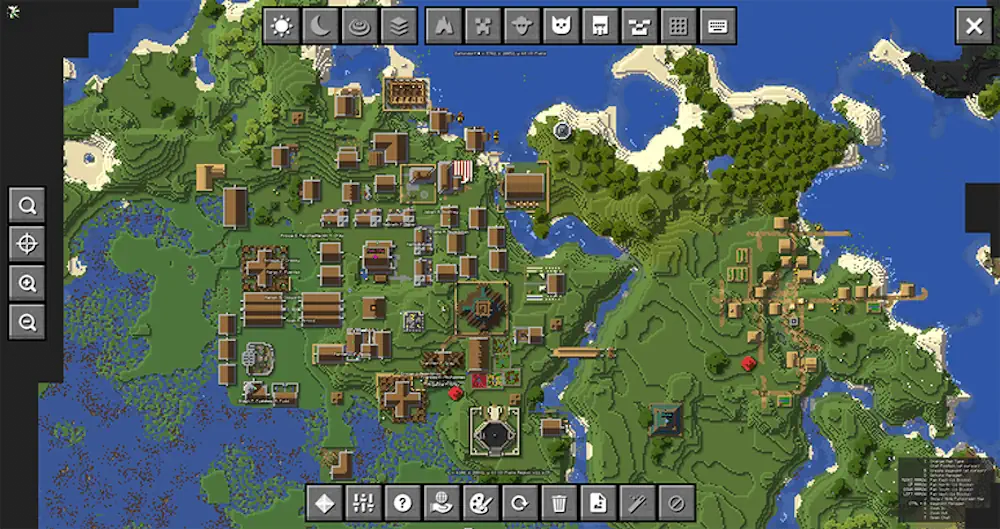
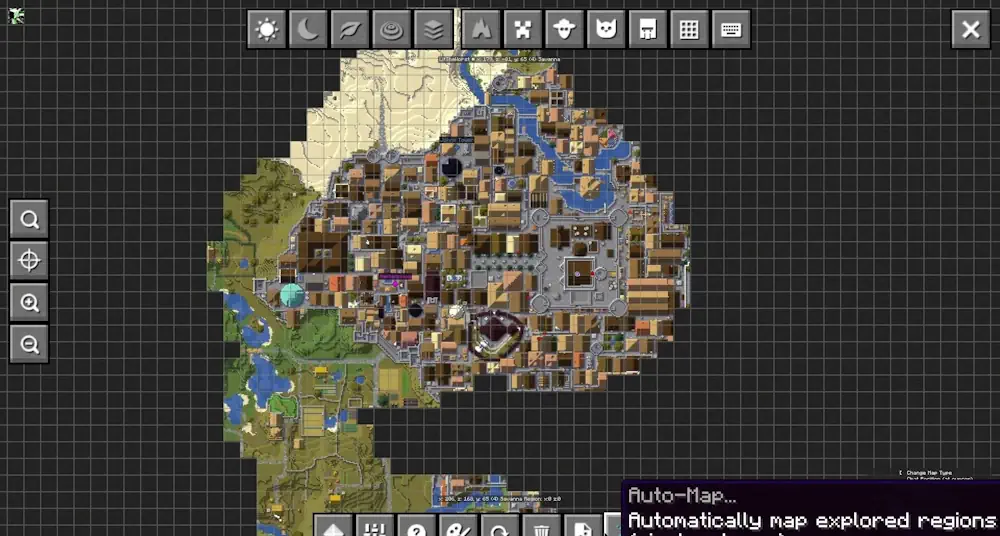
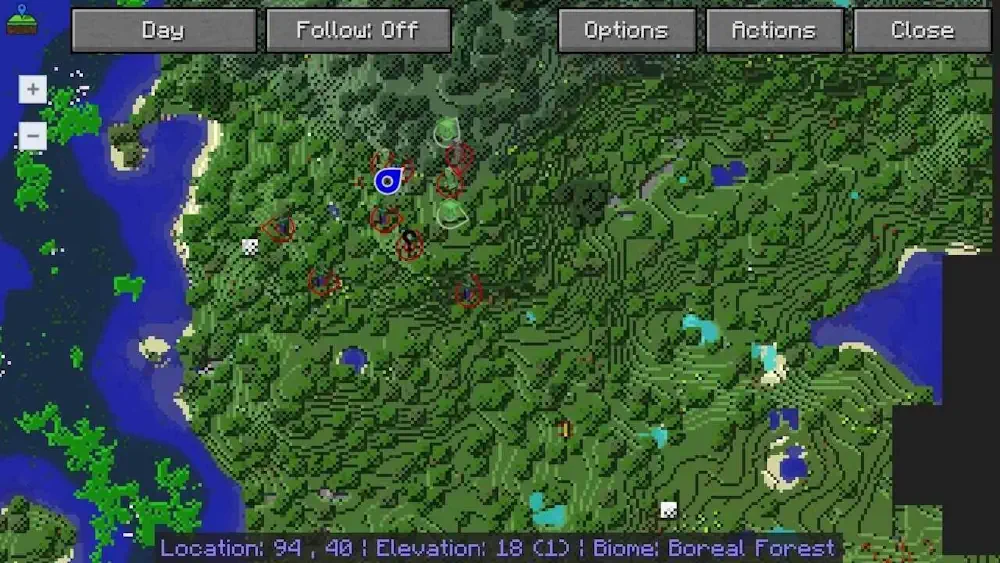
The map updates as you explore. Open it in-game as a minimap or full-screen view, or check the same explored terrain through a browser map. This makes JourneyMap useful for both solo worlds and servers where players need a better sense of direction.
Keep Track of Every Journey
JourneyMap helps you see where you have been instead of revealing the whole world at once. New terrain appears naturally as you travel, so exploration still feels like Minecraft. You can add waypoints for a home, mine entrance, dungeon, resource area, or any other important place.
- Real-time minimap and full-screen world map
- Browser map for viewing explored areas outside the game
- Waypoints for bases, portals, structures, and useful locations
- Clear terrain view that grows as you explore
- Options for both personal worlds and multiplayer servers
Useful for Players and Server Owners
JourneyMap is mainly displayed on the player’s side, so each player can use the map without changing how the world is generated. The server-side file is optional and is used by administrators to manage JourneyMap features for connected players. It does not create the map by itself — players need JourneyMap installed on their client to see anything.
JourneyMap is a simple but important utility mod for long survival worlds, large modpacks, and servers with active exploration. It helps you navigate naturally while keeping the game world easy to read.
Screenshots
How to Install JourneyMap
- Download the JourneyMap file that matches your Minecraft version and platform.
- Move the downloaded .jar file into the Minecraft mods folder.
- Launch the game or restart the server.
- Open the JourneyMap menu in-game and set up your preferred map view and waypoints.