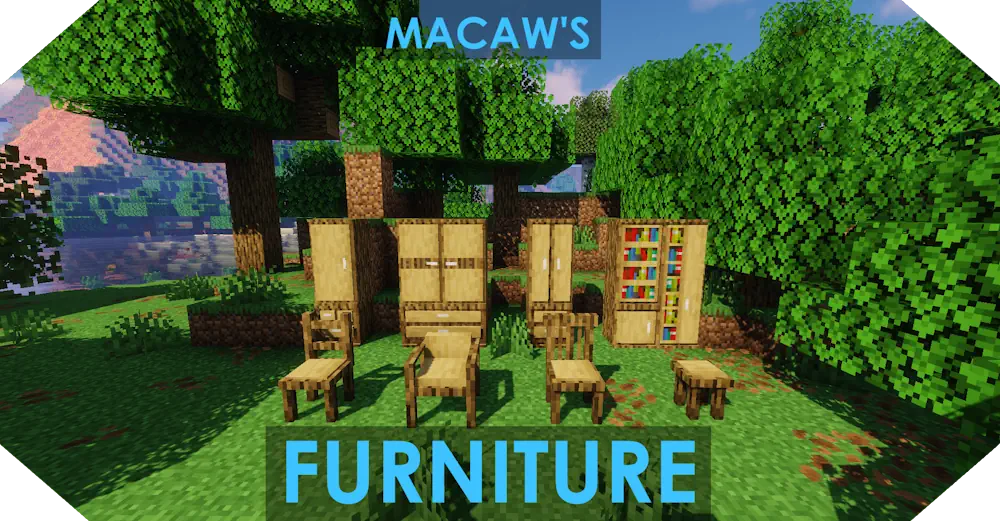
Macaw’s Furniture fills Minecraft houses with practical furniture that looks built into the room instead of placed as a single decorative block.
It adds wardrobes, drawers, desks, tables, chairs, couches, cabinets, sinks, bookcases, and many smaller details for kitchens, bedrooms, workshops, taverns, and modern homes.
Furniture That Builds Into the Room
The strongest part of the mod is the way many blocks connect. Place drawers or cabinets next to each other to create wider storage walls, then stack compatible pieces to make taller furniture. Tables can be extended into longer dining setups, while counters and kitchen cabinets help turn an empty wall into a proper cooking area.
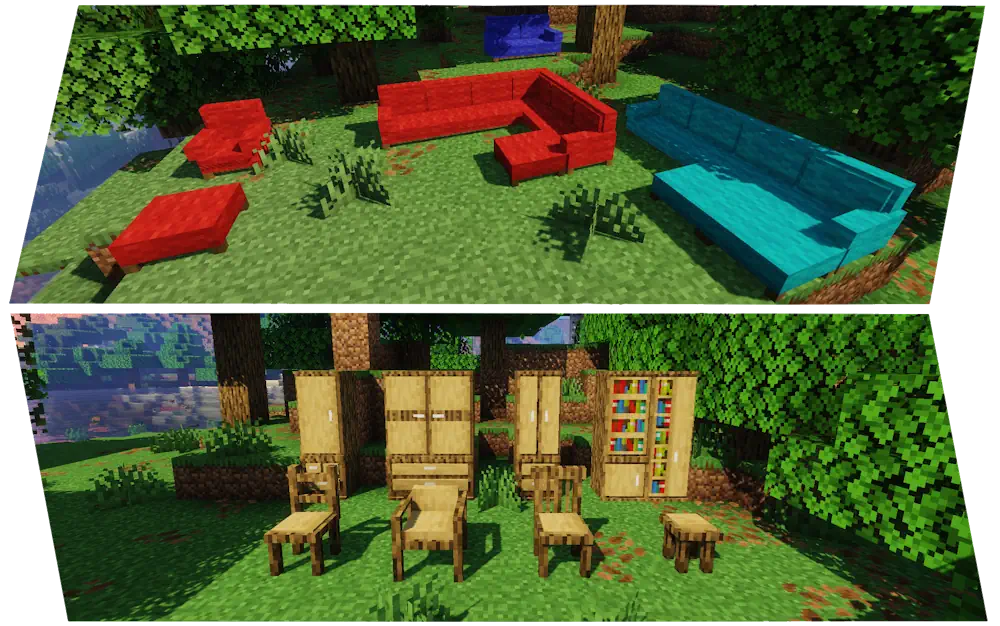
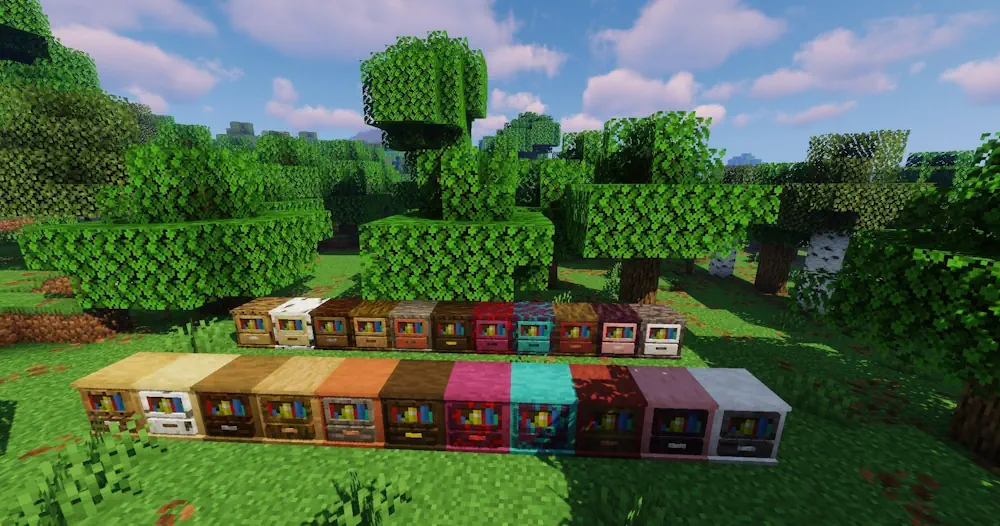
Wood variants let you match furniture to the materials already used in your base. A dark spruce cabin, a pale oak house, and a stone city apartment can all use the same furniture types without looking copied. Chairs, couches, and chaise couches give living rooms a clear purpose, and the colored couch variants make it easier to create a specific interior style.
Desks, end tables, coffee tables, wardrobes, cupboards, and shelves are especially useful when a room needs shape. Instead of leaving large flat walls or empty corners, you can add furniture with different heights and connect several pieces into one arrangement.
Storage, Seating, and Kitchen Details
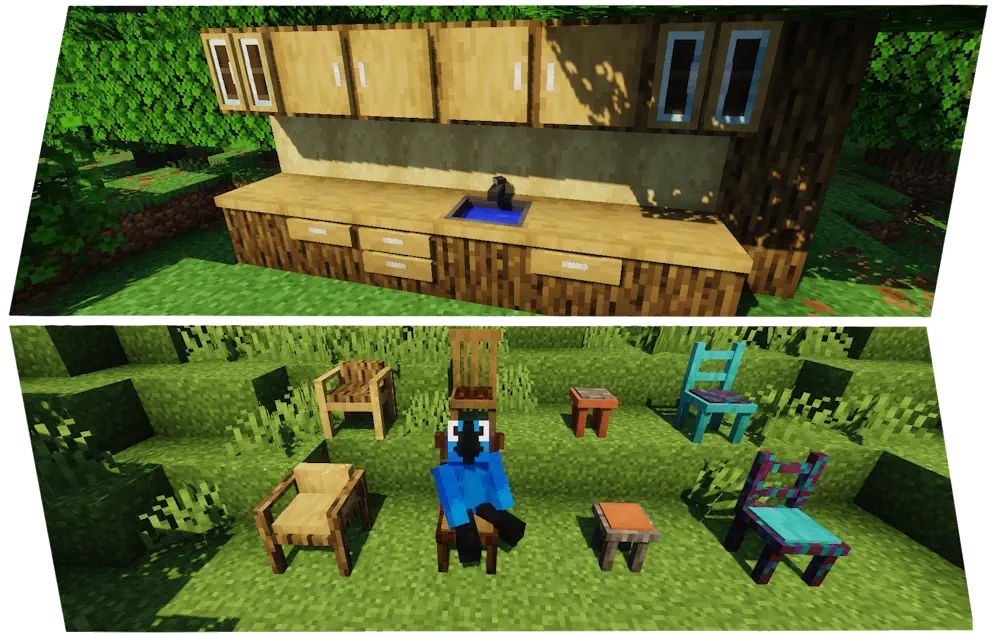
Several furniture blocks can store items, so decoration also helps organize a base. Keep ingredients in kitchen cabinets, place supplies in drawers, or use wardrobes inside a bedroom. Storage furniture works well when you want everyday items close to where they are used rather than inside one distant chest room.
Kitchen sinks add a small interactive detail: fill them with a water bucket, then use the water for bottles when needed. Combined with counters, cabinets, tables, and chairs, they make farms, restaurants, and survival kitchens feel complete.
Macaw’s Furniture is easy to use creatively because the blocks are designed to combine. Start with one room, test a few layouts, and expand the pieces that fit your build rather than placing every item at once.
Screenshots
How to Install Macaw’s Furniture
- Download the Macaw’s Furniture file for your Minecraft version.
- Move the .jar file into the Minecraft mods folder.
- Launch the game and open the crafting book or Creative inventory.
- Place compatible furniture pieces together to create larger layouts.