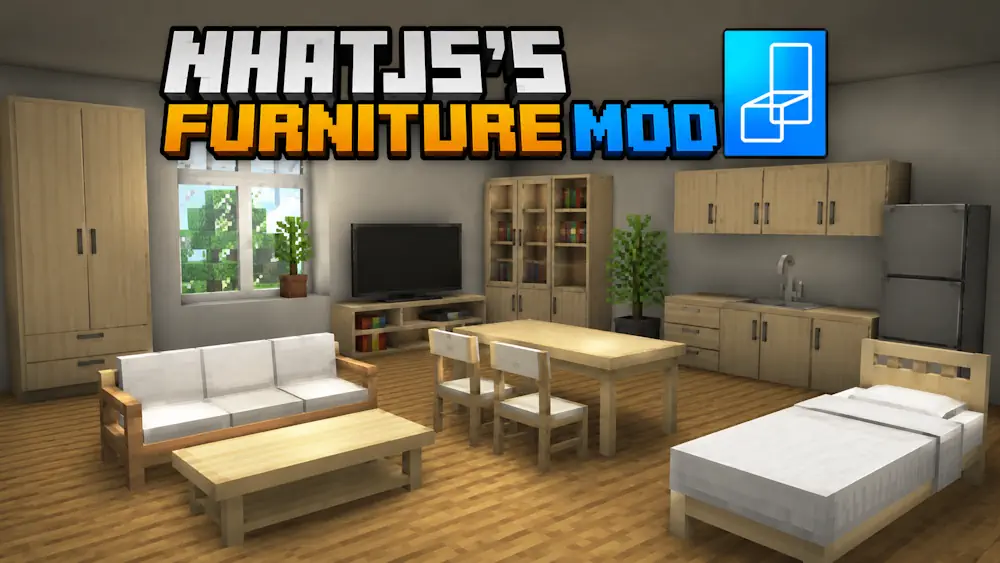
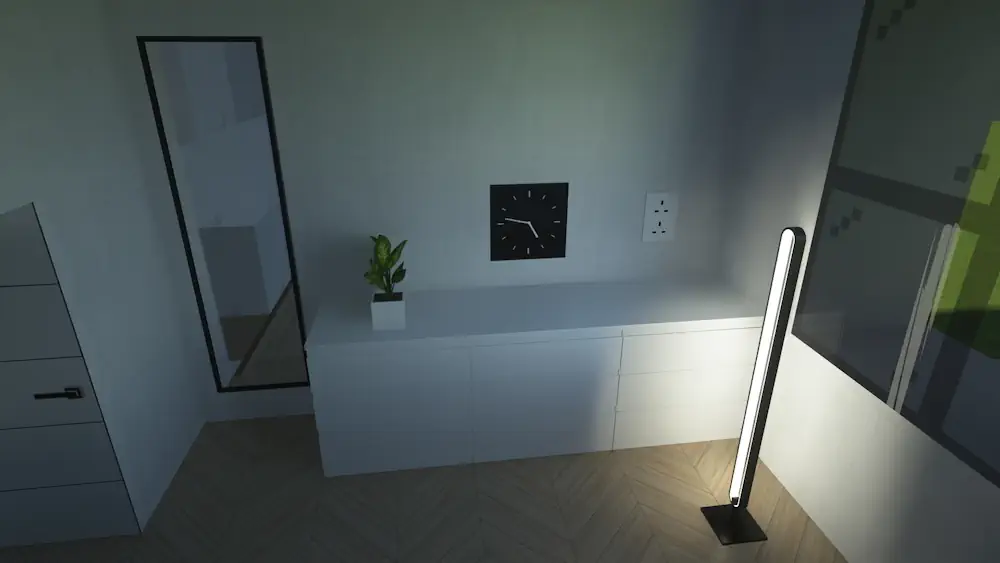
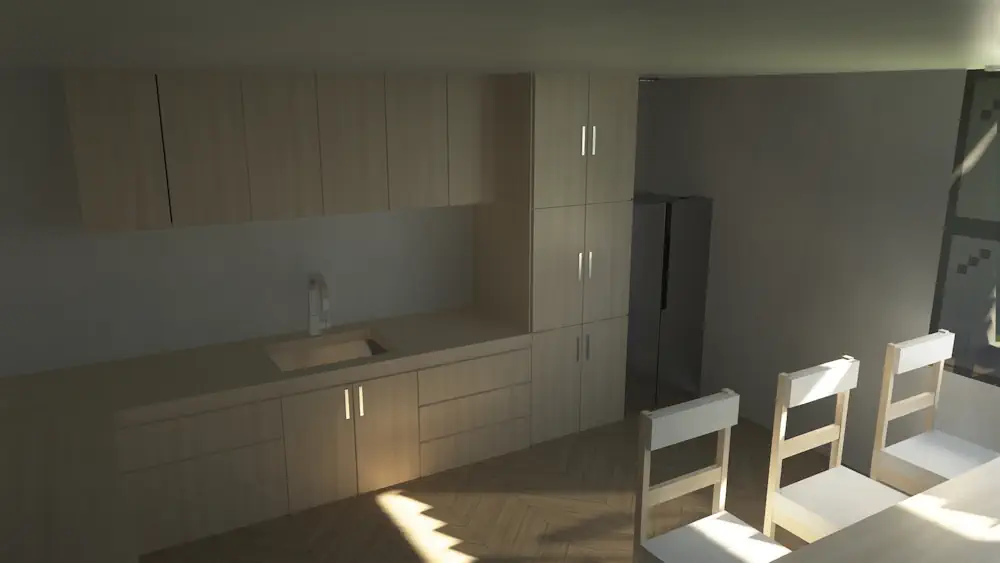
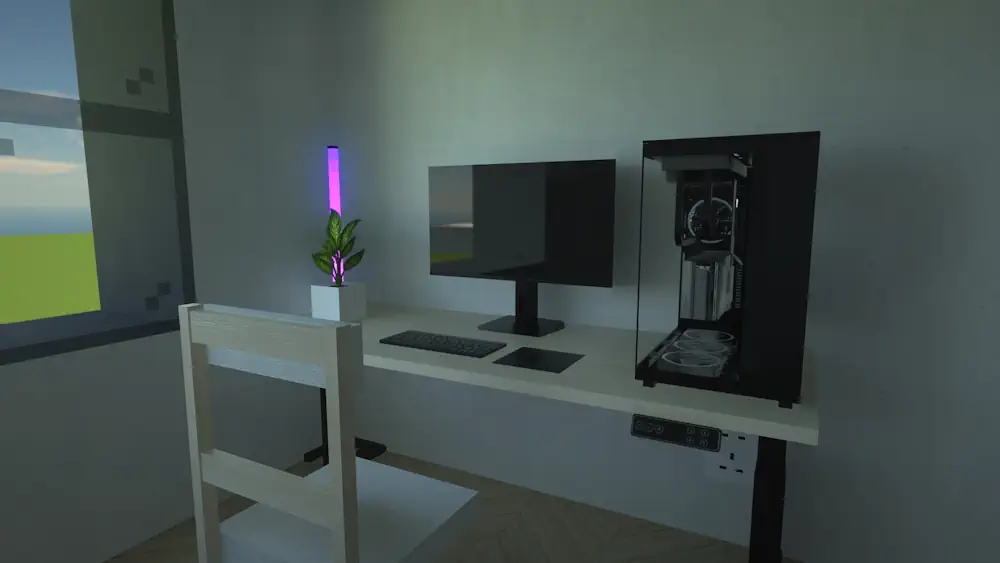
NhatJS’s Furniture Mod adds modern furniture, electronics, and decorative blocks for Minecraft builds. It is aimed at players who want houses, apartments, cafés, offices, or city projects to look more detailed without leaving the blocky Minecraft style behind.
The mod gives you more options than the usual bed, chest, and crafting table setup. Use its furniture pieces to fill empty rooms, create a more believable kitchen or living area, and make interiors feel designed instead of unfinished.
Build Modern Interiors Your Way
NhatJS’s Furniture Mod focuses on choice. You can combine different decorative objects and electronic-style blocks to create your own layouts. A small survival base can have a proper furnished room, while creative players can use the same blocks for larger modern builds.
- Furniture for homes and interior builds
- Modern electronics and decorative details
- Useful for apartments, cafes, offices, and city maps
Designed for Visual Builds
The mod is a strong fit for players who care about interiors. It does not need shaders to work, but lighting and emissive textures can look better with a compatible visual setup. The optional NhatJS’s Furniture resource pack can also expand the visual experience.
For older releases, some loaders may need extra dependencies for connected or emissive textures. Always check the requirements for the exact version you download. JEI or REI is also helpful when you want to view furniture recipes in-game.
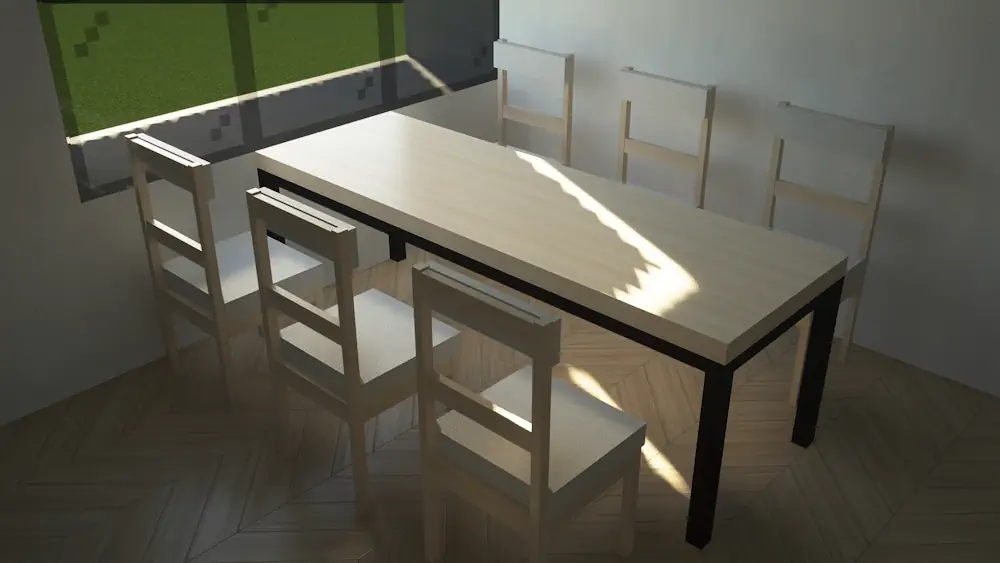
Screenshots
How to Install NhatJS’s Furniture Mod
- Download the file that matches your Minecraft version and loader.
- Move the downloaded .jar file into the Minecraft mods folder.
- Launch Minecraft and find new furniture in creative mode.