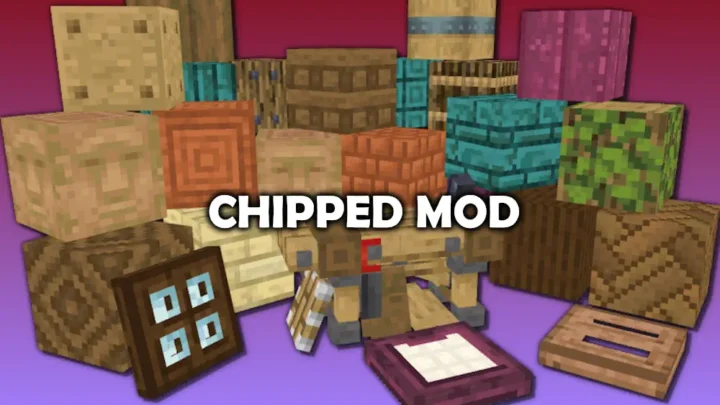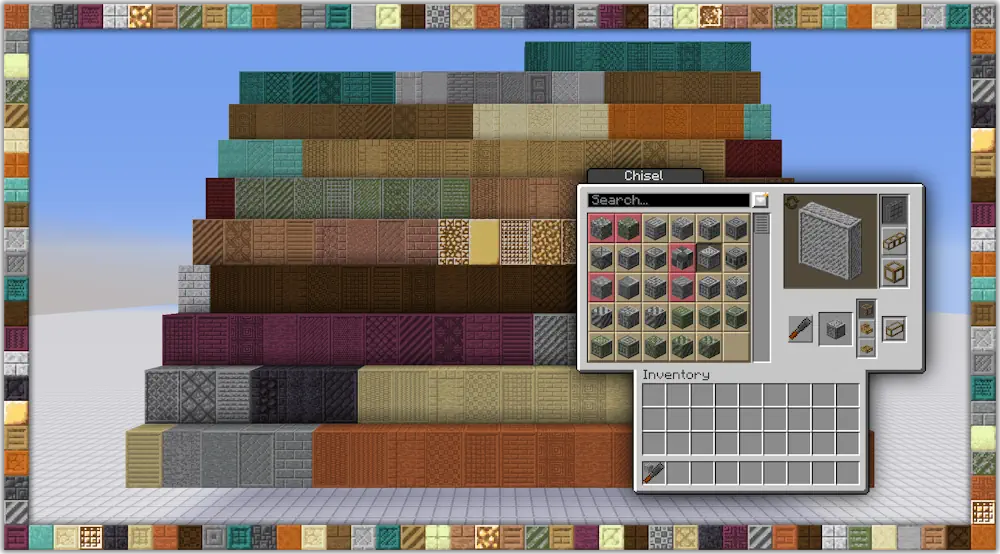
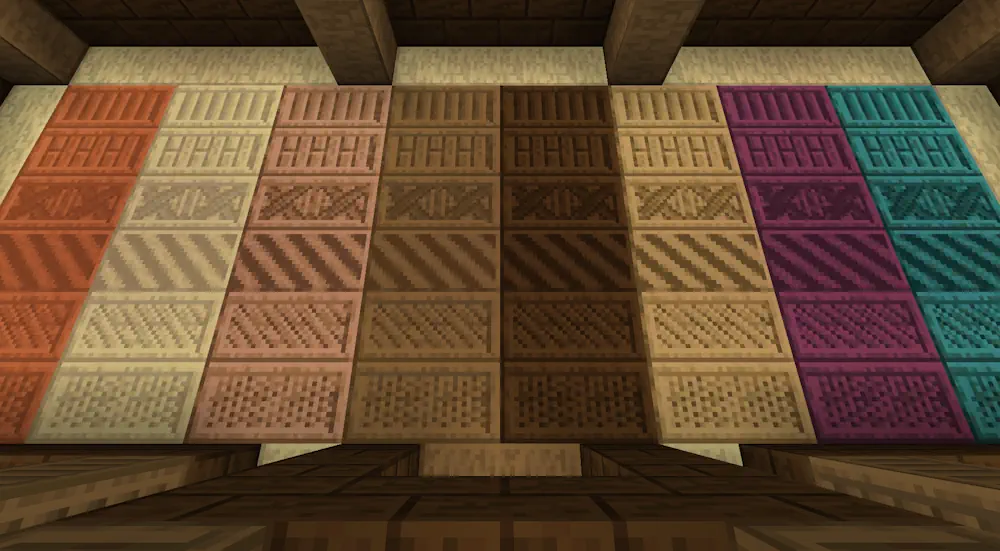
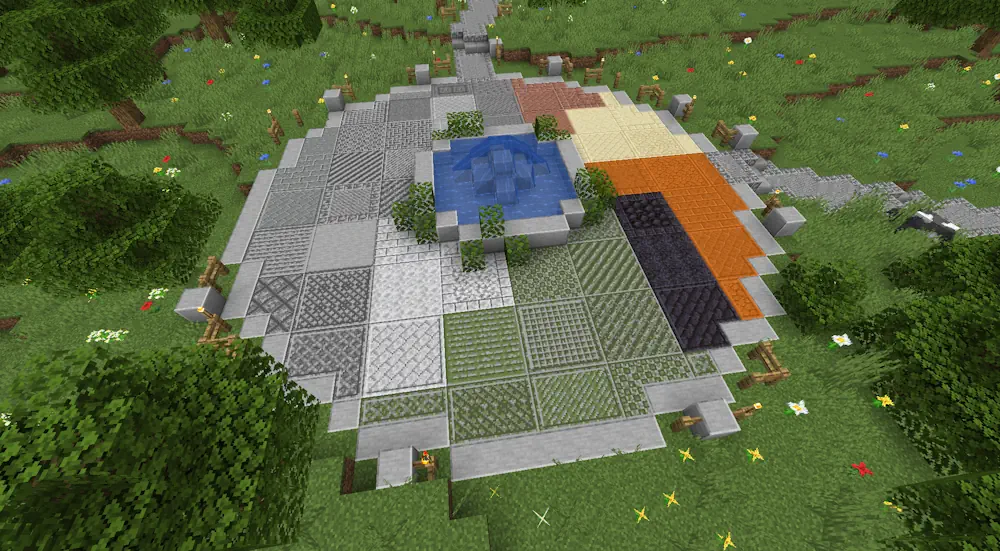
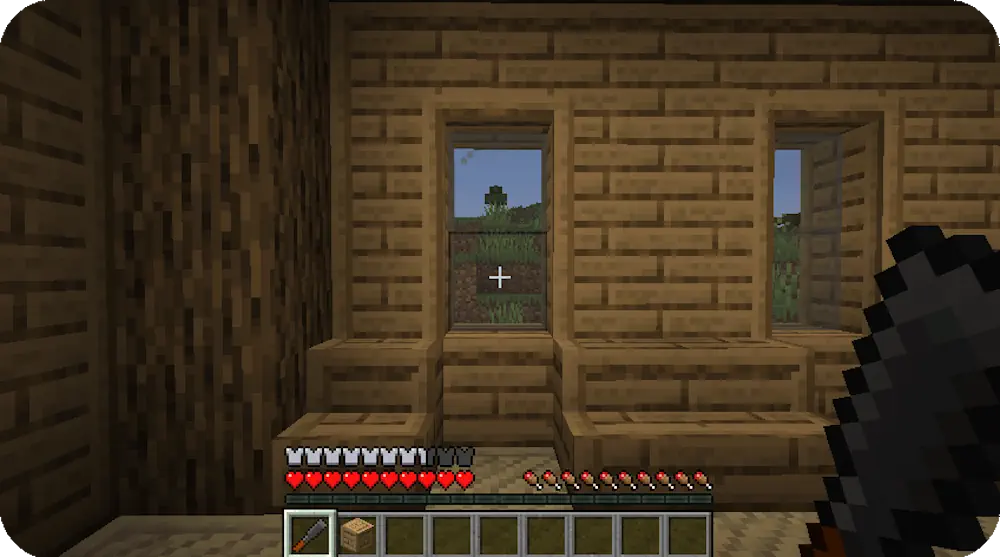
Rechiseled adds more than 600 decorative variants for familiar Minecraft blocks. Stone, wood, metals, glass, and other materials receive new patterns that can be used for walls, floors, roofs, paths, and detailed interiors.
How to Use the Chisel
Right-click with the Chisel to open its interface. Place a supported block into the slot to view every available design and exchange it for the selected variant. The screen also includes matching stairs and slabs, making it easier to build with a consistent pattern.
Most designs are available with regular or connected textures. Connected blocks automatically join together and remove visible borders between adjacent surfaces. Full blocks, stairs, and slabs from the same set can connect with each other.
The Chisel can also change blocks that have already been placed. Left-clicking a compatible block selects a random decorative variant. If a specific block is stored inside the Chisel, it works as a filter and converts placed blocks directly into that design.
The tool has no durability limit, so it can be reused without repairs or replacement. Blocks are exchanged rather than consumed, allowing designs to be changed later without gathering the original material again.
Screenshots
How to Install Rechiseled
- Download Rechiseled.
- Move downloaded JAR file into the mods folder.
- Launch Minecraft and craft the Chisel to access the new designs.