Subtle Effects adds small visual and sound details that make Minecraft feel more active while you play. The changes are easy to miss one by one, but together they make caves, villages, forests, fights, and ordinary movement look less static. Everything can be turned off separately, so you can keep the effects you like without filling the screen with particles.
Small Effects and Useful Feedback
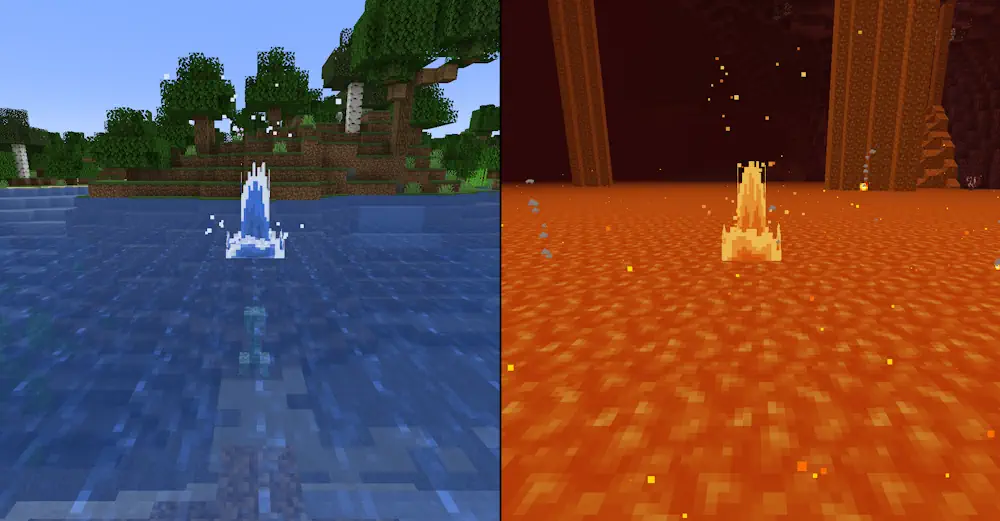
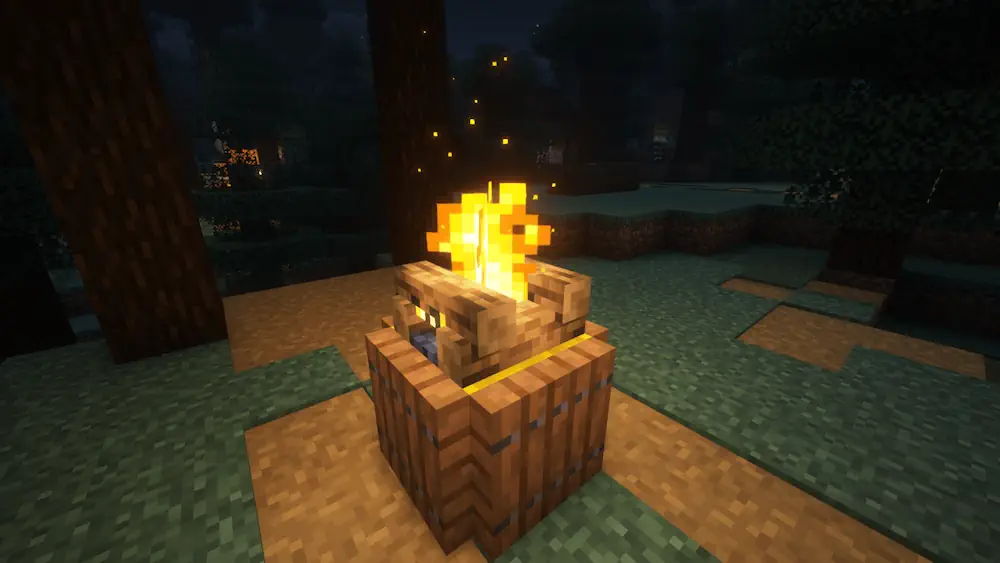
Fire, torches, candles, campfires, and other burning blocks release sparks. Glowstone and redstone blocks emit faint dust, while burning mobs produce flames, smoke, and embers. Slimes leave a trail behind them, sheep drop fluff when sheared, and Allays or Vexes show small magical particles around their bodies.
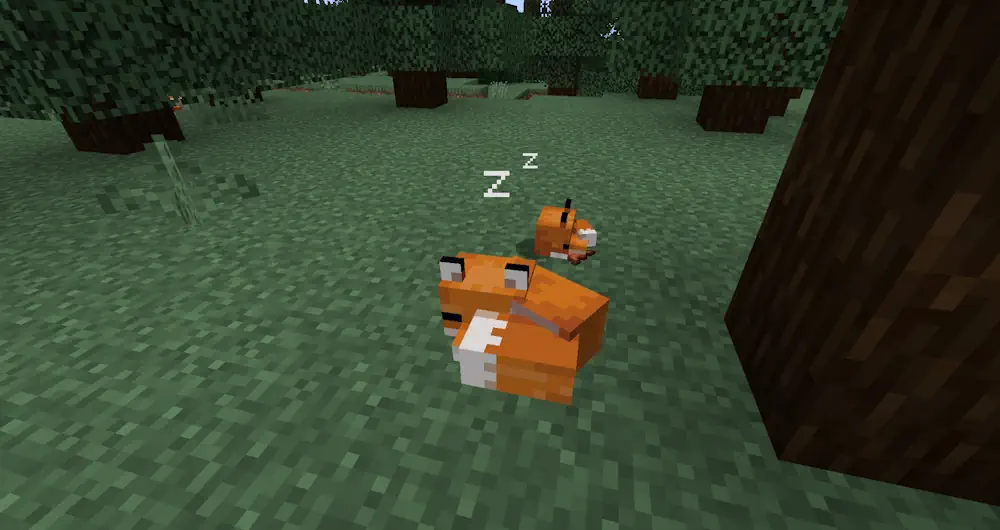
Movement also gets more visual feedback. Players and several mobs create dust clouds while running or when landing on the ground. Sleeping villagers and players show small Z particles, which adds a simple detail to houses and villages without changing any gameplay mechanics.
Subtle Effects adds sound cues when your character is in a bad condition. At very low health, you can hear a heartbeat; when hunger is nearly empty, the character’s stomach starts growling. These sounds are useful when you are mining, fighting, or exploring without constantly checking the HUD.
Particle culling and render distance controls help manage the extra effects. Particles that are hidden behind blocks can be skipped, and you can limit how far away they appear. This keeps large farms, busy mob areas, and heavily decorated bases from becoming unnecessarily cluttered. Open the mod’s settings menu to disable individual effects, including dust clouds, dropped-item particles, sounds, and specific creature details. You can tune the mod toward a quieter vanilla-style look or keep every effect active for a more animated world.
Screenshots
How to Install Subtle Effects
- Download the Subtle Effects file for your Minecraft version.
- Move the .jar file into the Minecraft mods folder.
- Launch the game and open the mod settings menu.
- Enable, disable, or adjust the effects you want to use.