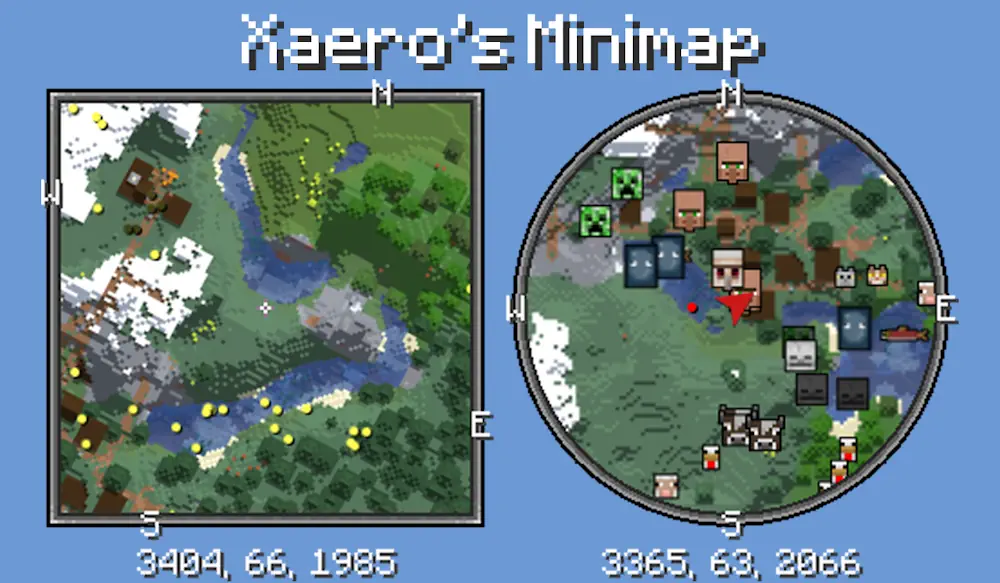
Xaero’s Minimap adds a detailed map to the corner of the Minecraft screen, making exploration much easier without changing the familiar look of the game. It shows nearby terrain in real time and helps you navigate forests, caves, villages, bases, and other important locations.
A Practical Minimap with Waypoints
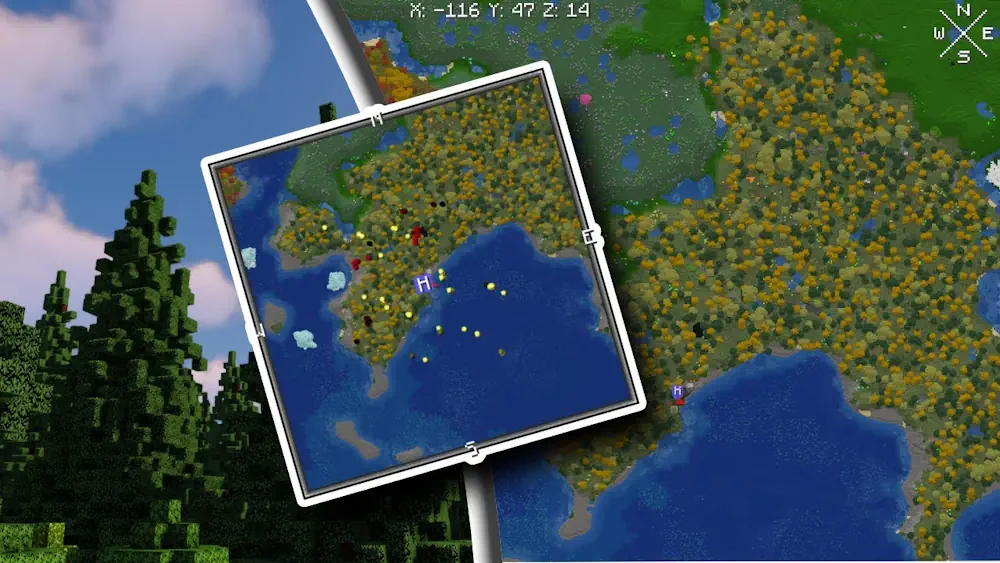
The map can be displayed as a rotating square or a fixed circle with north always pointing upward. Its position, size, zoom level, colors, terrain shading, and other visual settings can be adjusted to match your interface. Press Z to temporarily enlarge the map, while the I and O keys control the zoom.
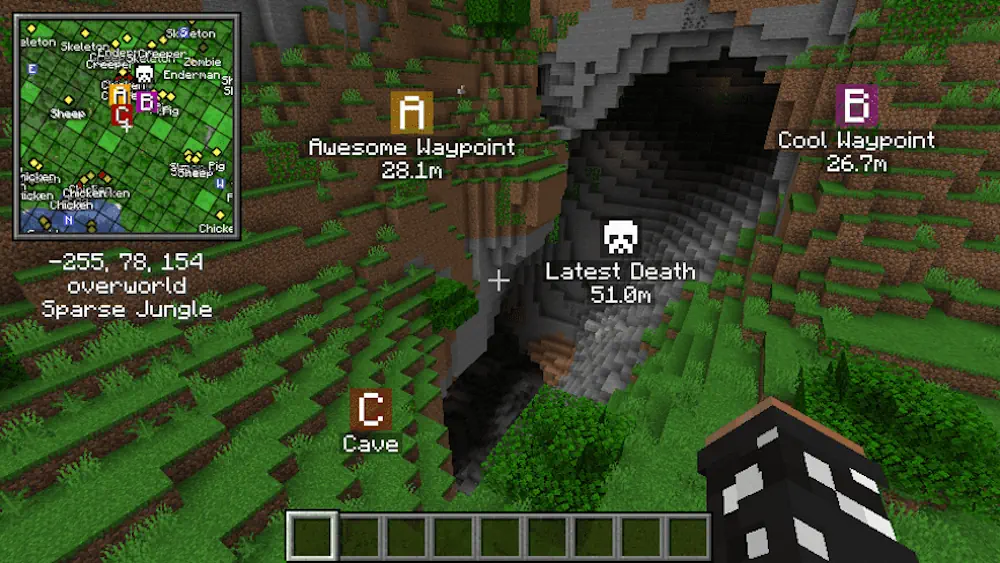
Waypoints are one of the most useful features. Press B to mark a location and give it a custom name, color, and icon. These markers remain visible both on the minimap and directly in the world, so you can easily return to your home, mine, village, portal, or any coordinates you want to save. The mod also creates an automatic deathpoint after you die, helping you recover dropped items.
The built-in entity radar can display players, friendly creatures, hostile mobs, dropped items, and other nearby objects. Depending on the selected settings, entities appear as colored dots or recognizable head icons. An automatic cave mode changes the map when you go underground and shows the surrounding tunnels instead of the surface.
Additional options include a chunk grid, slime chunk markers, biome names, coordinates, light levels, and game time. The settings menu opens with Y and provides detailed control over almost every part of the interface.
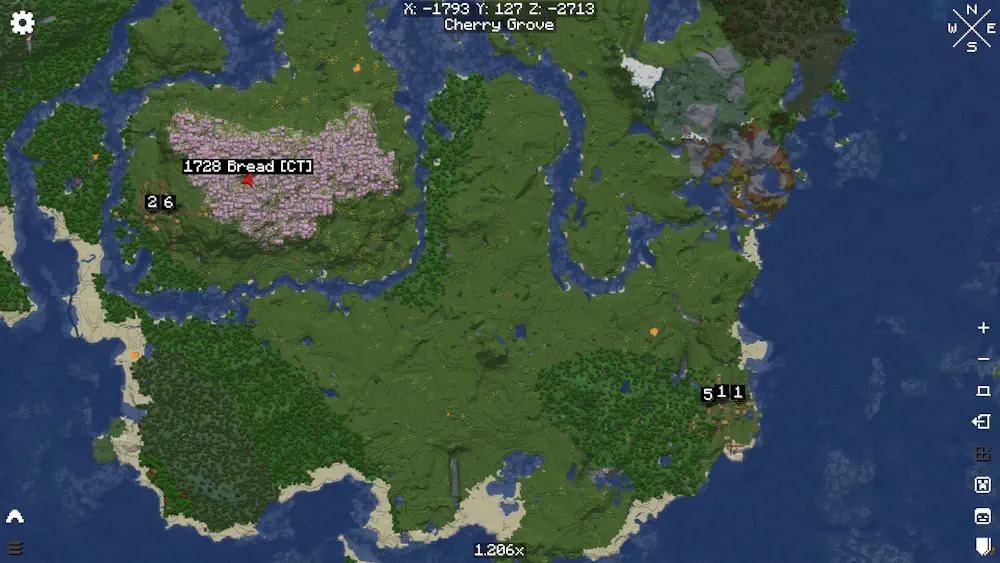
Xaero’s Minimap also works together with Xaero’s World Map. When both are used, they share map data, reduce duplicate processing, and provide a convenient navigation system for short trips and long-distance exploration.
Screenshots
How to Install
- Download the mod file for your Minecraft version and mod loader.
- Move the downloaded JAR file into the mods folder.
- Launch Minecraft and check the minimap settings by pressing Y.