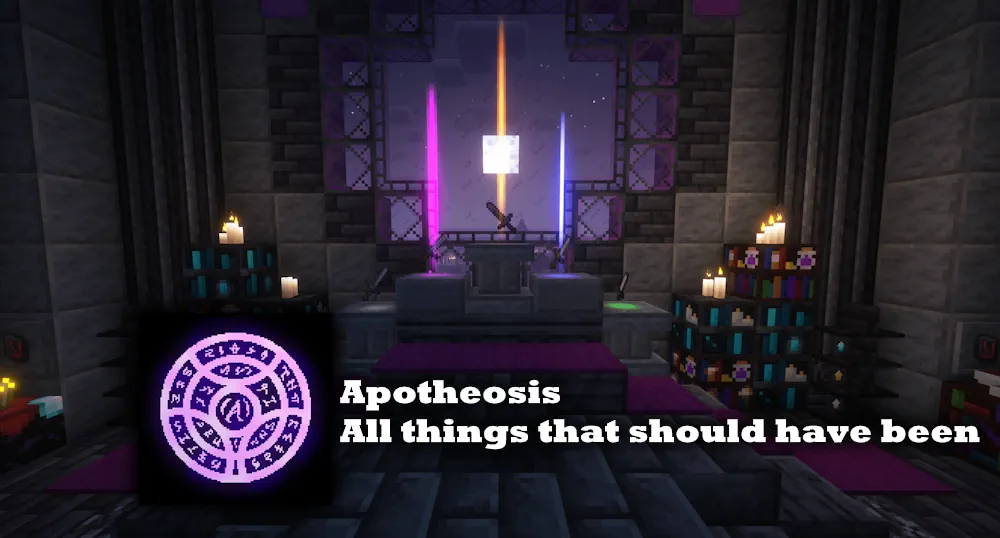
Apotheosis turns equipment, loot, enchanting, and mob encounters into a longer progression system. It gives you clear ways to improve a favorite weapon or armor piece rather than replacing it every time you find something slightly better.
Find, Upgrade, and Refine Better Gear
Its main mechanic is Affix Items: gear found in chests or dropped by creatures can roll with rarity, bonuses, and special effects. A sword may gain stronger combat stats, while armor can support a more defensive build. The loot has value even when it is not perfect, because unwanted Affix Items can be broken down at the Salvaging Table for materials.
Those materials are used at the Reforging Table to create more gear, giving you another route besides waiting for a lucky chest. Some items also have sockets for Gems. Put a gem into a suitable item to add another bonus, then remove or change it later with the right sigil. This makes upgrading gradual: first find an item with potential, then improve the parts that matter for your playstyle.
World Tiers and Dangerous Encounters
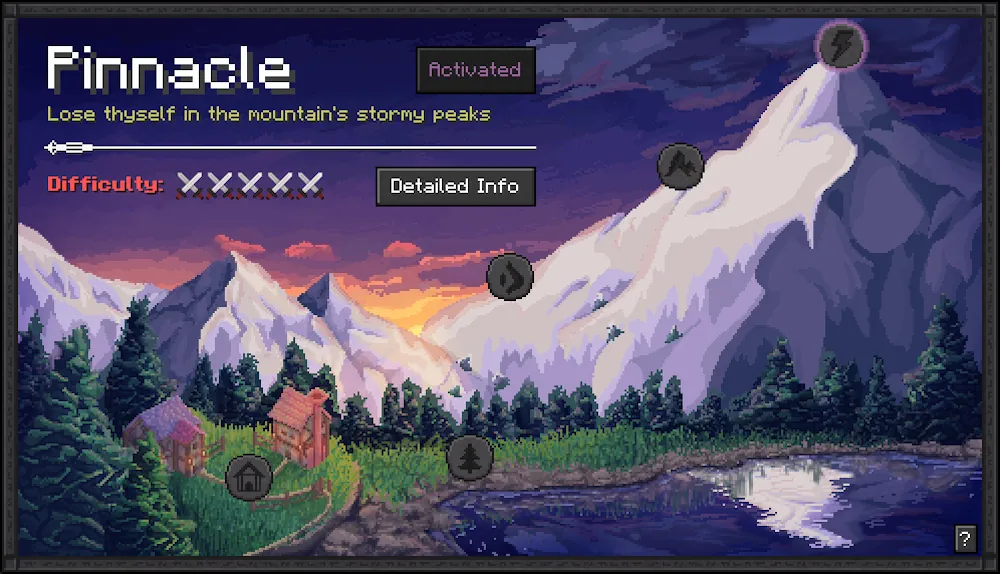
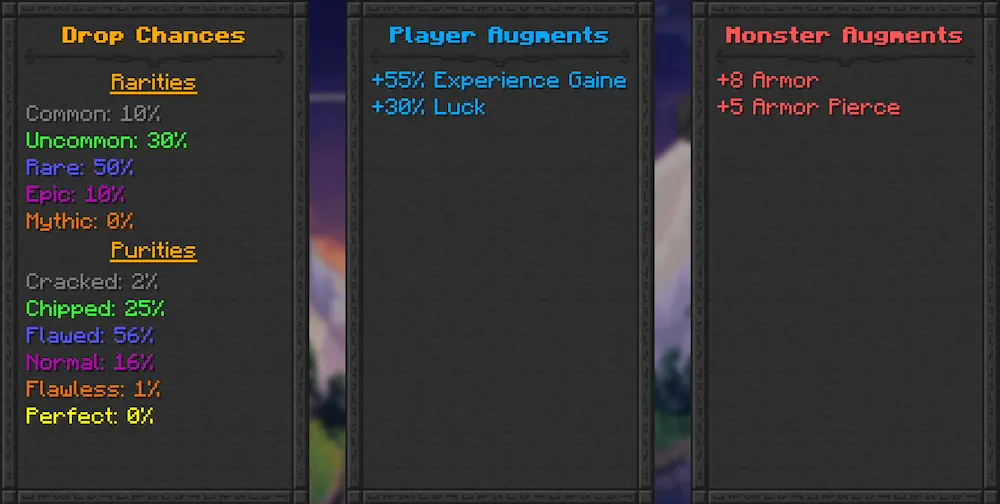
Apotheosis adds five World Tiers that change the level of challenge and the quality of available loot. Moving to a higher tier gives access to stronger items and useful bonuses, but every enemy in the world becomes more dangerous. Progress is earned by completing unlock goals, so harder content arrives as a real next step rather than appearing all at once.
At higher tiers, you can encounter empowered enemies with custom stats and enchanted gear. Defeating them is one of the ways to find valuable Affix Items and Gems. The mod also expands enchanting and lets you pick up and modify mob spawners, adding useful late-game projects for a base. Craft the Chronicle of Shadows with a book and gold ingot to check its mechanics while playing.
Screenshots
How to Install Apotheosis
- Download the Apotheosis file for your Minecraft version.
- Move the .jar file into your Minecraft mods folder.
- Launch Minecraft and begin finding upgraded gear in your world.