Better Combat changes Minecraft melee fights into a system built around weapon swings, timing, and distance. Swords, axes, spears, and other weapons no longer feel like identical items with different damage numbers. Each attack has an animation, a direction, and a real hit area, making close combat easier to read in both first-person and third-person view.
Hit Enemies With the Weapon, Not the Crosshair
The mod uses accurate weapon collision. When you swing, the weapon can hit enemies inside its path instead of requiring your cursor to sit exactly on a target. This is especially noticeable when fighting several mobs in a cave, moving around a group of skeletons, or using weapons with a wider reach.
Attacks have a short upswing before they connect, so spacing matters more than constant clicking. You can hold the attack key to repeat attacks when the weapon cooldown is ready, while the swing-through-grass option prevents tall grass and other soft blocks from interrupting a fight.
Better Combat also changes how multi-target hits work. A normal swing can damage several enemies, but the damage is reduced across the group. The Sweeping Edge enchantment restores full damage against multiple targets, giving the enchantment a clear purpose during mob fights.
Combos, Dual Wielding, and Modded Weapons
Weapon combos give some items a sequence of different attacks rather than one repeated animation. A weapon can slash, stab, or perform a heavier follow-up strike depending on the combo. One-handed weapons can also be used in both hands, alternating attacks between the main hand and off-hand with the normal attack key.
The mod recognises most weapons added by other mods and assigns them a suitable combat style automatically. Dedicated compatibility files can give a weapon a custom moveset. Keep in mind that other mods which rewrite the same dual-wielding mechanics may conflict with Better Combat.
Screenshots
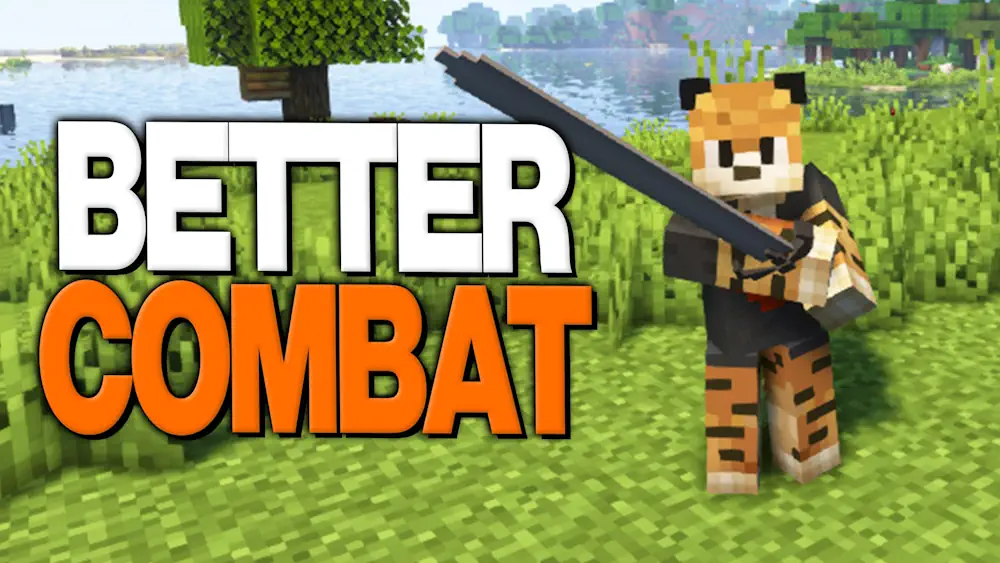
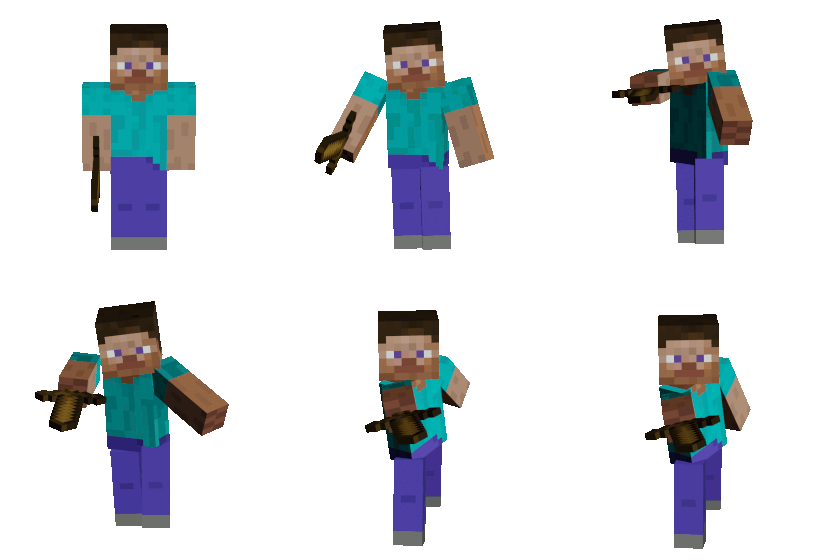
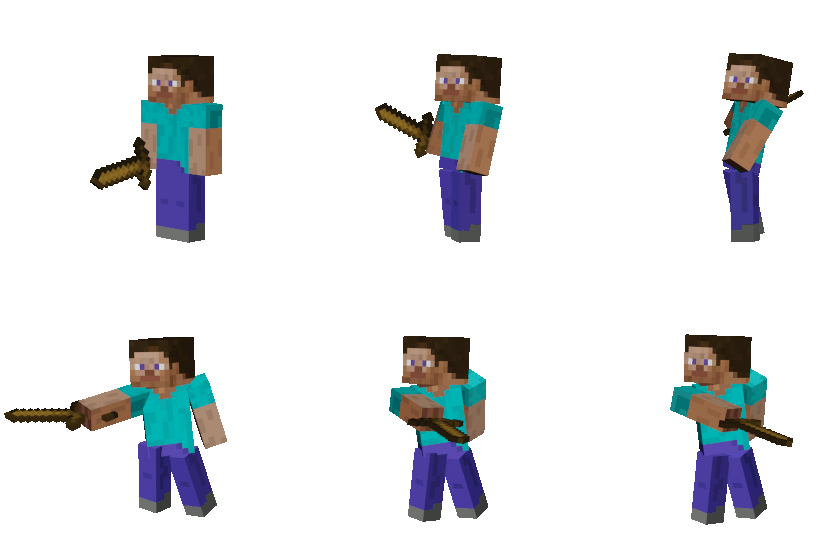
How to Install Better Combat
- Download the Better Combat file for your Minecraft version.
- Move the .jar file into the Minecraft mods folder.
- Launch the game and test different weapons to learn their swing range and combos.
- Open the mod settings if you want to adjust attack behaviour or visual options.