Cooking for Blockheads turns food preparation into a practical part of a Minecraft base. It adds a recipe book and a modular kitchen where ingredients, tools, water, and cooking blocks work together.
Build and Use a Functional Kitchen
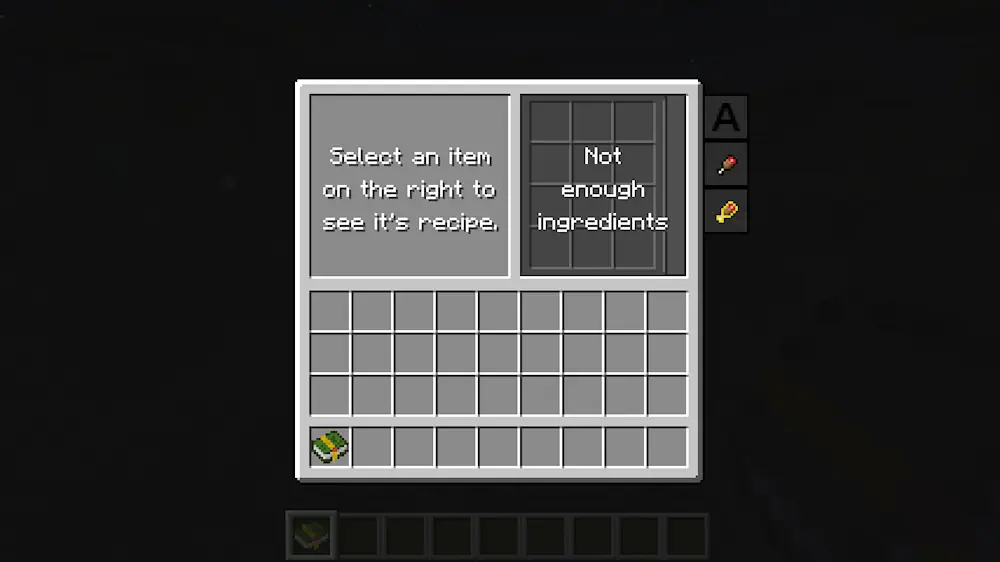
The Cooking Table shows recipes that can be prepared with ingredients currently available in your inventory or connected kitchen storage. Food can be crafted directly from the interface with one click, so players do not need to move items between several containers.
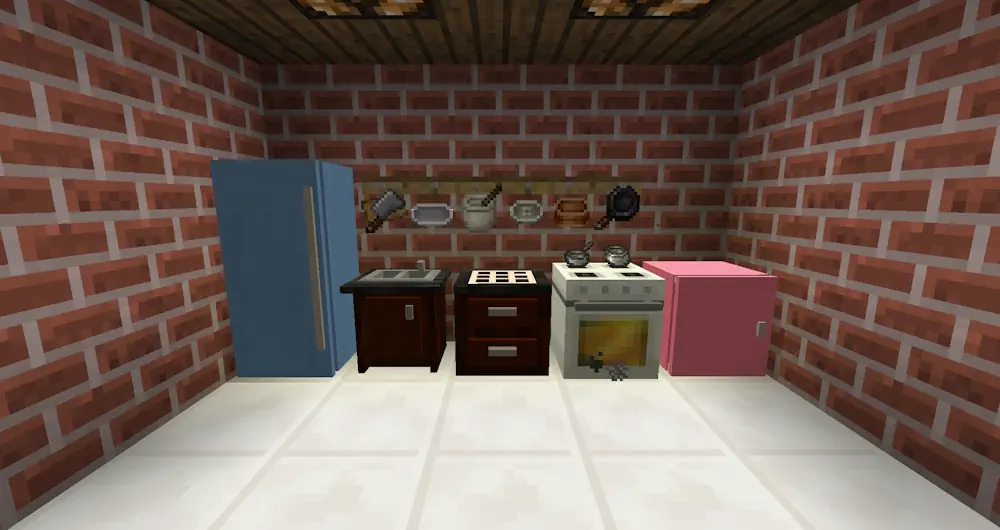
The kitchen can include counters, cabinets, an oven, a sink, and other connected blocks. Cabinets provide ingredient storage, while the oven handles cooking and smelting recipes. The sink supplies unlimited water for recipes without requiring buckets to be filled manually.
The recipe book can display craftable meals and sort them by nutritional value. An upgraded version allows food to be prepared directly from the book. The NoFilter edition removes ingredient restrictions and displays every available food recipe.
Cooking for Blockheads also works with many popular farming and food additions. Their ingredients and meals become accessible through the same kitchen system, making large recipe collections easier to manage. Players can even use a Cow in a Jar to create a constant milk supply.
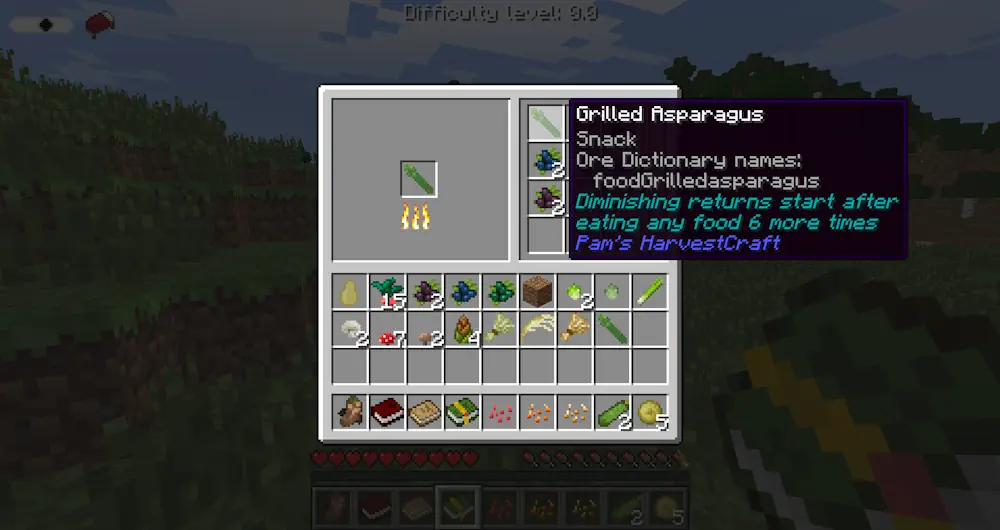
Screenshots
How to Install Cooking for Blockheads
- Download the file matching your Minecraft version and mod loader.
- Move the downloaded JAR file into the mods folder.
- Launch Minecraft and build your first kitchen.