Let’s Do Vinery adds grape growing, juice production, winemaking, fruit trees, and everything needed to build a working vineyard. Wines are more than decorative bottles: different recipes provide their own effects, making the finished drinks useful during exploration and combat.
Find Grapes and Start a Vineyard
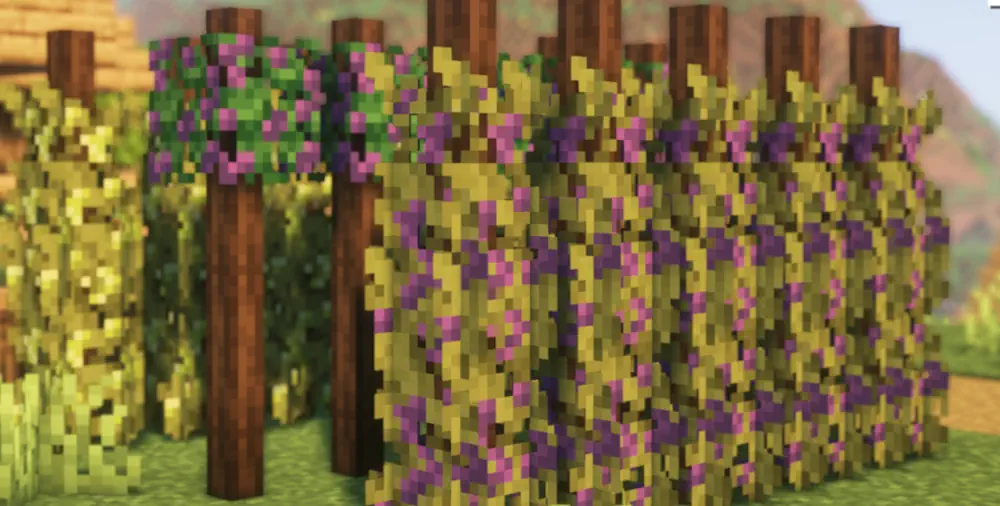
Begin by searching newly generated Overworld areas for wild grapes. Common varieties appear in forests, plains, swamps, meadows, and several nearby biomes. Taiga, savanna, and jungle regions contain their own grapes. After obtaining seeds, build Grapevine Stems for the regular, taiga, and savanna varieties. Place a stem, then right-click its upper section with the appropriate seeds. Jungle grapes are cultivated on Lattice blocks instead.
Press Grapes and Ferment Wine
Craft a Grapevine Pot and fill it completely with one grape variety. Different grapes cannot be mixed in the same batch. Jump into the pot and move around to crush them, then collect the finished juice with Wine Bottles. Next, open a Fermentation Barrel, add the ingredients required by the chosen recipe, insert an empty bottle, and supply the matching juice through the fill slot. Once processing finishes, the wine appears in the output slot.
Expand the Winery
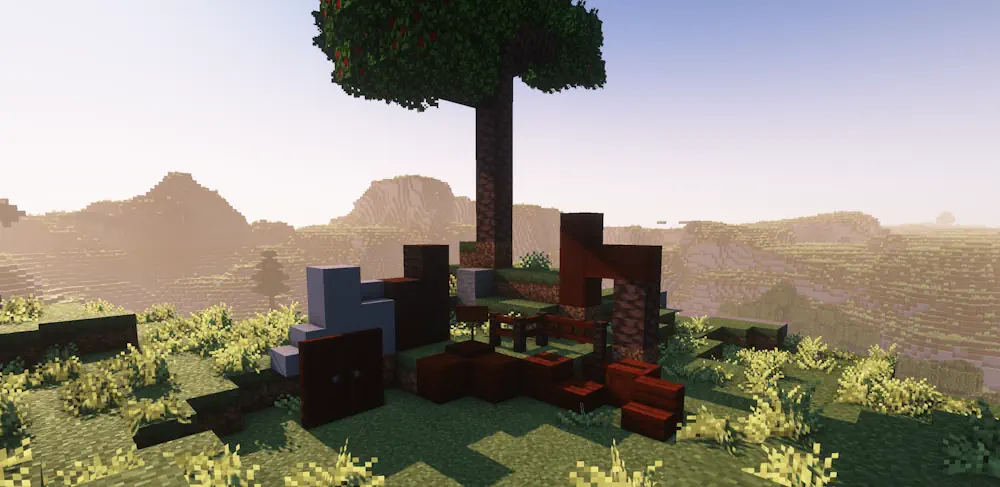
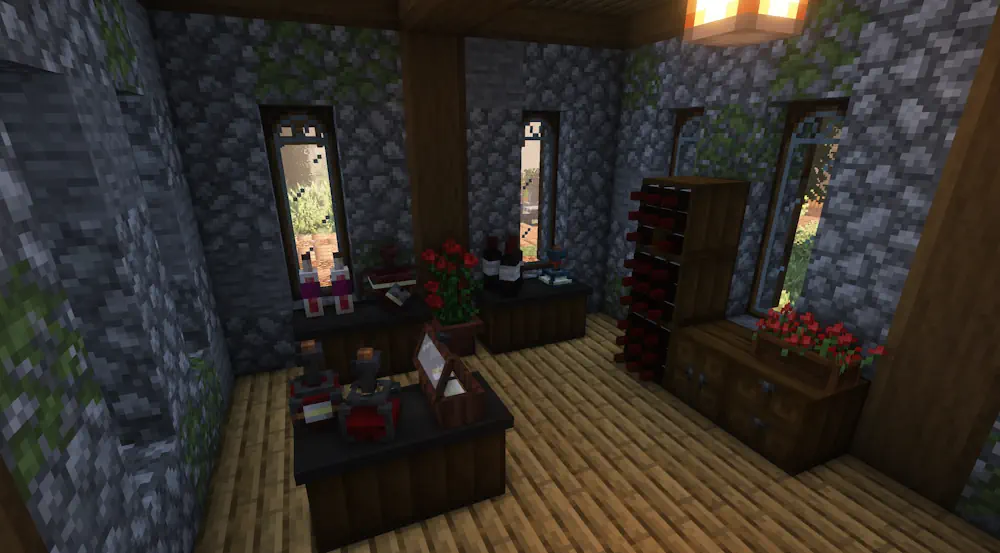
Different wines use their own combinations of juice and ingredients, so a recipe viewer is useful while learning the system. Apples can also be processed with the Apple Press to make mash and apple-based drinks. Later, build Wine Racks and Wine Boxes to store bottles, grow cherry trees, and decorate the area with matching furniture, paths, and cherry wood. A Wandering Winemaker may also sell seeds or other Vinery items that are difficult to find.
Screenshots
How to Install
- Download Vinery for your Minecraft version and mod loader.
- Move the downloaded files into the .minecraft/mods folder.
- Launch Minecraft.