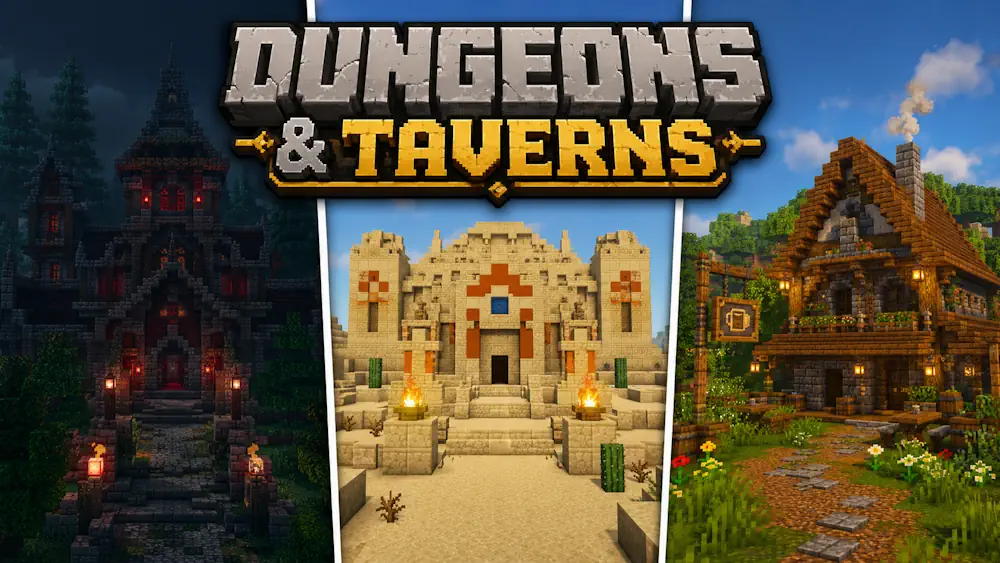
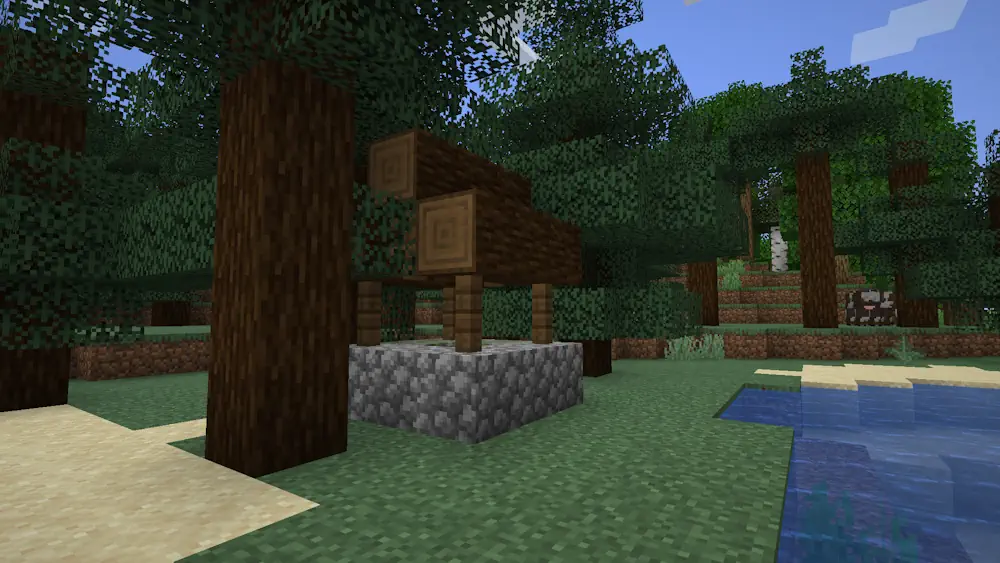
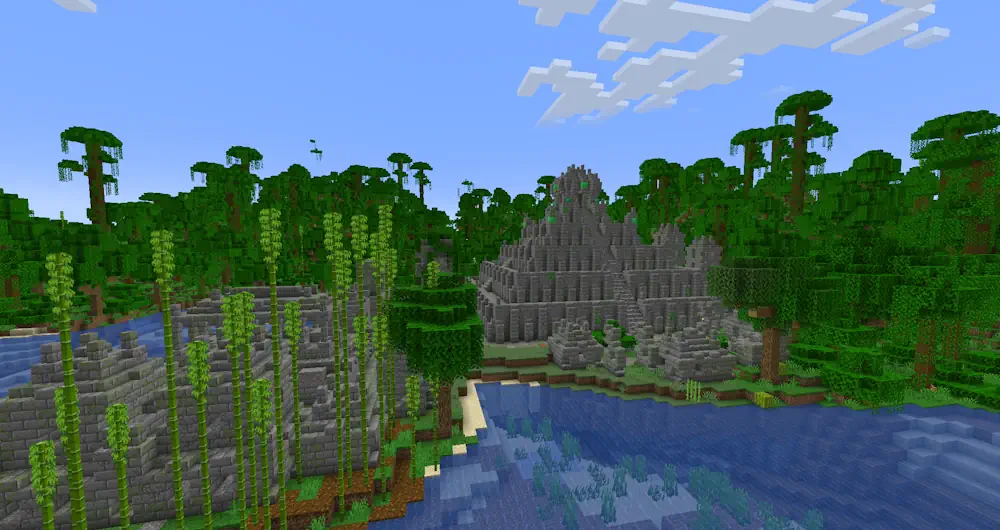
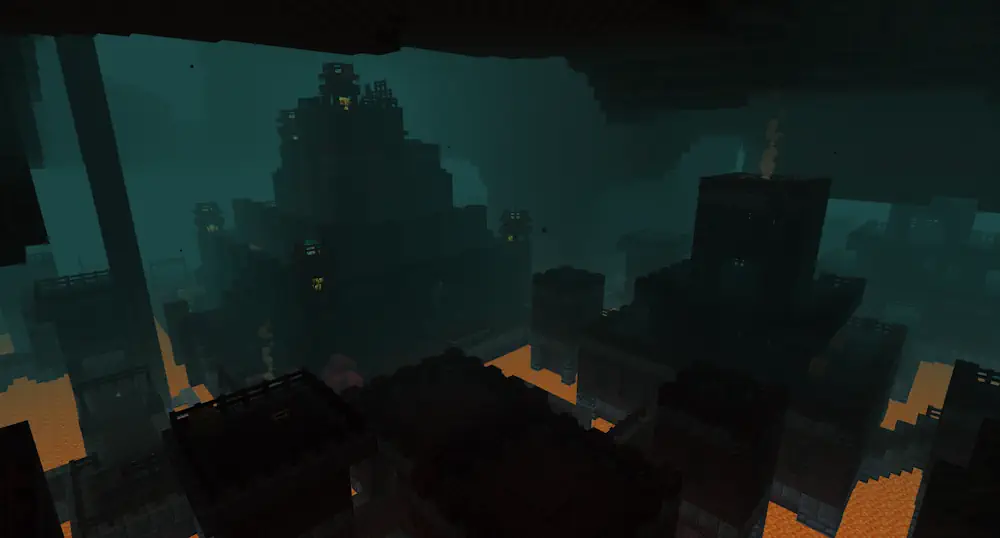
Dungeons and Taverns adds new structures to Minecraft without changing the game into a full modpack. While exploring, you can come across small taverns, watchtowers, ruins, shrines, illager hideouts, underground dungeons, Nether locations, and larger rare structures. They fit the vanilla world well, but give players more reasons to leave their base and explore beyond the nearest village.
More Places Worth Finding
The structures are not placed only for decoration. Many include loot, enemies, villagers, and details that make them feel like real locations rather than a single chest in a tower. A tavern can contain a cartographer. Level that villager from novice to apprentice while they are inside the building to unlock special map trades, then move them back to your own village if you want to continue trading.
Dungeons and Taverns also adds unique enchantments found as structure loot. Some improve crossbows and bows, some affect armour or movement, and others are made for specific combat situations. For example, Traveler increases movement speed and step height while sprinting, while Illager’s Bane gives extra damage against illagers, witches, ravagers, and vexes.
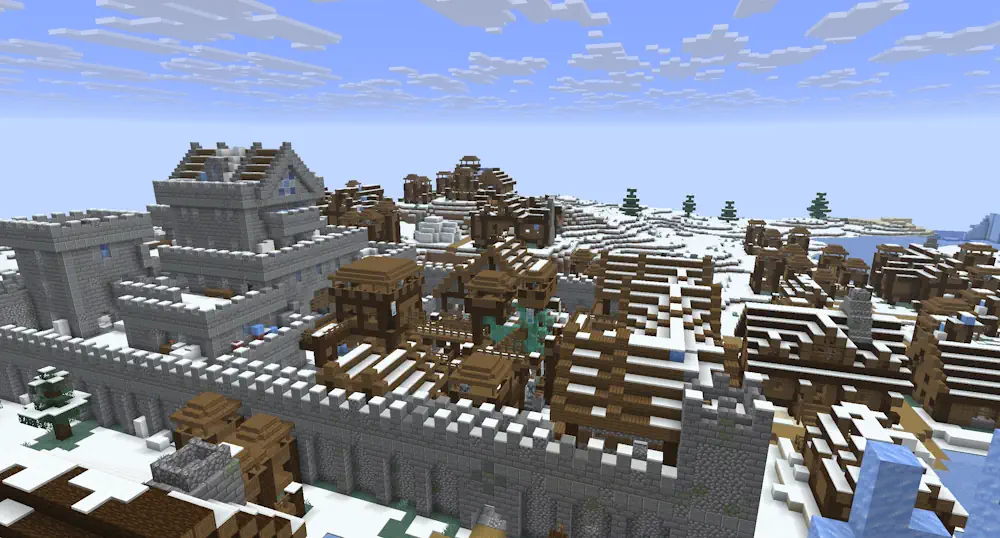
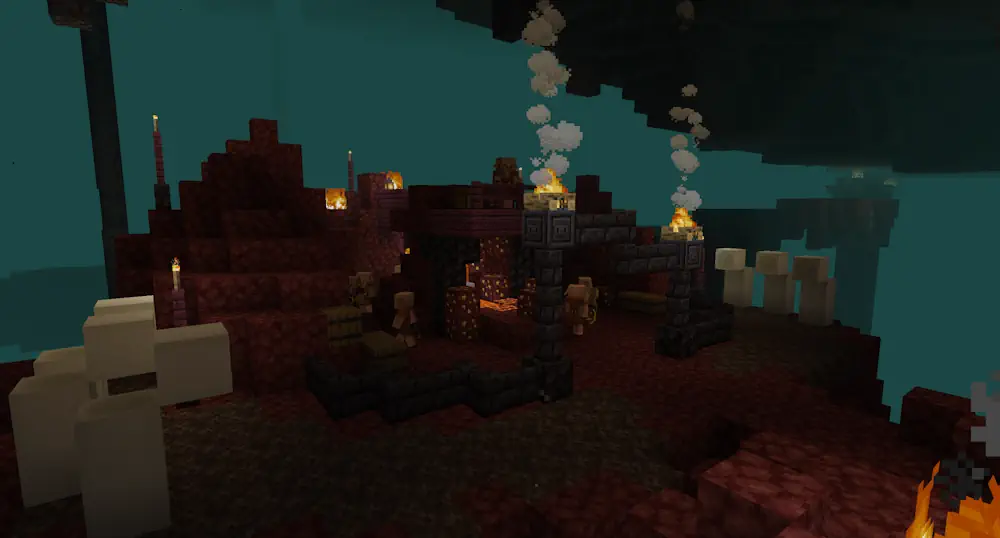
Screenshots
How to Install Dungeons and Taverns
- Download the file that matches your Minecraft version.
- For a new singleplayer world, open the Data Packs screen during world creation and add the downloaded zip file without extracting it.
- For an existing world or server, place the zip file in the world’s datapacks folder.
- Restart the world or server, then use /reload if needed.