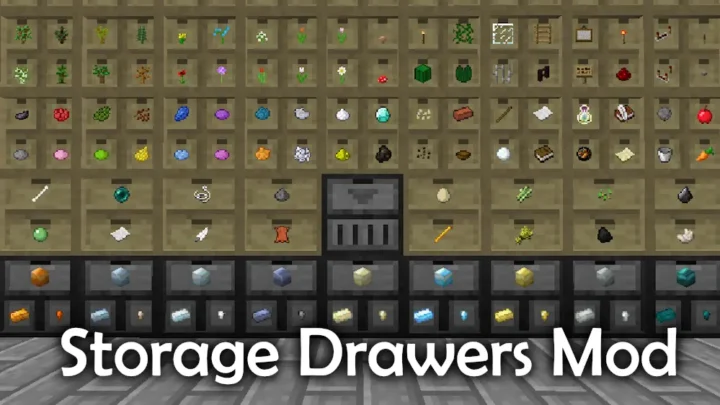
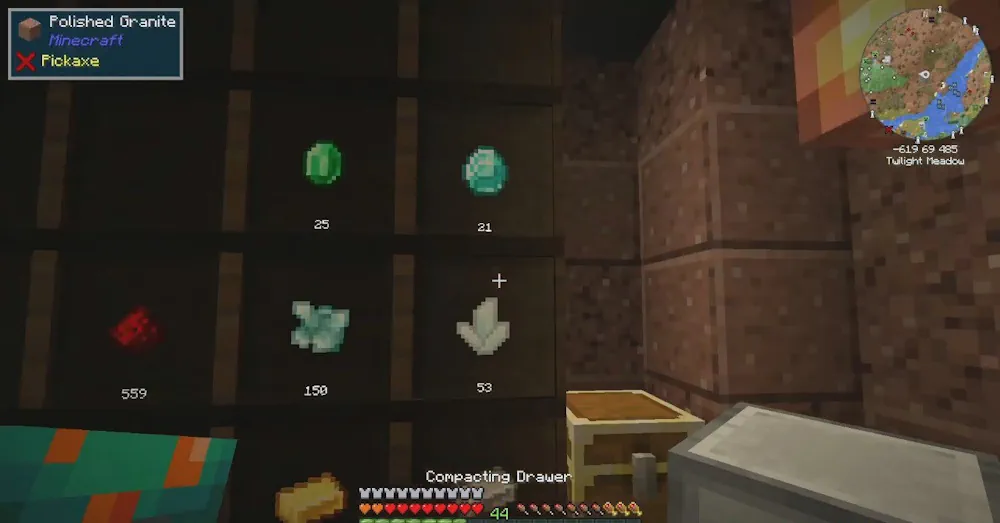
Functional Storage gives you drawer-based storage that is easy to expand, automate, and keep organized. Use it for crops, ores, blocks, mob drops, tools, and liquids without turning every room in your base into a wall of ordinary chests. The drawers show their contents clearly, so you can see where items belong at a glance.
Storage That Handles More Than One Stack
Start with a few drawers for the resources you collect most often, then add Storage Upgrades when one item begins filling the available space. The upgrades provide larger capacity boosts, which makes them useful for cobblestone, wood, iron, food, and materials from large farms.
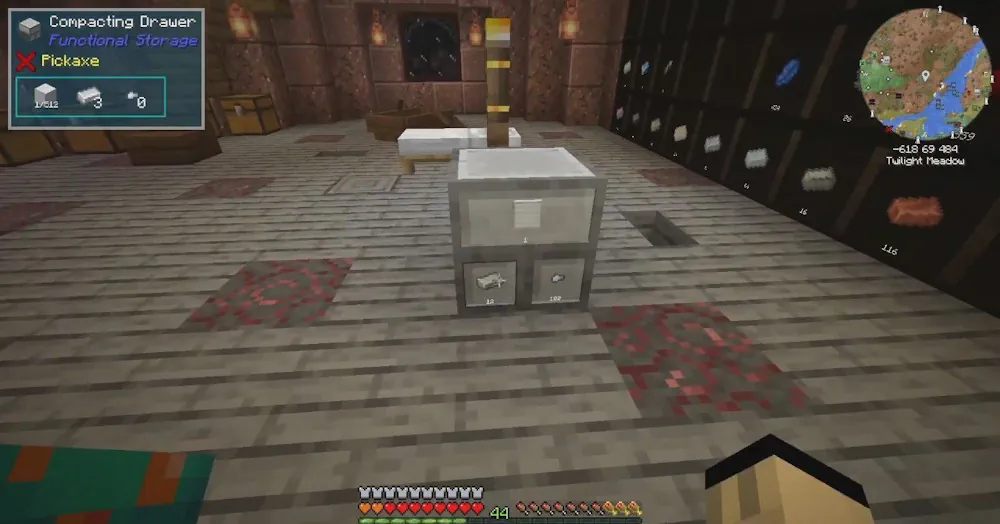
Functional Storage also has a Fluid Drawer for liquids and a Simple Compacting Drawer with two connected slots. Use the compacting drawer for resources that you often convert between forms, keeping the main storage area cleaner. Ender Drawers can share the same contents through a copied frequency, making it possible to access one stored item from different places in a base.
Automation comes from upgrades. The Pulling Upgrade takes items from an adjacent inventory, the Pushing Upgrade sends them out, and the Collecting Upgrade picks up dropped items nearby. These three options are practical for farms, grinders, and sorting areas where you want items moved without opening every drawer manually.
Begin with a Controller and Linking Tool
Once you have several drawers, craft a Storage Controller. It lets you connect drawers to one central block, even when they are not touching it directly. Craft a Linking Tool next: right-click the controller to configure it, then right-click compatible drawers inside its range to link them. The default range is eight blocks, so plan a compact storage wall around the controller.
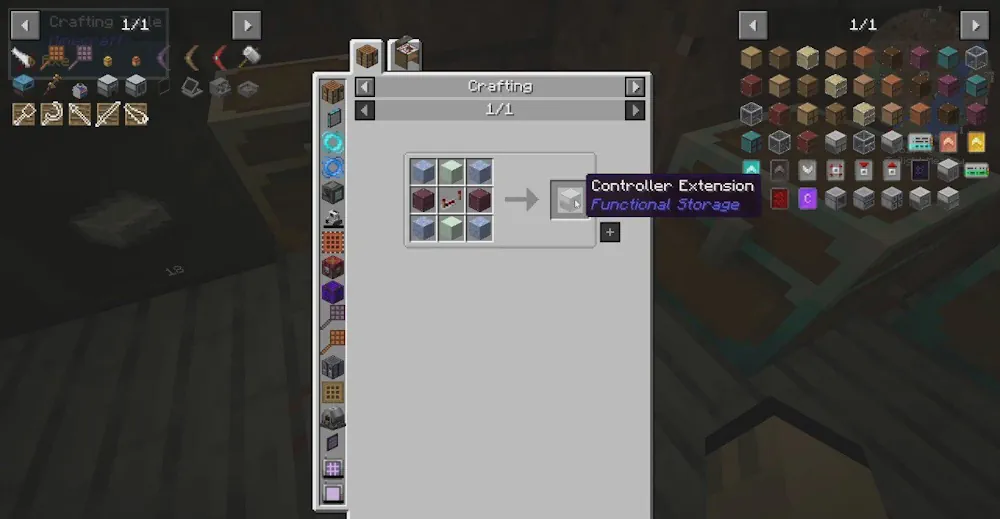
Controller Extensions can expand the reach of that system. Place them where a new group of drawers needs to act as part of the same network. This is a clean way to separate sections for farming, mining, building blocks, and automated machines while keeping access centralized.
Screenshots
How to Install Functional Storage
- Download the Functional Storage file for your Minecraft version.
- Move the .jar file into the Minecraft mods folder.
- Launch the game and craft your first drawers.
- Add a Storage Controller and use a Linking Tool to connect the drawers.