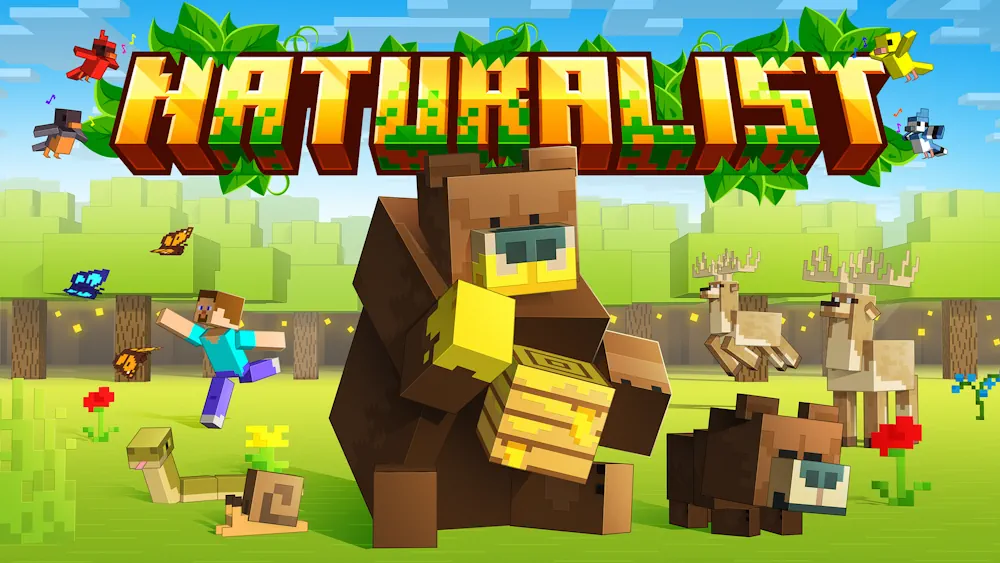
Naturalist brings more life to Minecraft’s open spaces with a wide range of animals, visual variants, natural drops, and behaviors that make encounters feel less predictable.
While exploring, you can come across creatures reacting to each other and to their surroundings, so a forest, riverbank, or plain feels more active during normal survival play.
Wildlife with Its Own Behavior
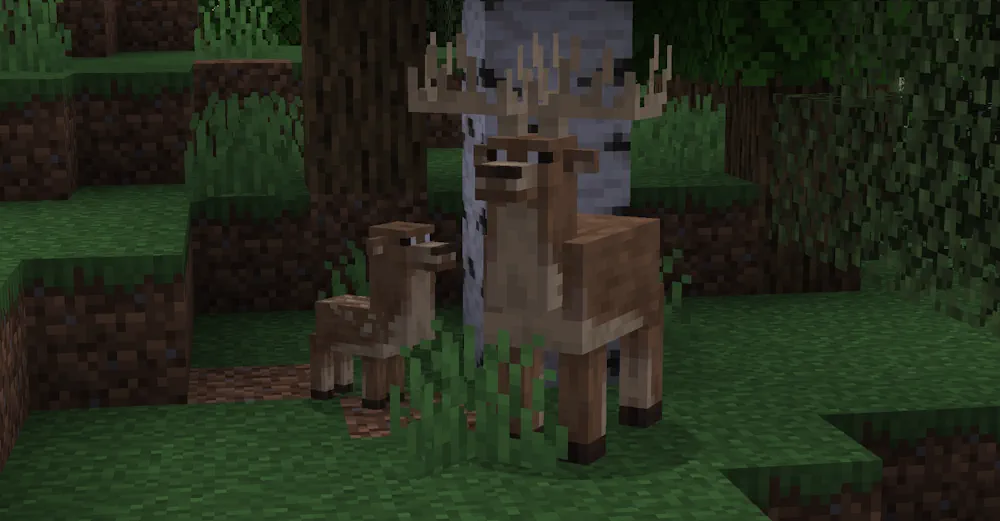
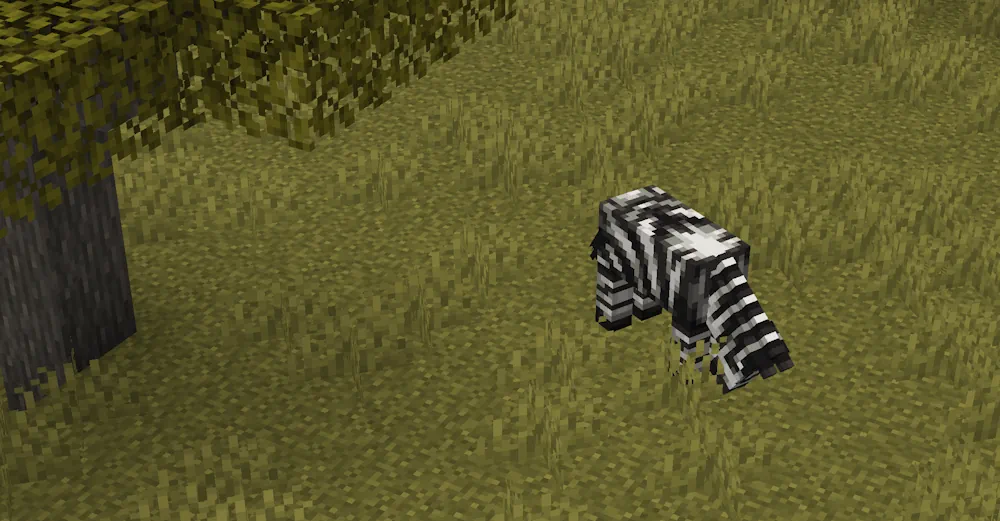
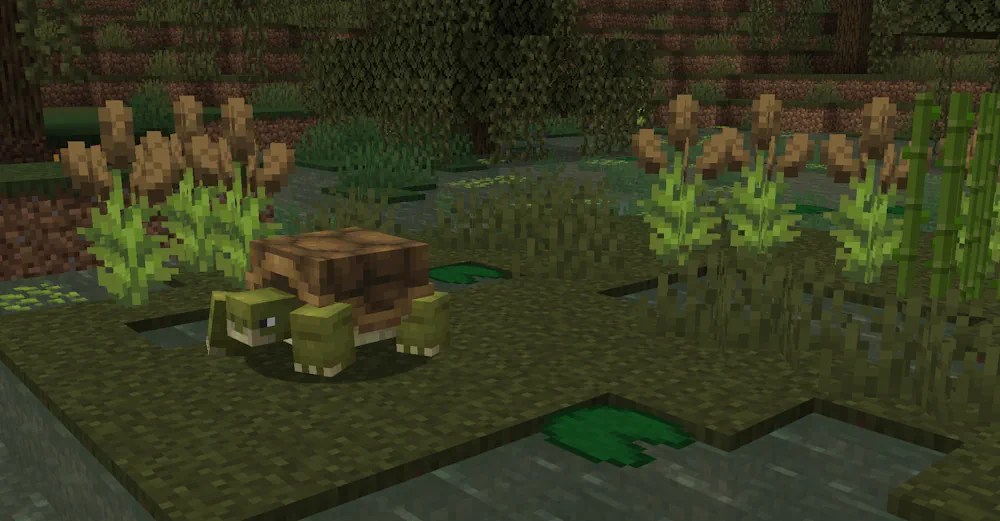
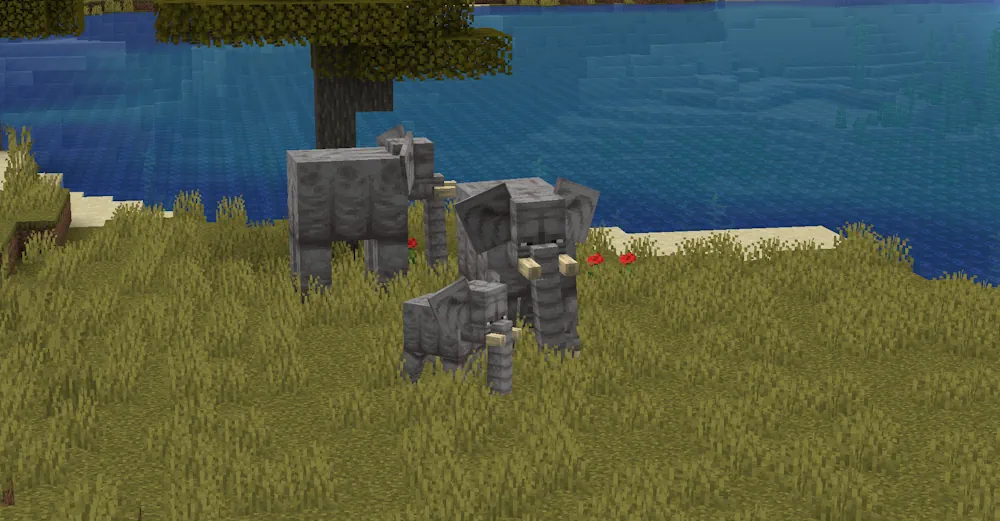
The mod adds dozens of animals and many animal variants, giving the world more visual variety without making every area look the same. Some creatures can be tamed, while others are best observed from a distance or approached for their drops. Their behavior gives you small moments to notice during exploration: animals wander, interact, and make ordinary journeys between biomes feel less empty.
Naturalist also fits well into builds focused on nature. A cabin beside a forest, a farm near water, or a zoo-style enclosure has more purpose when the surrounding world contains wildlife worth finding. The animals use a style that remains close to Minecraft’s own look, so they sit naturally beside vanilla mobs and blocks.
Useful Finds During Exploration
Start by exploring familiar areas again rather than rushing into one destination. Look around rivers, forests, plains, and coastlines, then watch for new animals and their variants. When you find a creature that can be tamed, bring it back to your base and give it a proper space instead of leaving it in a small pen.
Natural drops give some encounters a practical reason as well. You can collect them while travelling, then return home with more than screenshots from the journey. The mod works especially well for players who like building farms, parks, animal habitats, or rustic survival bases where the landscape around the house matters as much as the house itself.
Screenshots
How to Install Naturalist
- Download the Naturalist file for your Minecraft version.
- Move the .jar file into the Minecraft mods folder.
- Launch the game and explore different natural areas.