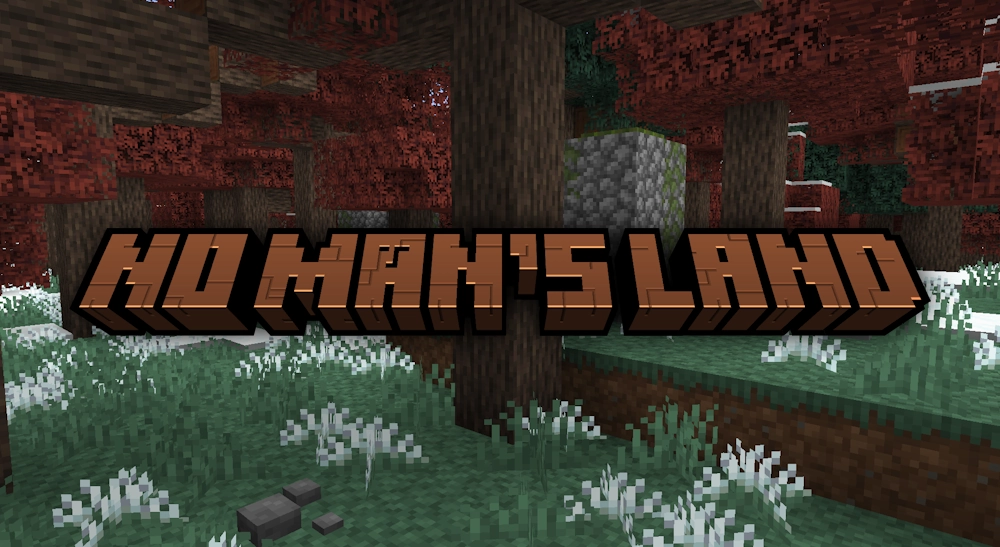
No Man’s Land is a large Overworld overhaul for Minecraft that makes familiar landscapes feel less predictable and more alive. It keeps the game close to its vanilla roots, but changes how biomes, vegetation, animals, structures, and small details appear across the world.
This mod is made for players who enjoy slow exploration rather than rushing from one resource to another. Forests, rivers, mountains, swamps, and open fields have more character, while new places make each journey feel more rewarding.
A Different Look for the Overworld
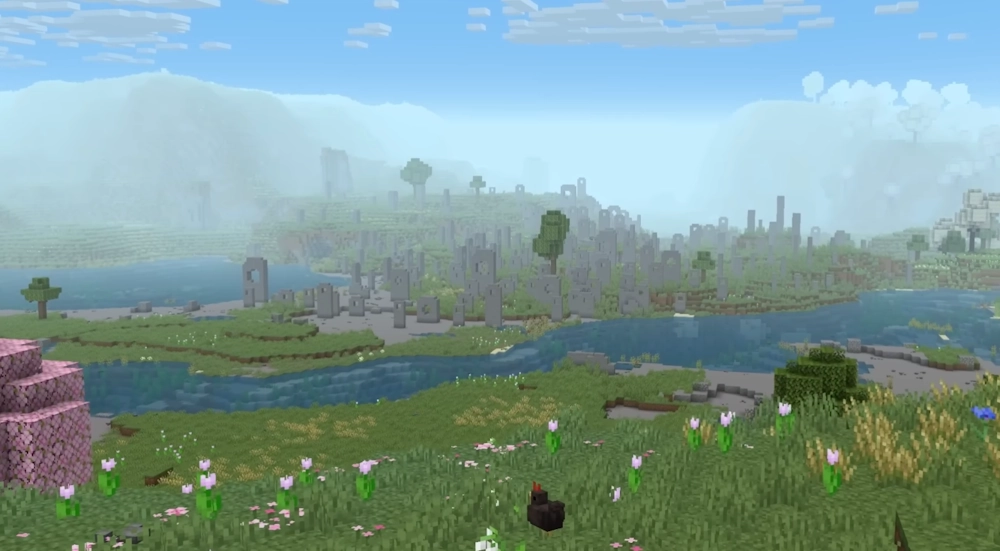
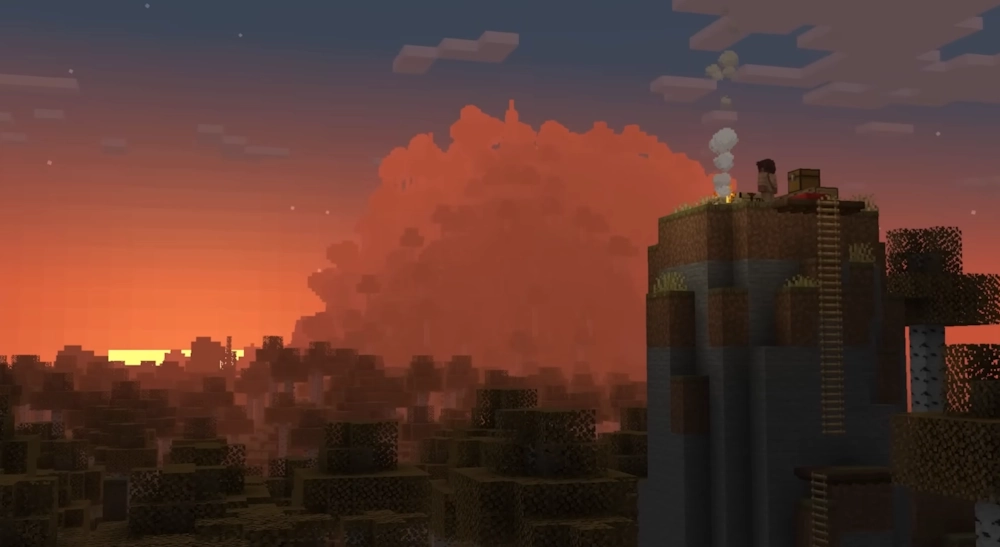
No Man’s Land revisits vanilla biomes instead of replacing Minecraft with a completely separate world. Some areas receive subtle improvements, while others are reworked more heavily. You may find richer forests, denser plants, environmental fog, new path blocks, and landscapes that feel more natural at a distance.
The mod also adds new biomes, including Maple Forests and Bogs. Rivers can contain reeds, fields may have flowerbeds, and different climates receive their own vegetation. These changes make travel more varied without losing the recognizable Minecraft style.
More Reasons to Explore
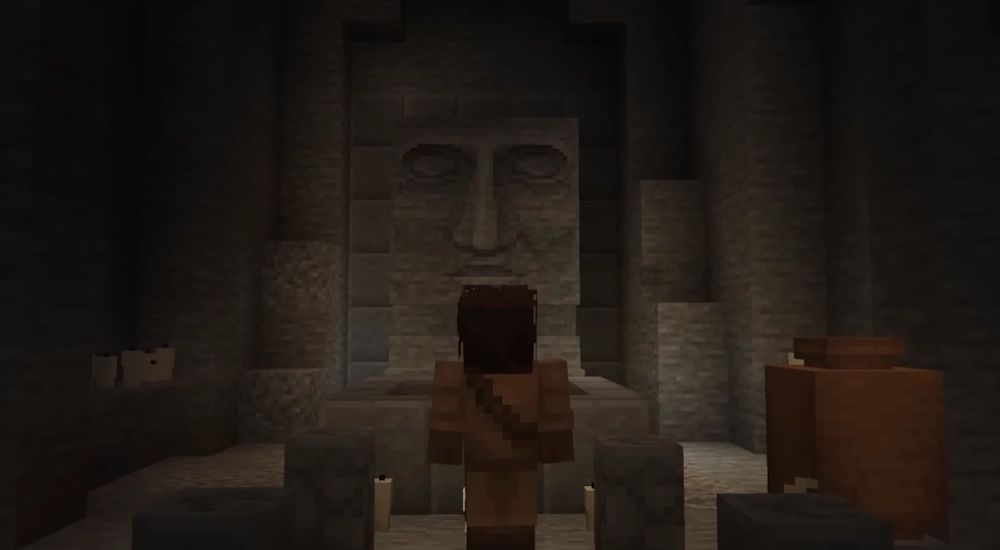
Exploration is not limited to scenery. No Man’s Land adds redesigned dungeons, ancient ruins, wells, menhirs, and other structures that give the world a sense of history. They create more interesting stops during survival play and make remote areas worth checking.
Animals also receive extra variety. Forests, mountains, and wetlands can have different mob variants, while some vanilla creatures use updated models. The mod introduces new animals as well, including deer in forests and fish found in swampy waters.
Resources and Building Materials
You can collect resin and maple syrup by placing a tap on a suitable log and gathering the result from a cauldron. New ingredients expand food options, with integration for Farmer’s Delight.
The mod also includes new wood types, decorative blocks, paths, scaffolding, and adventure items. It is a strong choice for a long-term survival world where the Overworld should feel detailed and worth exploring.
Screenshots
How to Install No Man’s Land
- Download the No Man’s Land .jar file.
- Move the file to your Minecraft mods folder.
- Start Minecraft using the same Forge or NeoForge profile.
- For multiplayer, install the mod on both the server and client if required.