Powah adds a complete energy system for technical Minecraft builds. It provides several ways to generate, store, and transfer power, starting with compact machines and gradually progressing toward stronger generators, wireless networks, and configurable reactor structures.
Generating and Managing Energy
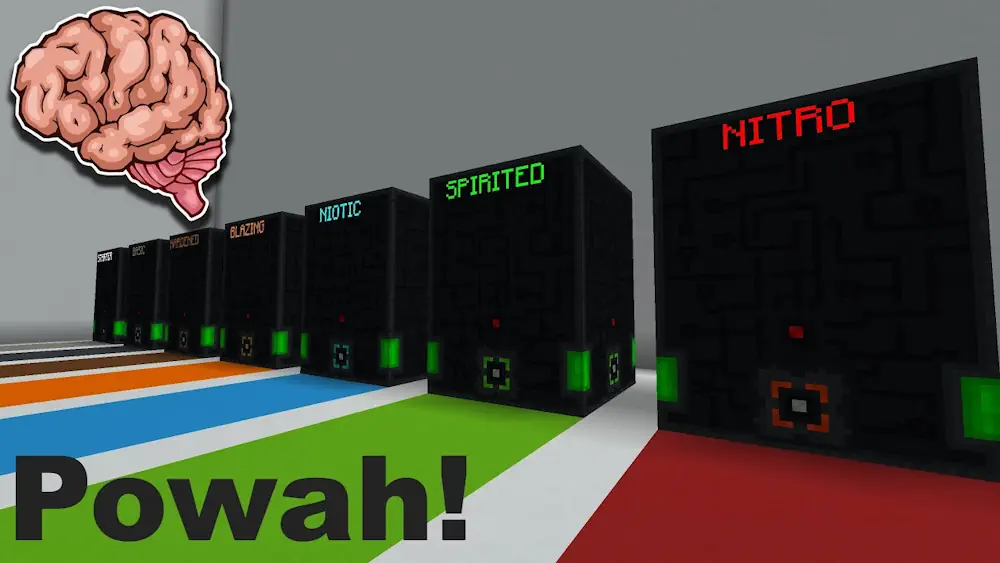
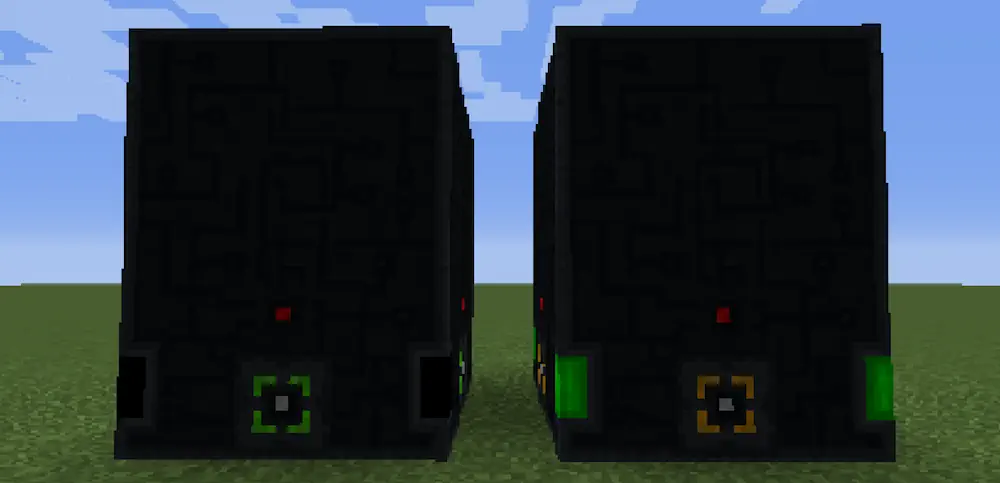
Available generators include Furnators, Magmators, Solar Panels, and Thermo Generators. Each uses a different resource or environmental condition, allowing players to choose a power source that suits their base. Larger projects can rely on multiblock reactors designed for considerably higher energy production.
Energy Cells store excess power, while cables distribute it between machines. Player Transmitters can charge equipment without a direct connection, and the Ender Network transfers energy across longer distances. Its components can be upgraded as the base grows and begins consuming more power.
Powah also introduces an Energizing crafting system used to create advanced materials and components. Items are placed around an Energizing Orb, then supplied with energy to complete the recipe. Together with several charged gadgets, these systems provide clear progression from basic generators to automated power infrastructure without overwhelming the base with oversized machinery.
Screenshots
How to Install Powah
- Download Powah for your Minecraft version and mod loader.
- Move the downloaded files into the .minecraft/mods folder.
- Launch Minecraft.