Refined Storage replaces rooms filled with chests with a digital network for items and fluids. Everything can be stored, searched, moved, and used for crafting through a few connected blocks.
Digital Storage and Automation
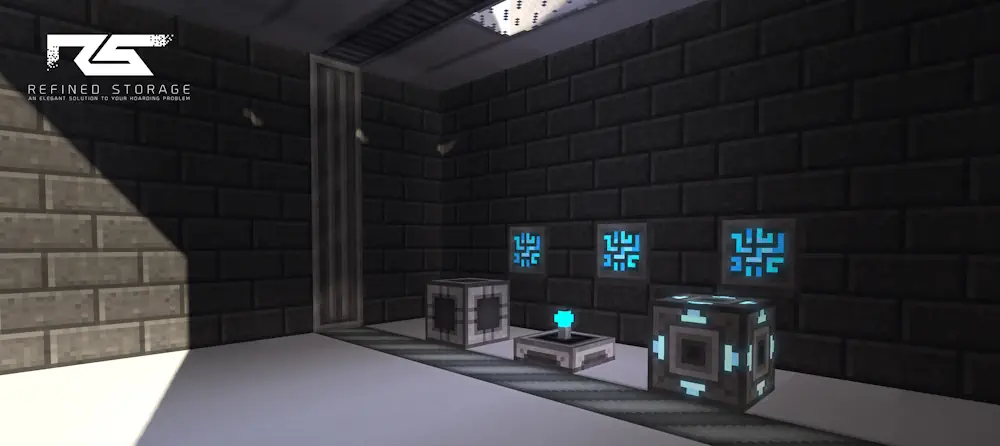
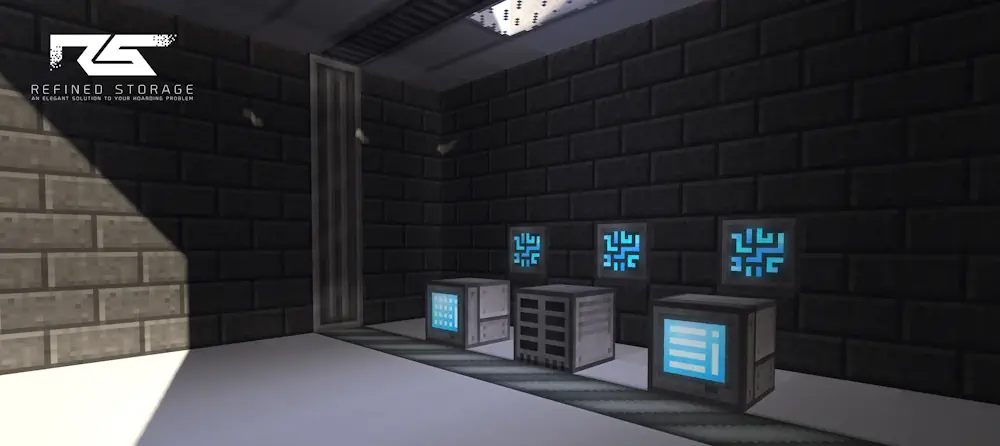
A basic system starts with a Controller that supplies power to the network. Storage Disks are placed inside Disk Drives, while the Grid provides access to every connected inventory. Players can quickly search for resources, change sorting options, and move large item stacks without opening separate containers.
Different disk sizes make it possible to expand storage as the base grows. Fluid storage is also supported, allowing liquids to be accessed and managed through the same network.
External Storage blocks connect existing chests, barrels, drawers, and other inventories. Importers move resources into the system, while Exporters send selected items to machines or containers. Constructors and Destructors can place or remove blocks directly in the world.
Refined Storage also supports automatic crafting. Players create patterns for recipes, place them inside Crafters, and request the required item from the Grid. The network then prepares every ingredient and completes multi-stage recipes automatically.
Screenshots
How to Install Refined Storage
- Download the file matching your Minecraft version and mod loader.
- Move the downloaded JAR file into the mods folder.
- Launch Minecraft and create your first storage network.