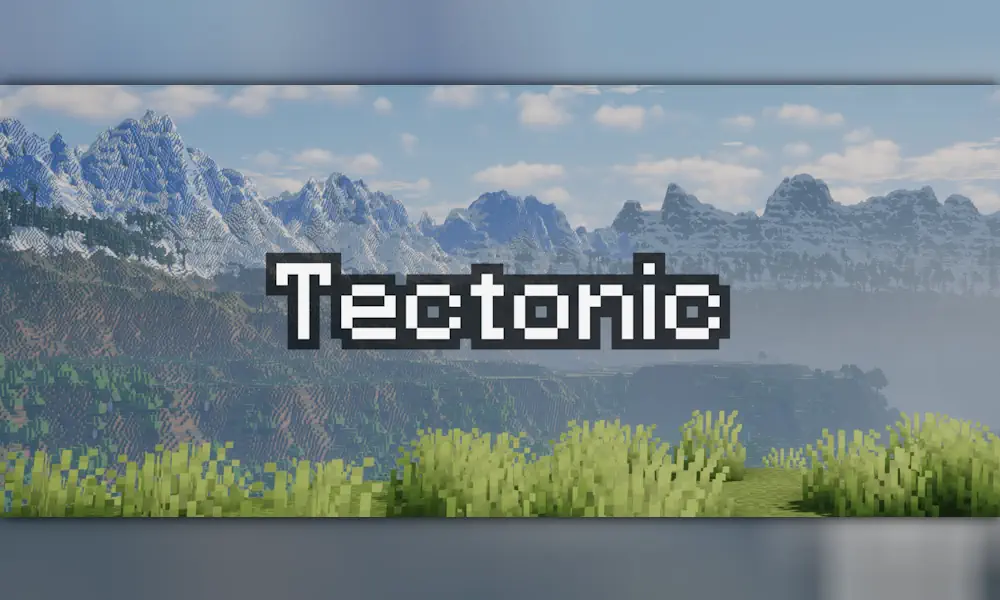
Tectonic reshapes Minecraft terrain on a much larger scale. The world forms broad continent-like landmasses, distant mountain chains, deep oceans, canyons, plateaus, and valleys that make travelling feel less predictable. It keeps familiar biomes, but changes the land around them enough to make a new seed worth exploring slowly.
Terrain Made for Long-Distance Exploration
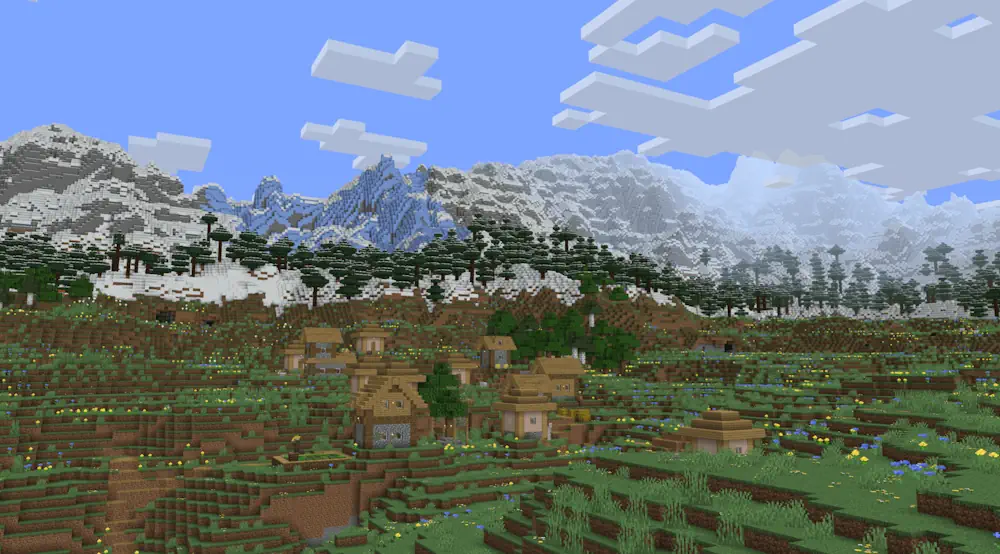
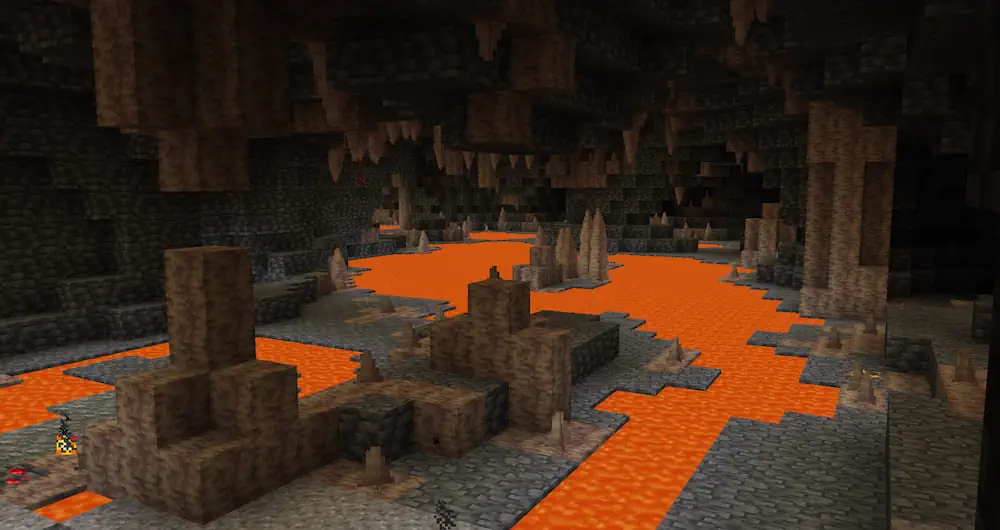
Mountain ranges can stretch for thousands of blocks and rise close to the build limit. They create proper barriers between regions, with long passes, steep slopes, and rivers that continue underground when the surface terrain becomes too high. Deep below, some areas contain lava tunnels shaped like underground rivers.
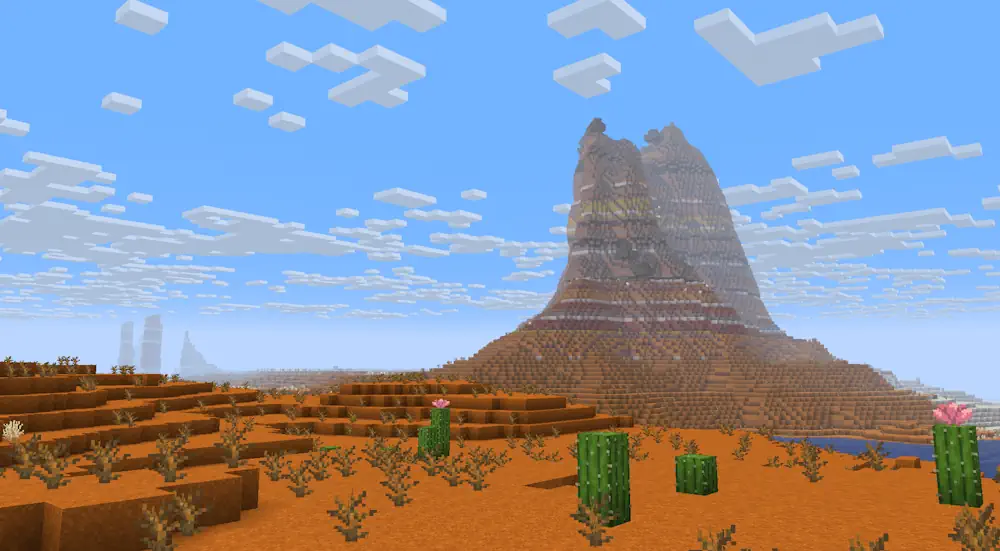
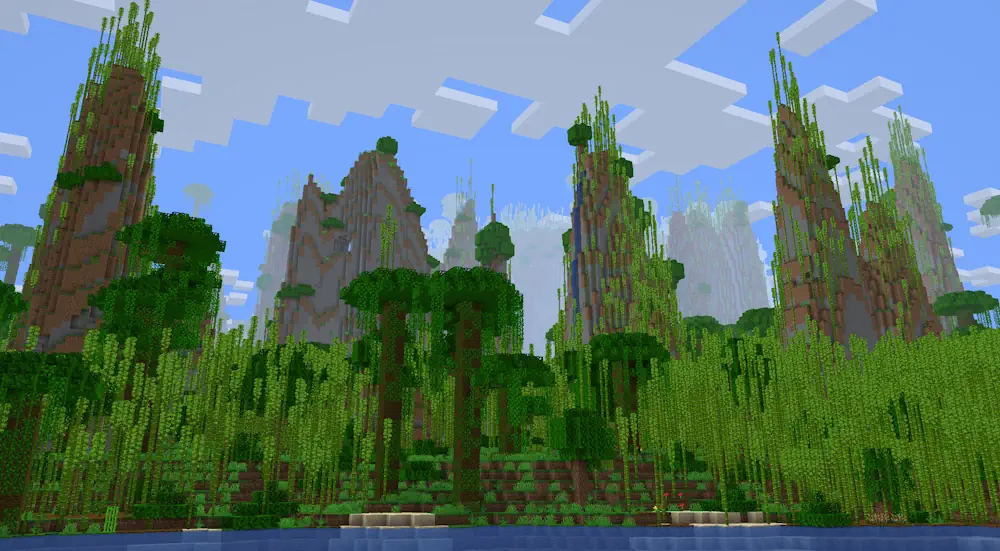
Oceans are much deeper and more varied than usual. Between large continents, smaller islands appear with a more traditional mountain shape, while deep water can reach into the deepslate layer and form overhangs or valleys. Jungles may generate tall stone pillars, badlands can open into massive canyons, and deserts use smoother rolling dunes.
Plateaus and valleys change how certain biomes are approached. Some high areas have natural ramps that make them easier to climb in survival, while cherry groves and pale gardens can appear inside terrain surrounded by cliffs. Forests, jungles, and taigas near sea level may become wetter, with more ponds and lakes around the landscape.
Tectonic works especially well for worlds focused on exploration, large bases, and scenic builds. Create a new world after installing it so the terrain generates consistently from the beginning.
Screenshots
How to Install Tectonic
- Download the Tectonic file for your Minecraft version.
- Move the .jar file into the Minecraft mods folder.
- Launch the game and create a new world.
- Explore newly generated mountains, oceans, caves, and continents.