Terralith changes Minecraft world generation with almost 100 new biomes, larger terrain shapes, custom caves, and structures built from vanilla blocks. Mountains become more dramatic, oceans gain deeper trenches, and familiar regions receive new details instead of disappearing completely.
It is a strong choice for a long survival world where exploration should keep feeling fresh after the first few days.
World Generation With More Variety
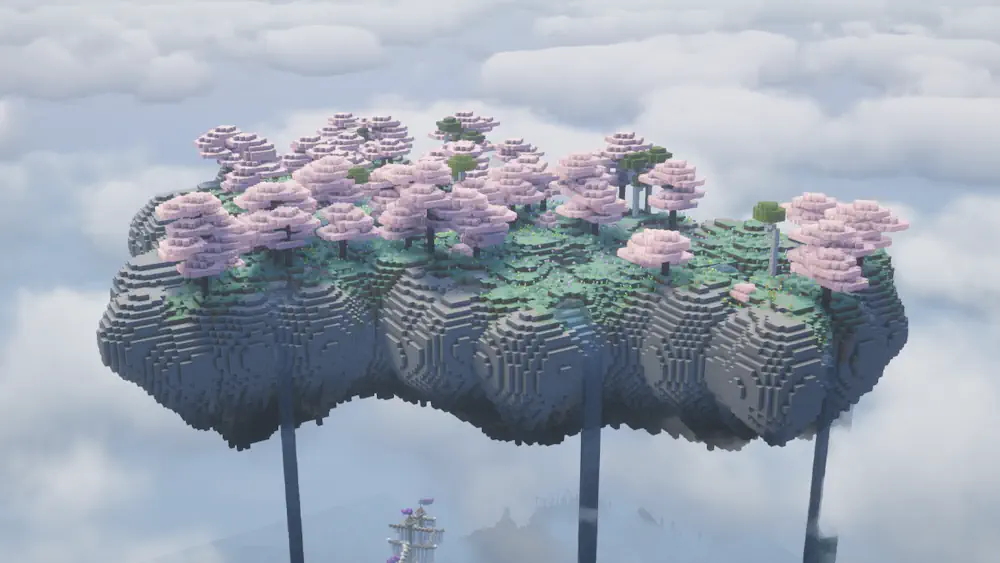
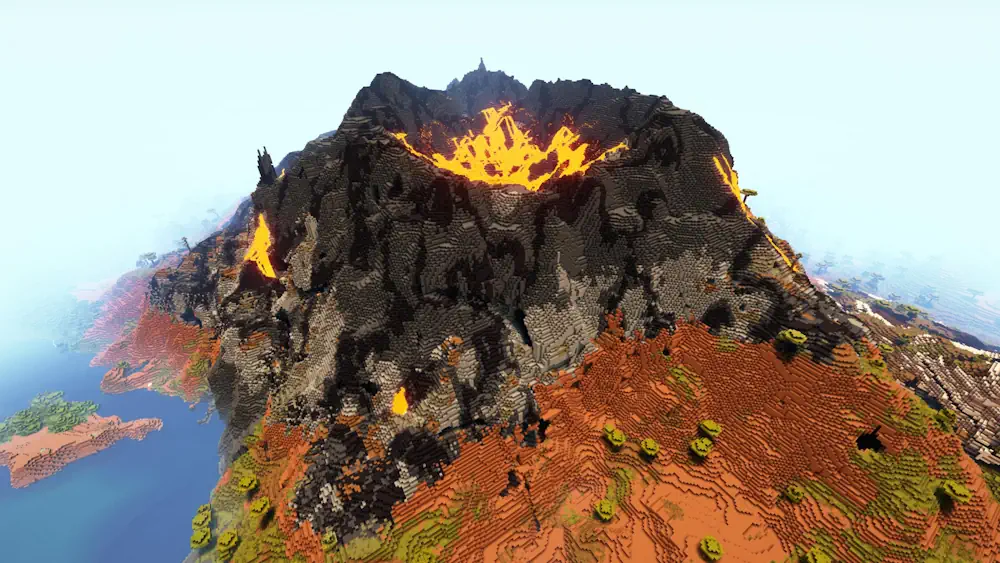
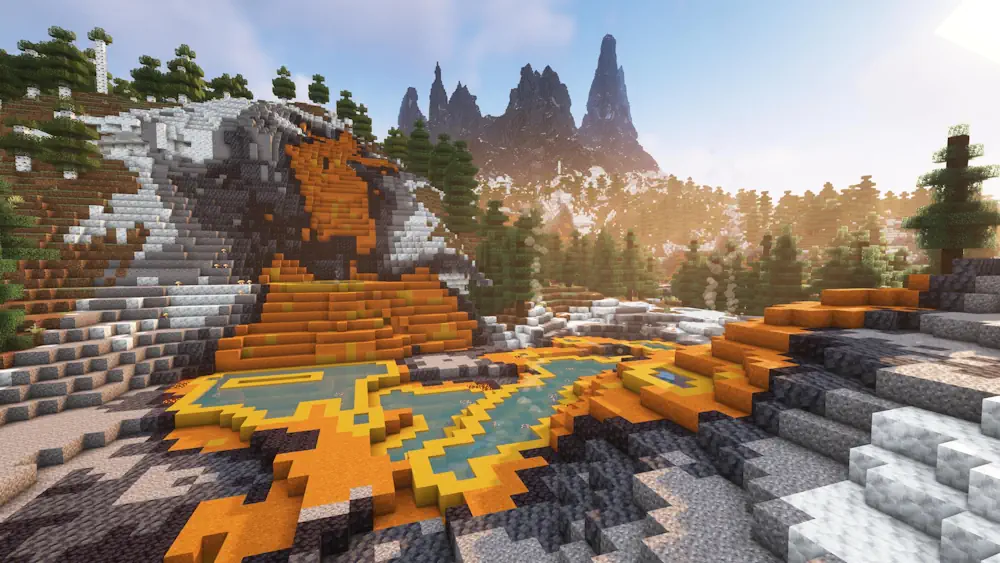
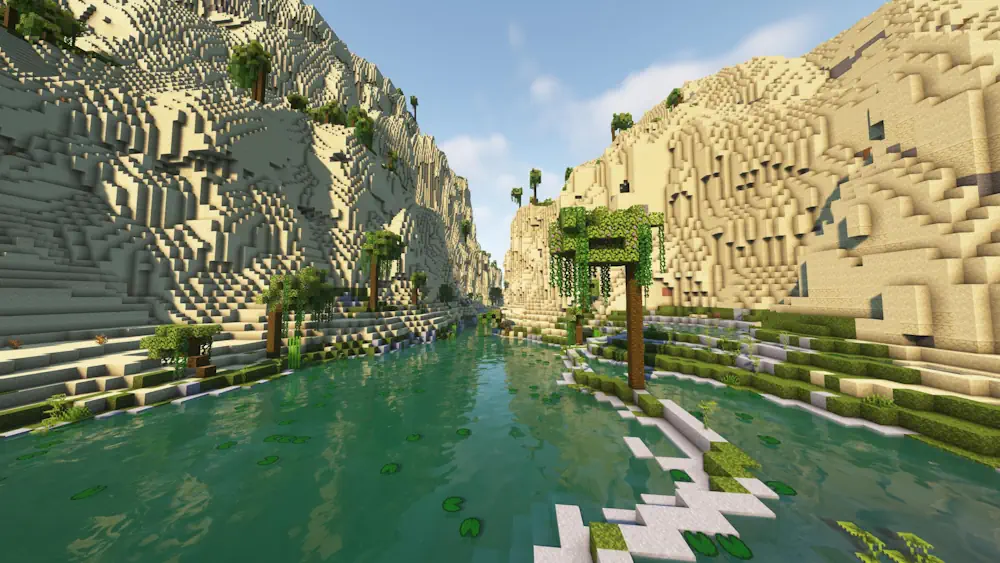
The pack includes realistic places such as Yellowstone, Yosemite Cliffs, highlands, desert oases, volcanic peaks, and fortified villages. It also has fantasy biomes including Moonlight Grove, Amethyst Rainforest, Scarlet Mountains, Mirage Isles, and floating Skylands above deep oceans. Each one has its own terrain shape, colours, and atmosphere, so travelling between regions feels noticeably different.
Underground exploration gets attention too. Terralith adds cave biomes such as Underground Jungle, Fungal Caves, Infested Caves, and Frostfire Caves. On the surface, you may find structures like Spires in cold areas, Glacial Huts, Mage Towers, and rare fortified villages. These structures make useful landmarks when exploring a new seed and give builders more interesting places to settle near.
Create a new world before using Terralith. The authors do not recommend adding it to an existing save, and Terralith cannot be removed safely once it has generated terrain in that world. It is also best not to swap between the datapack and mod versions in the same save.
Screenshots
How to Install Terralith
- Download the Terralith file for your Minecraft version.
- Move the .jar file into the Minecraft mods folder.
- Launch the game and create a new world.
- Explore the new biomes, caves, and structures generated by Terralith.