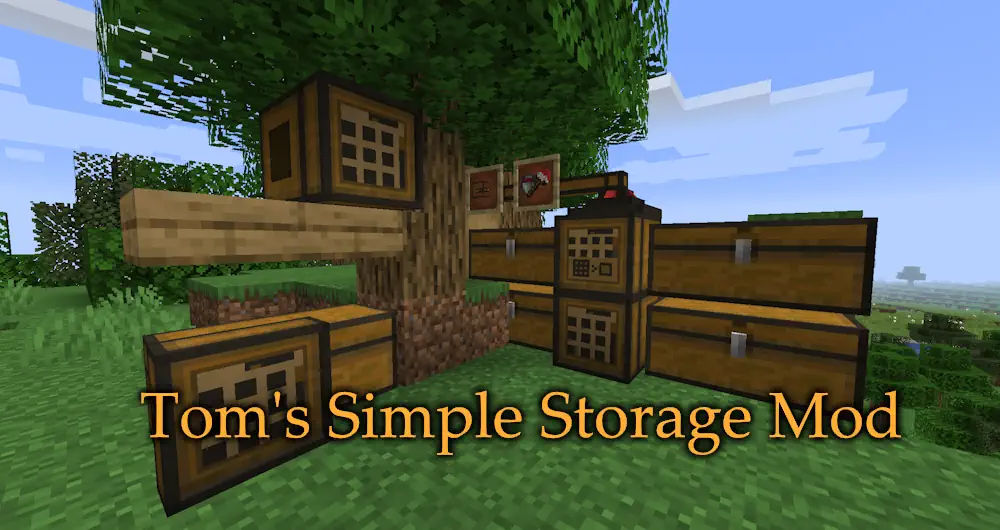
Tom’s Simple Storage Mod gives you one clear way to manage all the chests, barrels, and other containers in your base. Instead of remembering where every item was placed, you build a storage network and control it from a single terminal. The design stays close to vanilla, so it fits naturally into an early survival base as well as a larger technical build.
One Terminal for Your Whole Base
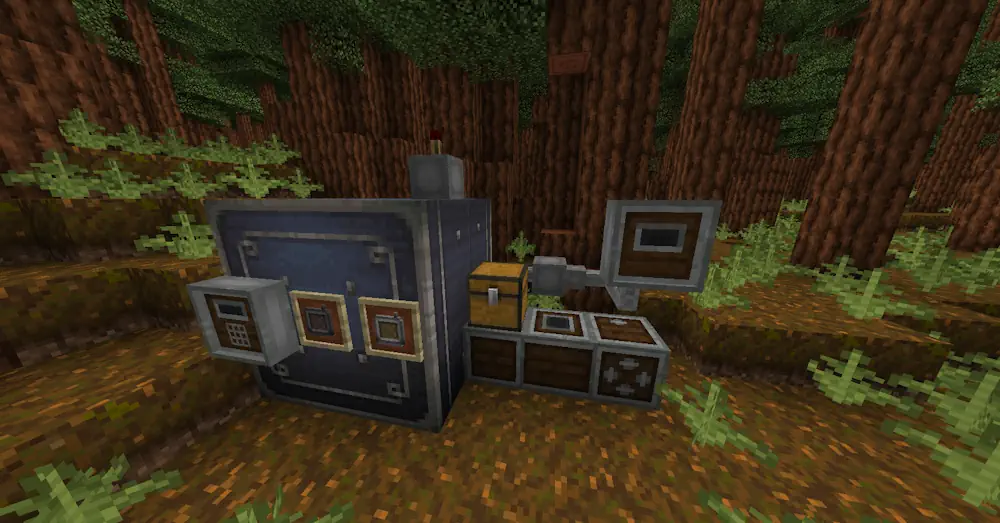
Storage & Crafting Terminal is the main block of the system. It shows items from connected inventories in one screen, lets you search by name, move stacks quickly, and craft recipes using materials stored across the network. You do not need to open ten different chests just to find iron, redstone, or building blocks.
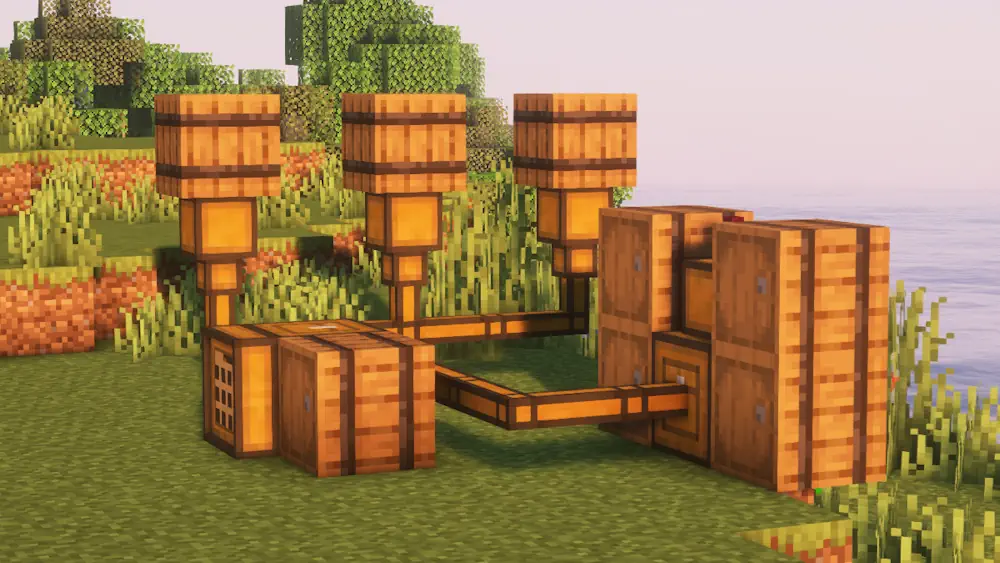
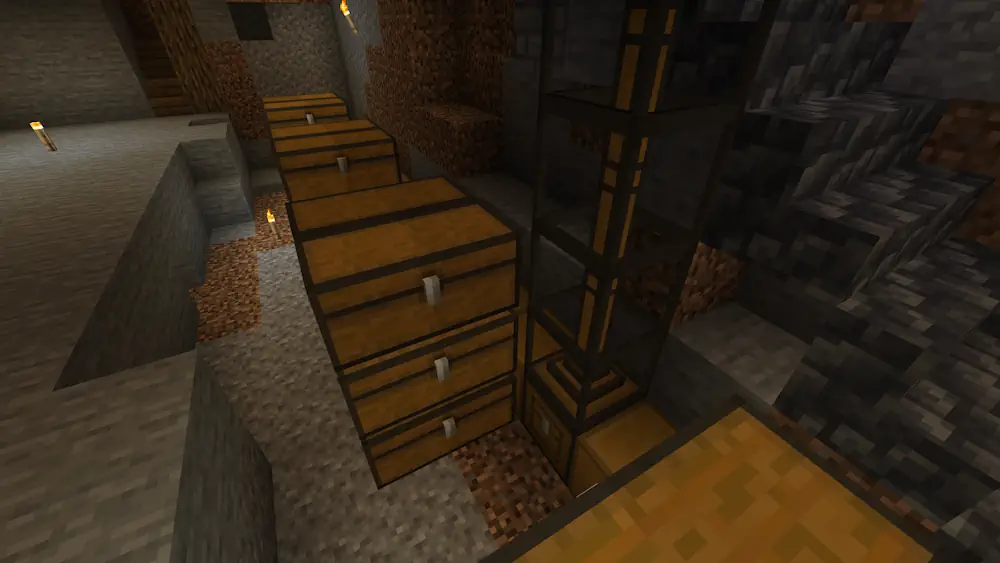
Inventory Connectors are placed on chests, barrels, and other inventories. Link them with Inventory Cables to the terminal, and their contents become part of the same storage network. Filtered connectors help control what can enter or leave a container, which is useful for farms and machines that produce several item types.
The Inventory Hopper moves items between containers inside the system, while the Open Crate gives you a simple place to throw in a large batch of items after mining or exploring. This makes sorting less repetitive: dump your loot into the network, then use the terminal to take out exactly what you need.
Wireless Terminal gives access to your connected storage away from the main terminal. It is useful when building around your base or working on a large project where returning to the storage room every few minutes becomes annoying.
Screenshots
How to Install Tom’s Simple Storage Mod
- Download Tom’s Simple Storage Mod for your Minecraft version.
- Move the .jar file into the Minecraft mods folder.
- Launch the game and craft a Storage Terminal with Inventory Connectors.
- Connect your containers to the terminal and start organising items from one screen.