BadOptimizations improves Minecraft performance by reducing background calculations that often run when they are not needed. It focuses on small technical changes rather than graphics, textures, or render distance.
Fewer Background Tasks
One important change affects lightmap updates. Minecraft normally recalculates lighting textures every tick, even when block and sky brightness remain unchanged. The mod caches this information and only starts a new update after a relevant change, such as a different dimension, potion effect, or gamma setting.
BadOptimizations also prevents unused debug renderers from running their logic. Bee, villager AI, game event, and test data are processed only when the related debug features are active.
Smoother Performance
Sky color calculations are simplified when surrounding biomes use the same color. More complex sampling is kept for biome borders where it is actually needed. This reduces repeated work during every rendered frame.
The result depends on the computer and installed mods, but these small optimizations can provide steadier performance and slightly higher FPS. Individual changes can be disabled through the configuration file if they cause compatibility problems.
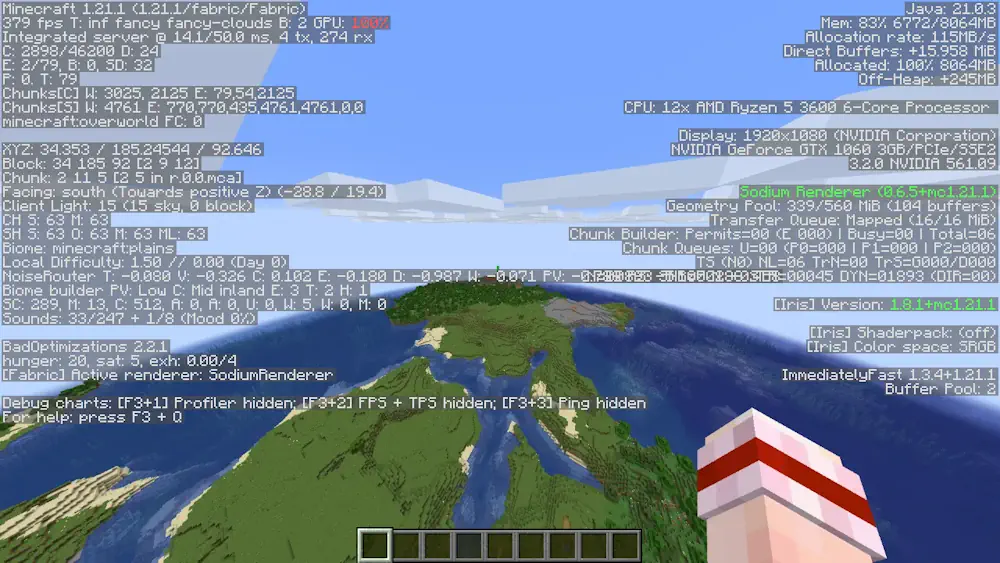
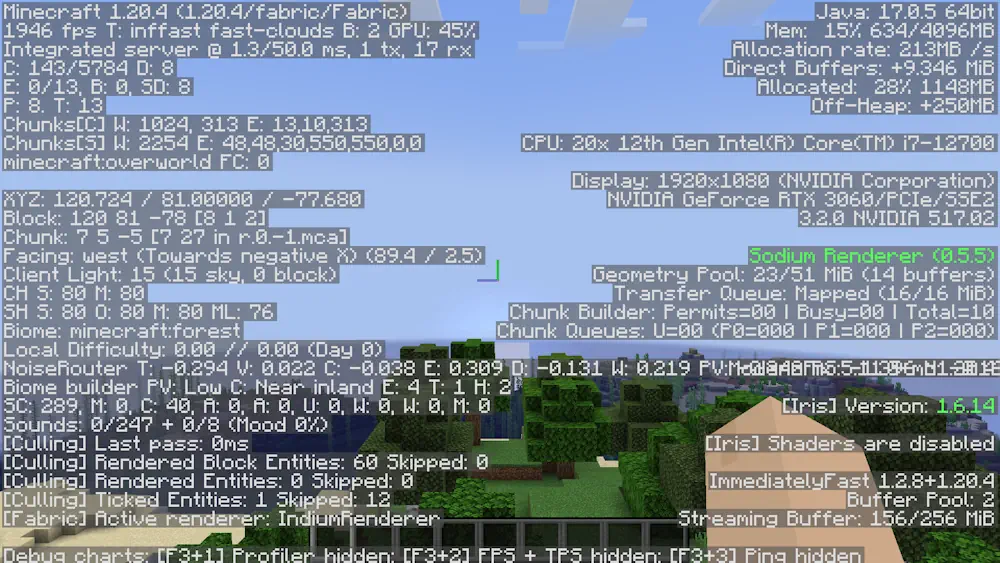
Screenshots
How to Install BadOptimizations
- Download the file matching your Minecraft version and mod loader.
- Move the downloaded JAR file into the mods folder.
- Launch Minecraft and check the performance.