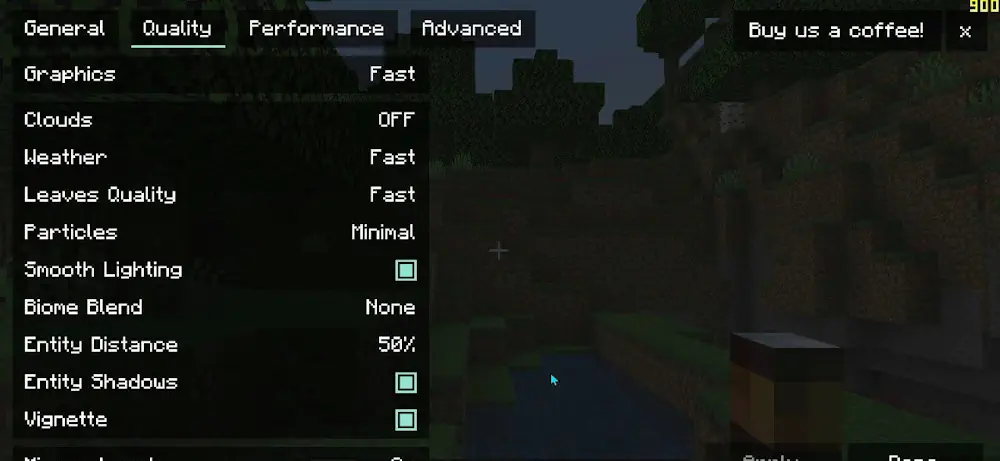
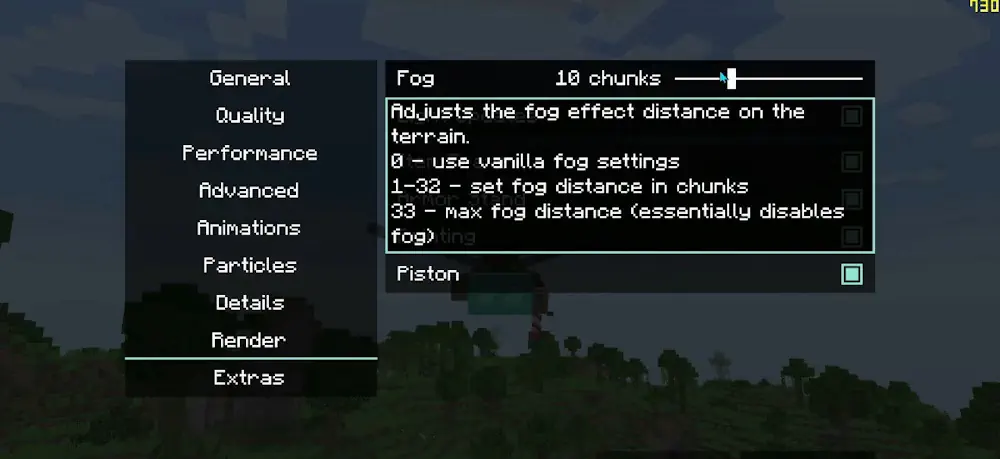
Sodium Extra expands the video settings available with Sodium. It focuses on options that affect appearance, visibility, and interface details rather than replacing the main rendering system. Players can fine-tune Minecraft without installing a large collection of separate visual tweaks.
More Control Over Visual Effects
The mod provides separate settings for fire, water, lava, terrain, and block animations. Particle effects can also be adjusted by type, including particles introduced by other mods. This is useful when certain effects are distracting or create unnecessary visual clutter.
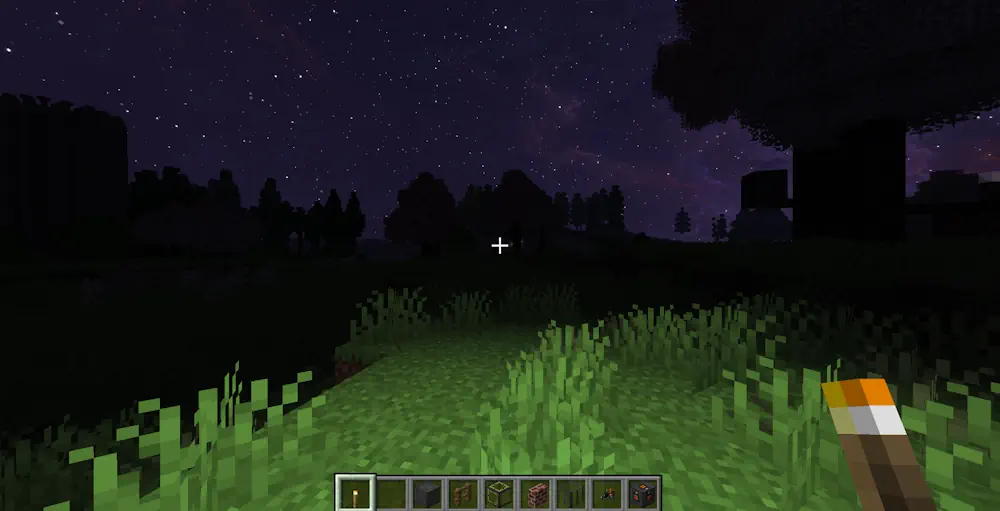
Additional controls cover the sky, stars, sun, moon, clouds, and weather. Players can decide which details should remain visible and which can be disabled. Fog and miscellaneous rendering options are available in the same organized menu.
Useful Display and Performance Options
Sodium Extra can display the current FPS and player coordinates without requiring a separate overlay. It also includes controls for toast notifications, static entities, and other small interface elements. These additions make important information easier to access while keeping the screen clean.
The mod is particularly helpful for players who miss the detailed visual settings offered by OptiFine. Individual effects can be disabled to reduce distractions or improve performance, while preferred animations and environmental details remain active. Each option can be configured separately, giving players more control over how Minecraft looks and behaves.
Screenshots
How to Install Sodium Extra
- Download Sodium Extra for your Minecraft version and mod loader.
- Move the downloaded files into the .minecraft/mods folder.
- Launch Minecraft.