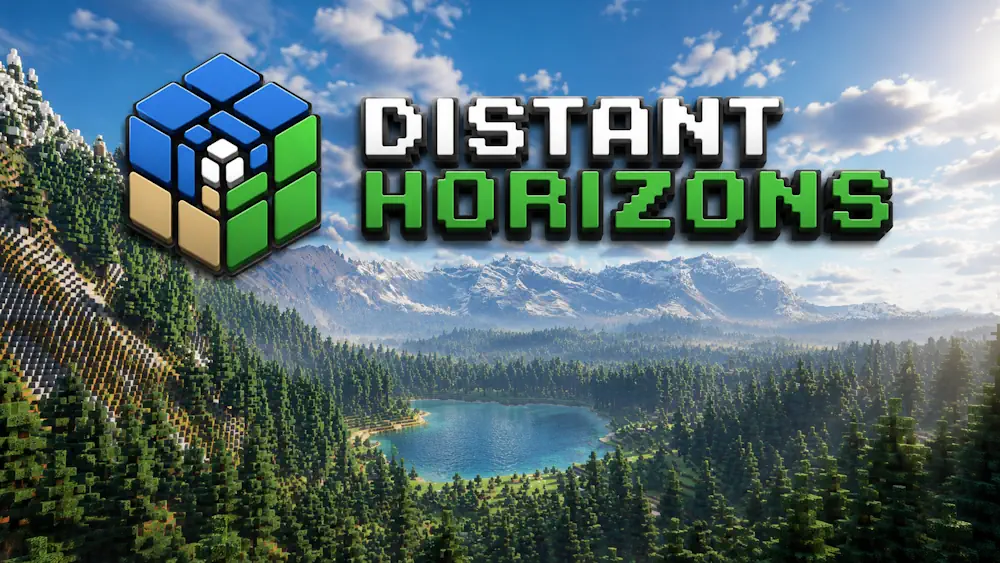
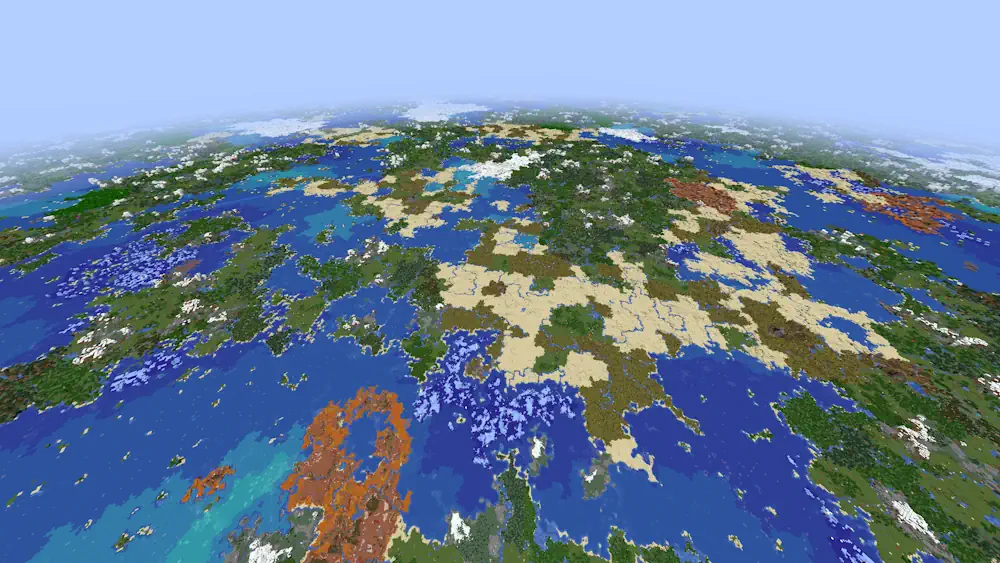
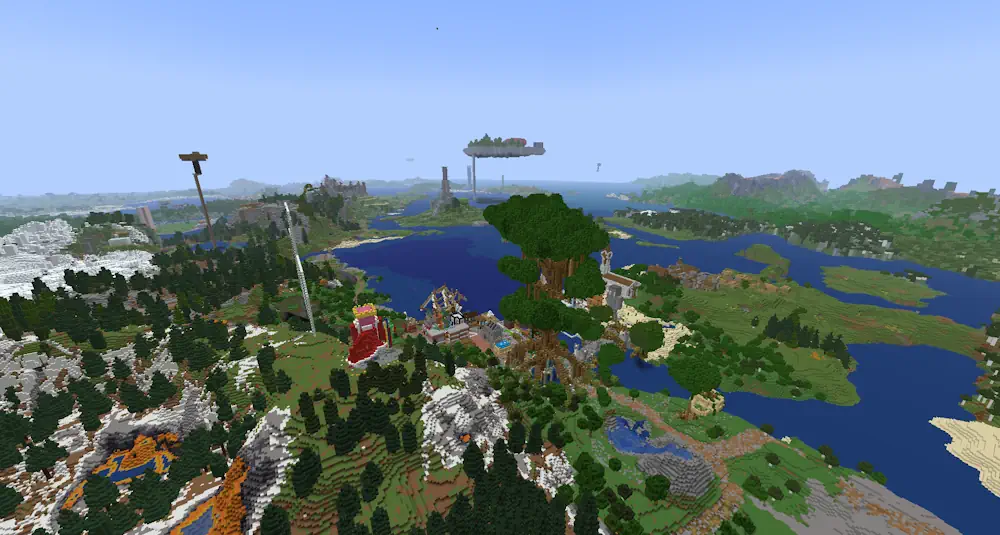
Distant Horizons changes how far a Minecraft world can be seen. It creates low-detail terrain, known as LODs, beyond the normal render distance, so mountains, forests, villages, and player-built landmarks remain visible far from the player. Nearby terrain keeps Minecraft’s usual detail, while distant areas use a lighter rendering method.
See More of the World Around You
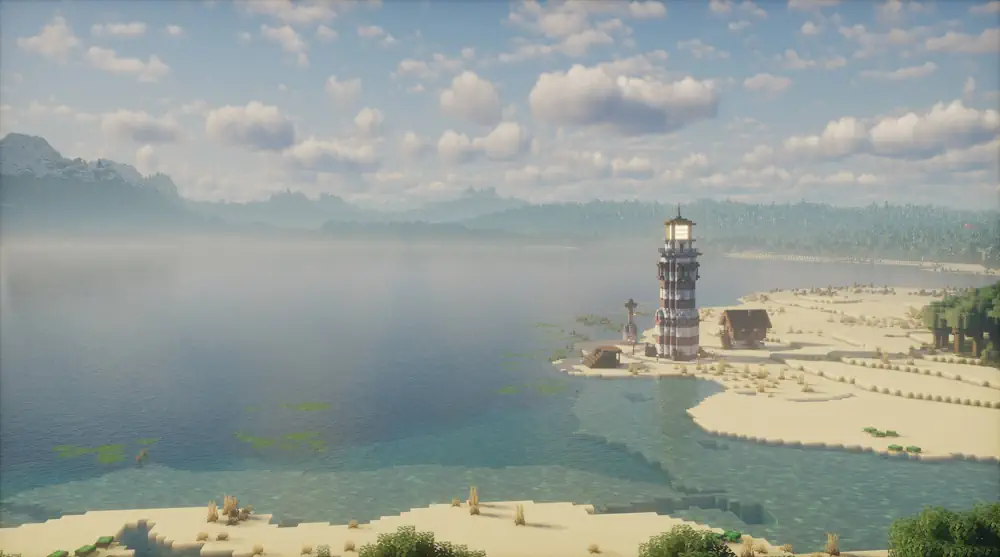
When you explore new places, Distant Horizons gradually creates LOD data for the landscape. You can stand on a mountain, look across a valley, and still see areas far beyond the normal chunk distance. The result is especially noticeable in large survival worlds, scenic seeds, servers, and builds made for exploration.
On a client-only installation, explored LODs are saved between sessions. If the mod is installed on both the server and the client, the server can send distant terrain data to players who also use Distant Horizons. This helps multiplayer worlds show a larger view without requiring every player to explore each area first.
The mod uses your GPU for rendering, so performance depends on your hardware and chosen settings. Start with a balanced graphics preset, then increase the distance slowly. If you notice stutters, lower the CPU load or distant generation setting in the Distant Horizons menu. Shader support is available only with compatible shader packs and supported Iris versions.
Screenshots
How to Install Distant Horizons
- Download the Distant Horizons file for your Minecraft version and loader.
- Move the .jar file into the Minecraft mods folder.
- Launch Minecraft and open the Distant Horizons settings.
- Choose a balanced preset first, then adjust the distance for your PC.