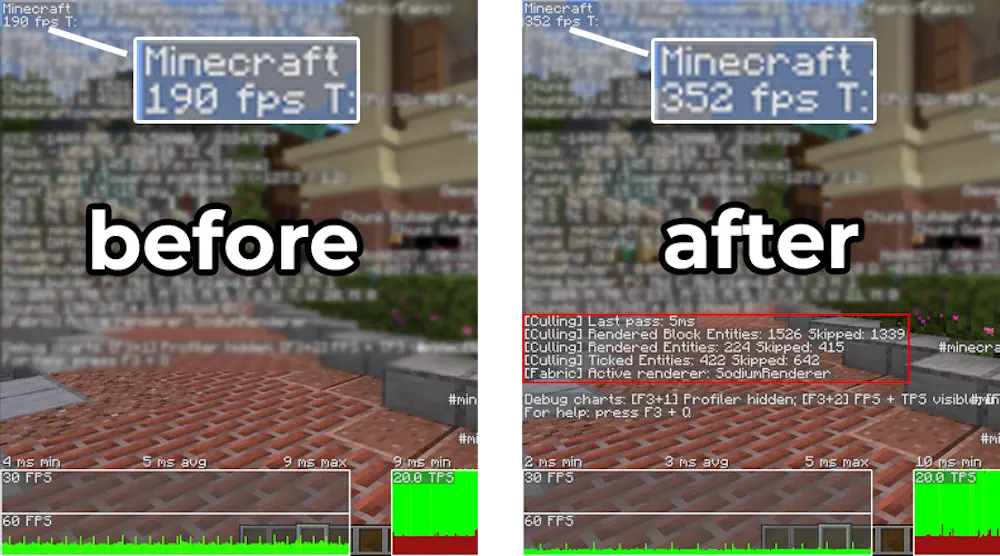
Entity Culling improves performance by stopping Minecraft from drawing mobs and block entities that are completely hidden from view. An entity behind a wall, underground, or inside a closed structure remains active but is not rendered until it becomes visible.
Reduce Unnecessary Entity Rendering
The mod uses asynchronous path tracing to check whether the player has a direct view of an entity. These calculations run on available CPU threads alongside the main game process, allowing visibility data to update without interrupting gameplay.
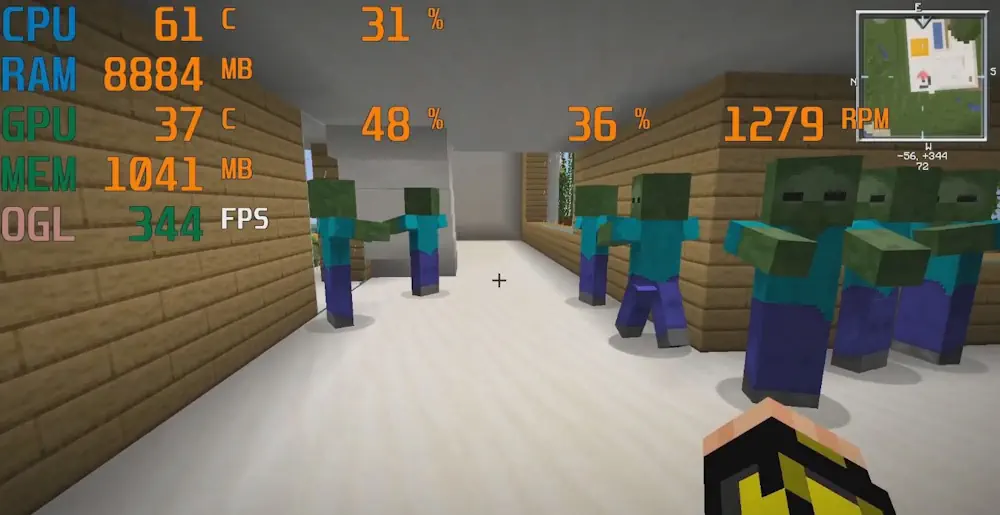
Hidden animals, villagers, monsters, item frames, chests, furnaces, and other block entities no longer create unnecessary draw calls. The difference is most noticeable around large bases, storage rooms, mob farms, villages, and other areas containing many objects behind solid blocks.
Entity Culling only changes what is displayed on the screen. Mobs continue to move, spawn, attack, and drop items normally, while farms and redstone systems keep working. It can also be used alongside Sodium because it checks actual line of sight rather than only loaded chunks.
Most settings work automatically after launch. If an animated block or entity disappears incorrectly, it can be added to the whitelist through the configuration screen. This may be necessary for objects that render beyond their normal block boundaries.
Screenshots
How to Install Entity Culling
- Download Entity Culling for your Minecraft version and mod loader.
- Move the JAR file into the mods folder.
- Launch Minecraft; the optimization will activate automatically.