FerriteCore is an optimization mod designed to reduce the amount of RAM used by Minecraft. It works quietly in the background and is especially useful when the game contains many blocks, items, models, and additional mechanics that would normally require a large amount of memory.
Lower Memory Usage
The mod improves how Minecraft stores block states, model data, cached shapes, strings, and other frequently repeated information. Instead of keeping many identical copies in memory, FerriteCore allows the game to reuse existing data where possible. It also reduces unnecessary memory use while loading chunks and processing complex block models.
The exact result depends on the size and contents of your installation. Large Minecraft setups usually receive the greatest benefit, while the difference may be less noticeable in a nearly vanilla game. Lower RAM usage can leave more memory available for the operating system and other programs. It may also reduce stuttering caused by frequent Java memory cleanup.
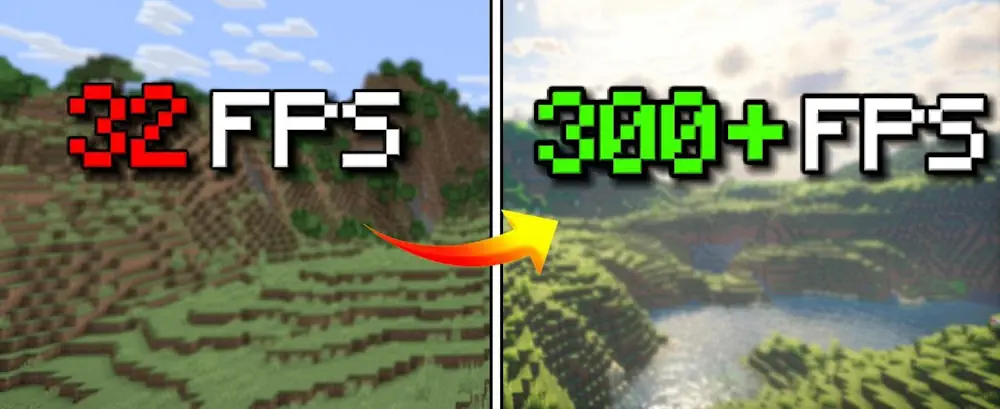
FerriteCore is not a traditional FPS booster and does not change graphics, render distance, world generation, or gameplay balance. Its main purpose is to make Minecraft more memory-efficient. This can improve general stability and help the game run on computers with a limited amount of available RAM.
No configuration is required after installation. The optimizations become active automatically when Minecraft starts. FerriteCore can be used on the client and server, with several important improvements working on both sides. Installing it in both locations is recommended when you control the server.
The mod is compatible with most other optimization tools, making it a useful foundation for building a faster and more stable Minecraft installation.
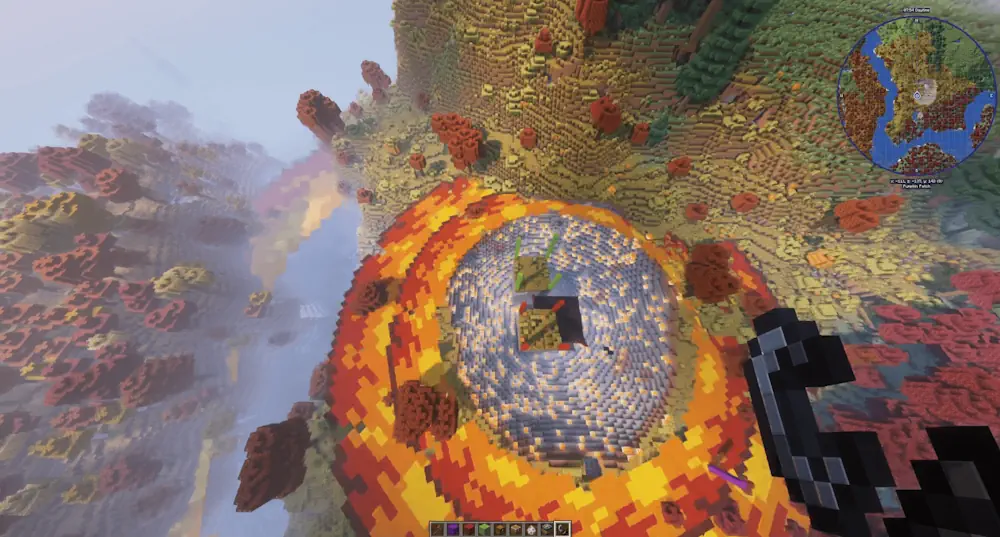
Screenshots
How to Install
- Download FerriteCore for your Minecraft version and mod loader.
- Move the JAR file into the mods folder.
- Launch Minecraft; the optimizations will activate automatically.