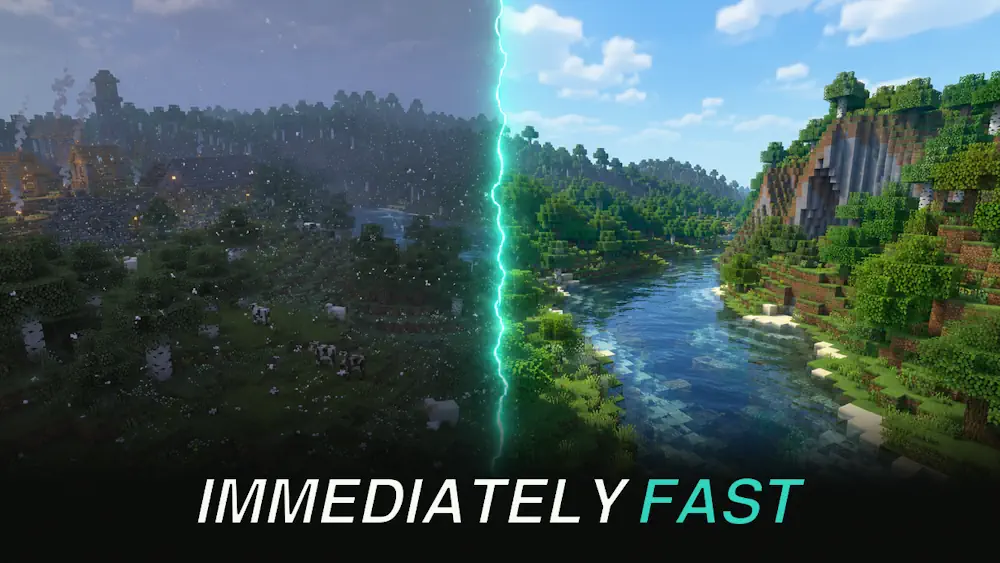
ImmediatelyFast is a lightweight optimization mod that improves how Minecraft renders many elements on the screen. It does not change textures, add new graphics settings, or replace the game’s visual style. Instead, it makes several rendering tasks more efficient, which can help the game feel smoother in busy areas.
The mod is especially useful when the screen contains many entities, particles, signs, maps, HUD elements, or block entities such as chests. These situations can create extra work for the CPU, even when your graphics card is not the main problem.
Reduce Rendering Work in Busy Areas
ImmediatelyFast groups rendering work more efficiently before sending it to the GPU. In simple words, Minecraft makes fewer unnecessary draw calls. This can improve frame rate and reduce small stutters when you visit crowded farms, multiplayer hubs, storage rooms, or modded bases.
- Improves rendering for entities and block entities
- Optimizes particles, signs, text, maps, and HUD elements
- Can help other mods that use immediate rendering
- Works well alongside common performance mods
- Includes optional settings for compatibility and fine-tuning
A Good Addition to a Performance Modpack
The biggest improvement usually appears when Minecraft is limited by the CPU or when there is a lot happening on screen. On an already light world, the difference may be small. Still, it is a useful background optimization because it does its work without changing normal gameplay.
The default configuration is suitable for most players. If you notice a visual issue with a HUD mod or custom resource pack, you can adjust individual options later in the config file instead of removing the whole mod.
Do not use ImmediatelyFast with OptiFine or OptiFabric. It is also not compatible with some closed Minecraft clients.
Screenshots
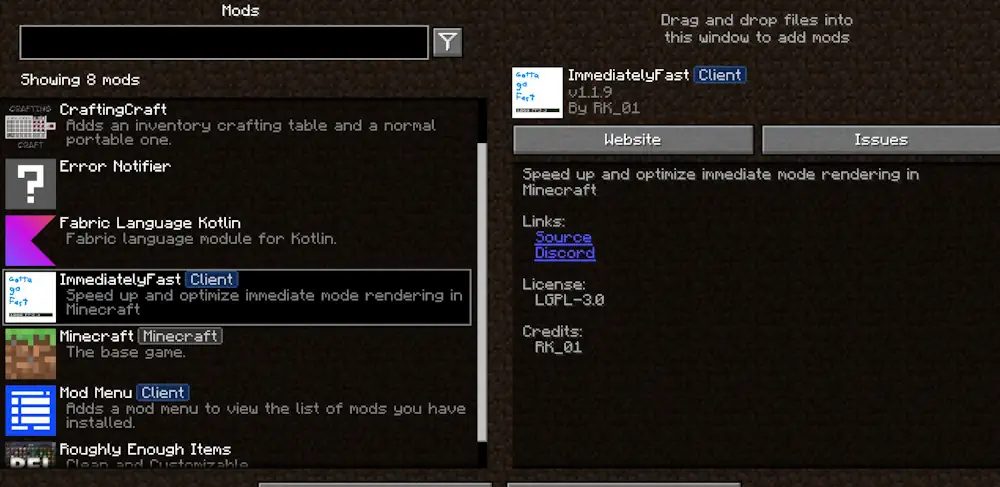
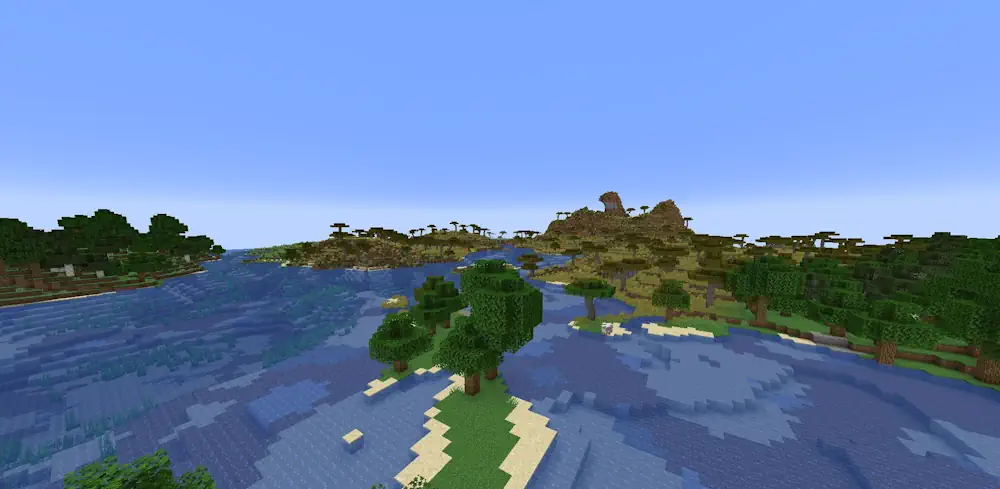
How to Install ImmediatelyFast
- Download the ImmediatelyFast file that matches your Minecraft version and mod loader.
- Open your Minecraft folder and enter the mods folder.
- Move the downloaded .jar file into the folder.
- Launch Minecraft with the matching game profile.