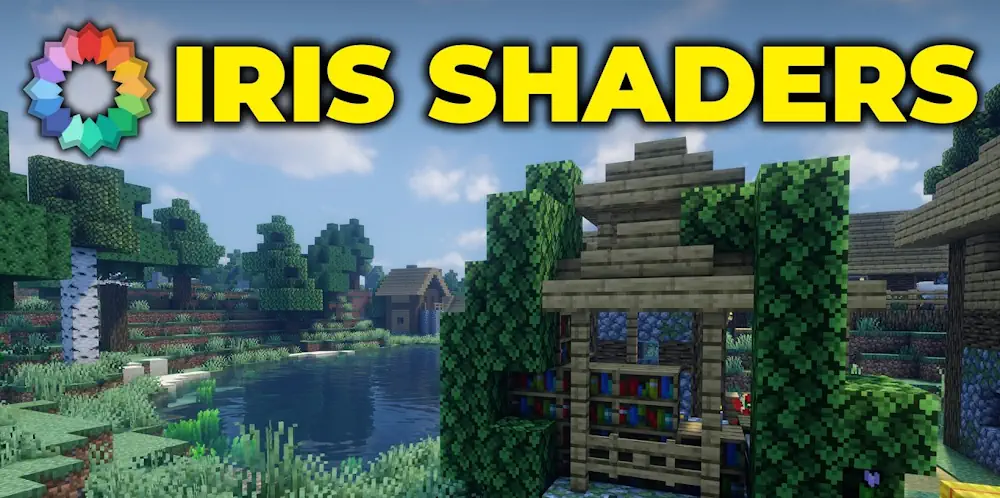
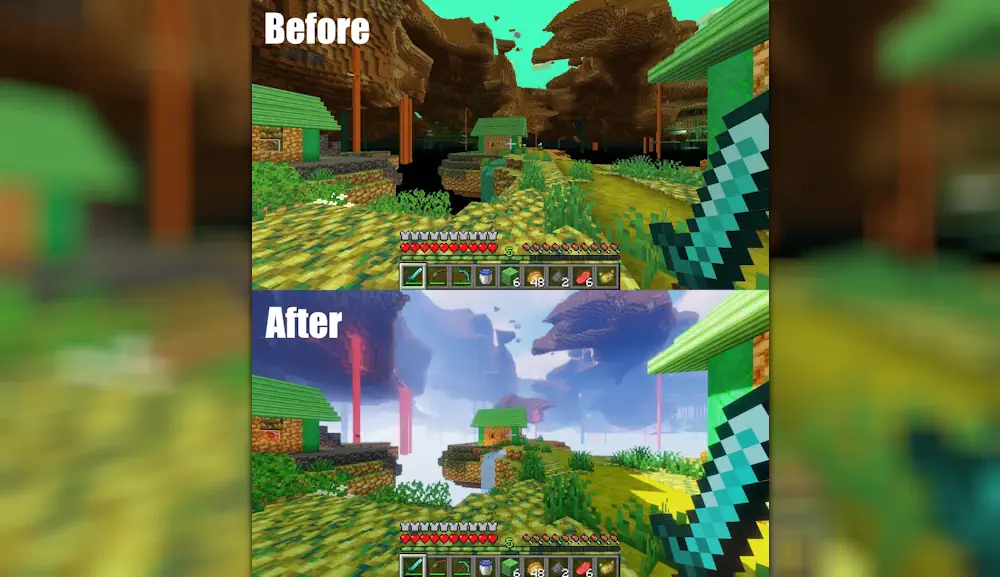
Iris Shaders lets you use shader packs in Minecraft without turning graphics settings into a mess. It adds a clear shader menu, works with most packs originally made for OptiFine, and comes with Sodium for faster rendering. The result can be subtle lighting and better shadows or a complete visual change with water reflections, waving plants, coloured skies, and cinematic sunsets.
Choose the Look You Want
Shader packs control the final image, while Iris handles how they run. You can switch between a lightweight pack for everyday survival, a balanced preset for building, or a demanding pack for screenshots. Each shader has its own options for shadows, clouds, water, ambient light, and draw distance, so there is no single “best” setup for every PC.
Iris keeps the shader settings inside Minecraft’s video menu. Open the Shader Packs section, choose a downloaded shader zip, and adjust its settings there. Start with the pack’s default or medium preset, then raise shadows and draw distance only after checking how your world performs. Busy forests, large bases, rain, and heavy farms are better tests than an empty flat world.
Performance and Compatibility
Sodium is included with Iris, which is important because shaders need more rendering power than normal Minecraft. You can still get a clean visual upgrade without pushing every setting to maximum. Lower shadow resolution, volumetric effects, and reflections first if FPS drops too much.
Iris supports most OptiFine shader packs, but it is not compatible with OptiFine itself. Some shaders also need their own support for features from other rendering mods, so always test a new combination in your usual world before recording videos or starting a long build.
Screenshots
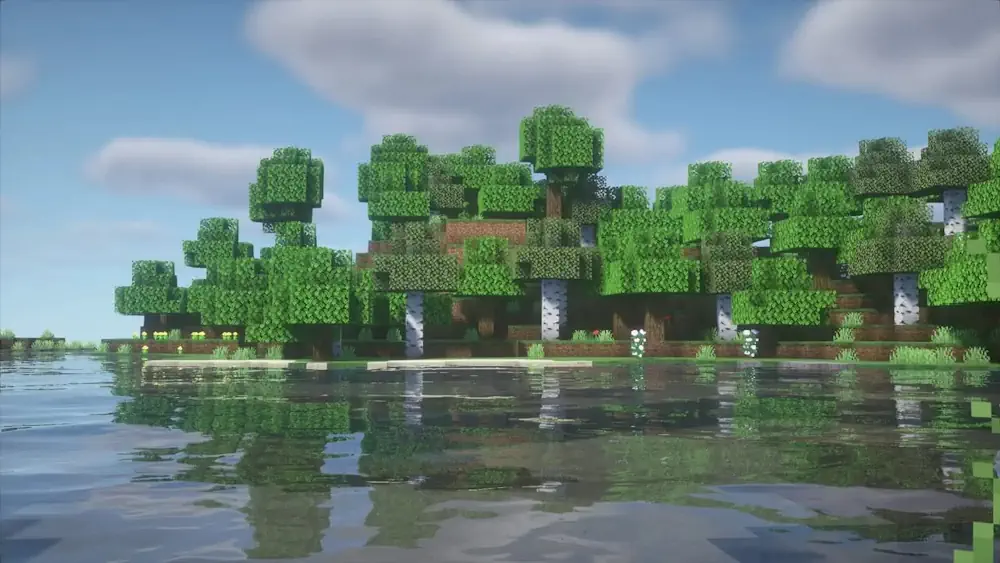
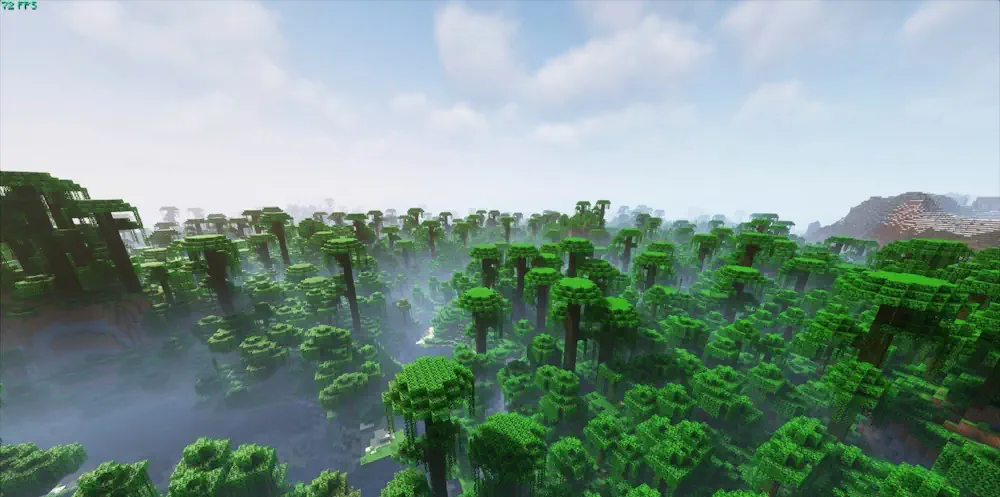
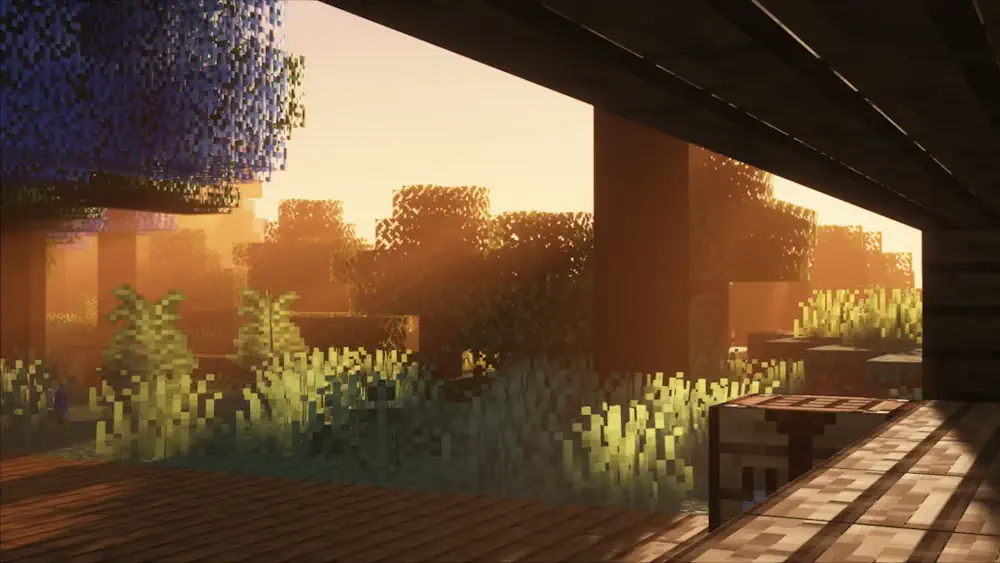
How to Install Iris Shaders
- Download the Iris file for your Minecraft version.
- Move the .jar file into the Minecraft mods folder.
- Launch Minecraft, open Video Settings, and select Shader Packs.
- Open the shader folder, place a shader pack zip inside, then choose it from the list.