ModernFix improves the parts of Minecraft that often cause slow startup, high memory use, freezes, and random crashes in heavily modded worlds. It works in the background, so you can install it and keep playing as usual while the game uses resources more efficiently.
Faster Loading and Better Stability
Faster Startup is one of the first changes you can notice. ModernFix improves the loading process and reduces unnecessary work while Minecraft prepares mods, models, and game data. This is useful when your game takes a long time to reach the main menu or freezes during loading.
Lower Memory Use helps when Minecraft consumes too much RAM after adding several mods. ModernFix includes optimizations for model loading and internal data handling, which can make larger setups run more comfortably with the memory you already have available.
Stability Fixes cover many small technical problems that can lead to crashes or unreliable behavior. The mod includes bug fixes from newer Minecraft updates, patches for older mods, and tools that help identify the cause of rare freezes. You may not see these changes directly, but they make a long survival world feel more dependable over time.
ModernFix also works alongside other performance mods, so it is a strong base for an optimized installation. Leave its settings at default first, then only change individual options if you are fixing a specific issue.
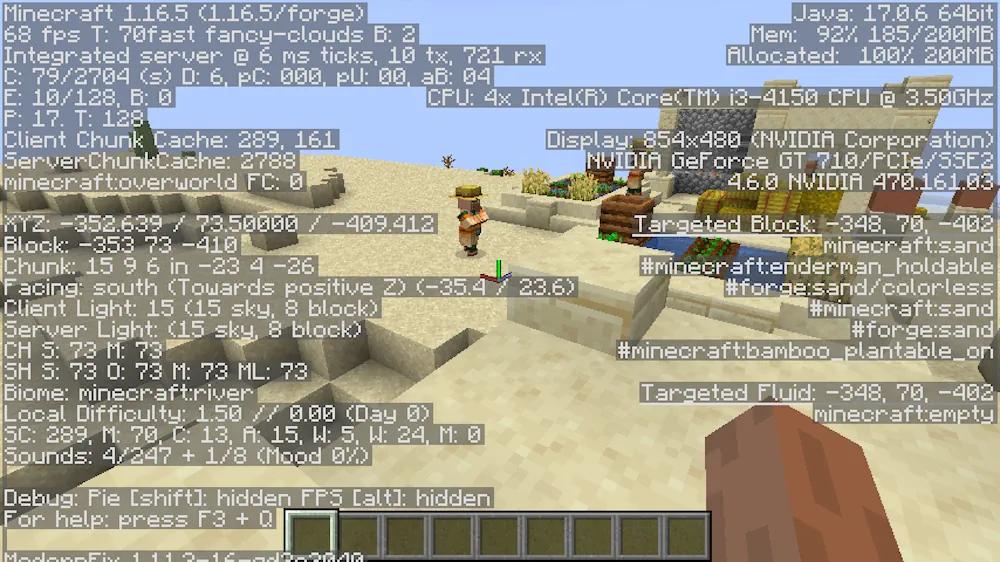
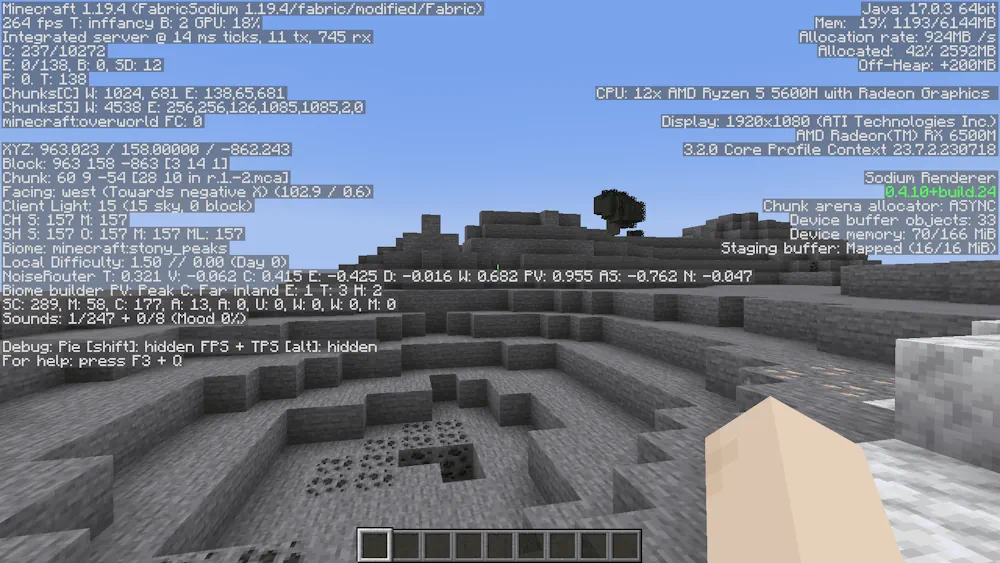
Screenshots
How to Install ModernFix
- Download the ModernFix file for your Minecraft version.
- Move the .jar file into the Minecraft mods folder.
- Launch the game and use your usual world.
- Keep the default settings unless you need to solve a specific problem.