Chloride is an add-on for Sodium that adds extra performance options and practical visual settings.
It focuses on small changes that are easy to notice during normal play: fewer unnecessary entities rendered in the distance, cleaner leaves, a built-in zoom key, detailed FPS information, and more control over fog and fullscreen mode.
More Control Over Rendering
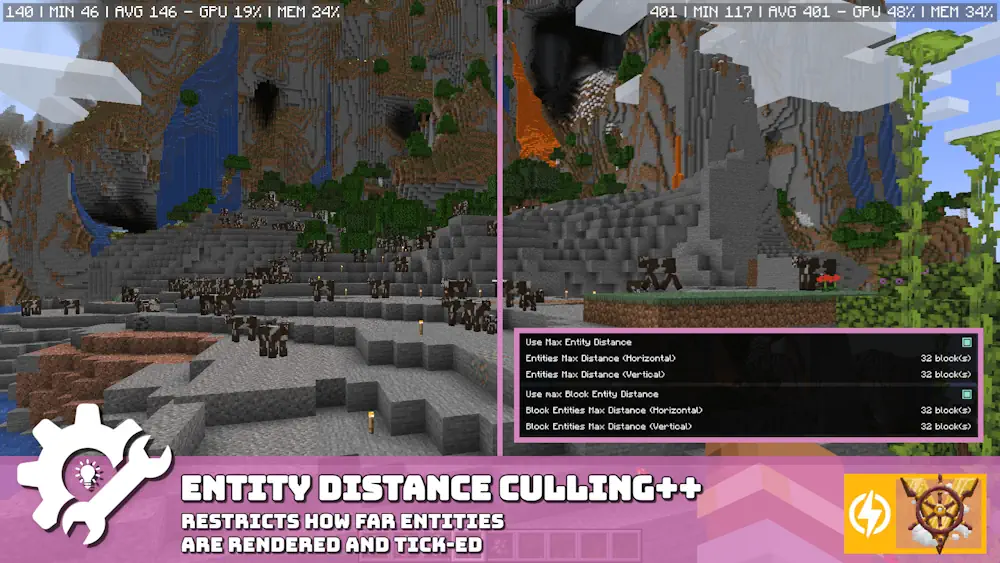
The main performance tools work in the background. Entity Distance Culling stops distant entities and block entities from being rendered or ticked when they are outside the useful range. You can create a whitelist for mobs that should remain visible, such as bosses or specific creatures from another mod. Leaves Culling removes hidden leaf faces inside dense trees, reducing the amount of geometry the game needs to draw.
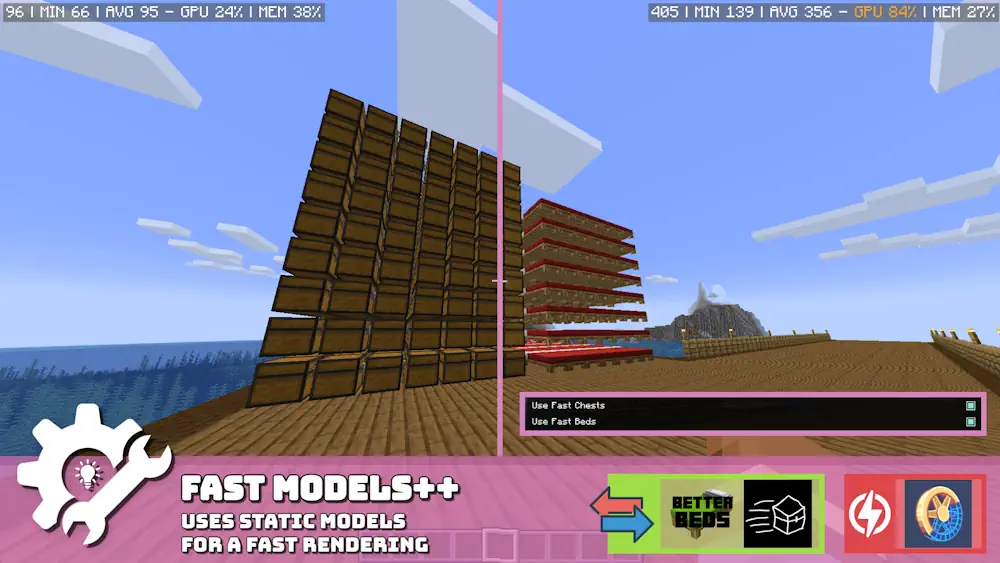
Chloride also includes Fast Models for chests and older bed models, plus an option to hide JEI, REI, or EMI item overlays until you start typing in their search box. This keeps the screen cleaner when you open an inventory in a large modpack.
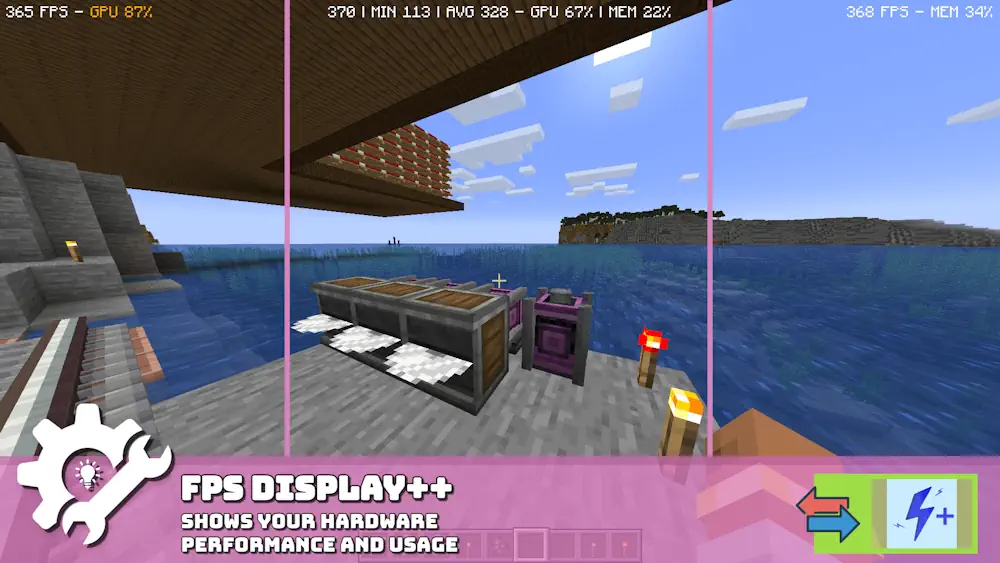
The FPS display shows current, average, and minimum FPS together with memory and GPU usage. You can place it where it is useful instead of relying only on the F3 screen. The zoom key supports mouse-wheel zooming, while borderless fullscreen makes switching between Minecraft and other windows much smoother.
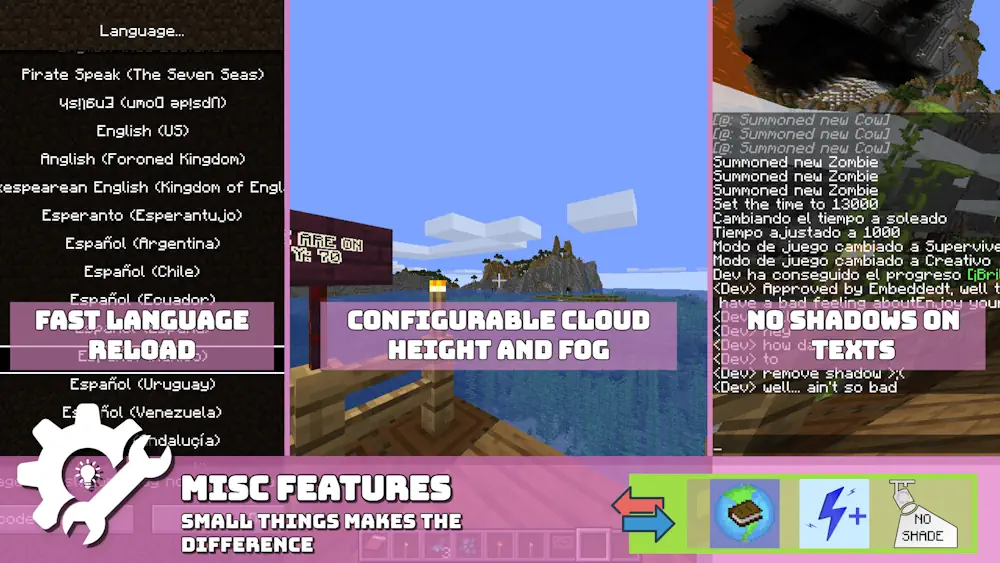
Visual settings are equally useful for players who want to adjust the feel of the game. True Darkness offers several darkness levels, fog distance can be changed manually, and text shadows can be disabled. Every feature has its own toggle, so you can keep only the options that suit your setup.
Screenshots
How to Install Chloride
- Install Sodium for your Minecraft version.
- Download the matching Chloride file.
- Move both .jar files into the Minecraft mods folder.
- Launch the game and adjust Chloride options in the video settings menu.