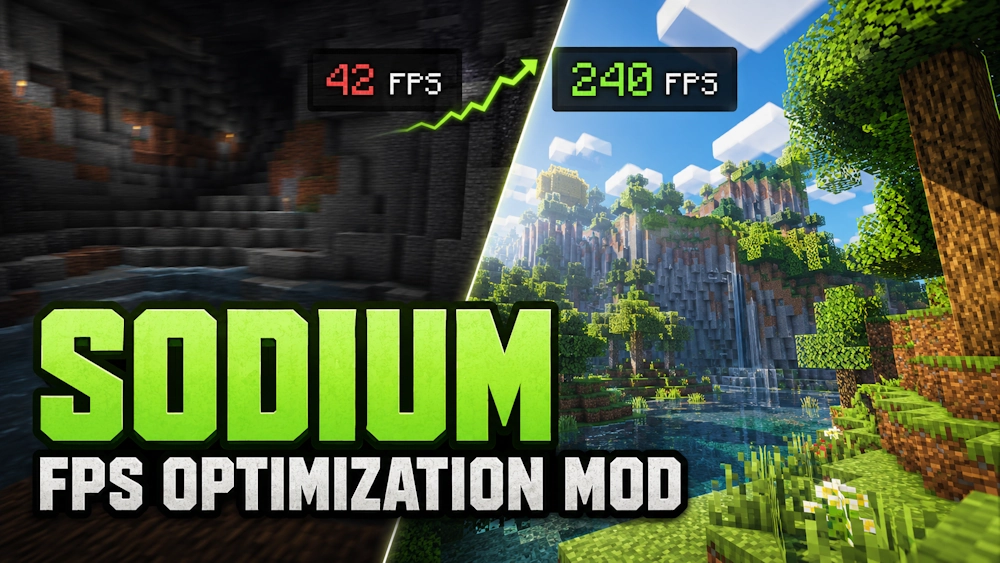
Sodium is a performance mod that replaces Minecraft’s standard rendering system with a faster and more efficient one. It can increase frame rates, reduce small freezes, and make movement through the world feel smoother without changing the original visual style of the game.
The mod works automatically after installation. Sodium improves how Minecraft prepares and displays chunks, entities, particles, fluids, and other visible parts of the world.
A Faster Rendering System
Minecraft can place a heavy load on the processor, especially when using a high render distance or playing inside a large modpack. Sodium reduces this load by processing graphical data more efficiently and avoiding unnecessary rendering work.
Chunk data uses less video memory, hidden block faces are handled more carefully, and animations that are outside the player’s view do not need to update constantly. These changes can improve performance during exploration, near large builds, or in areas filled with mobs and block entities.
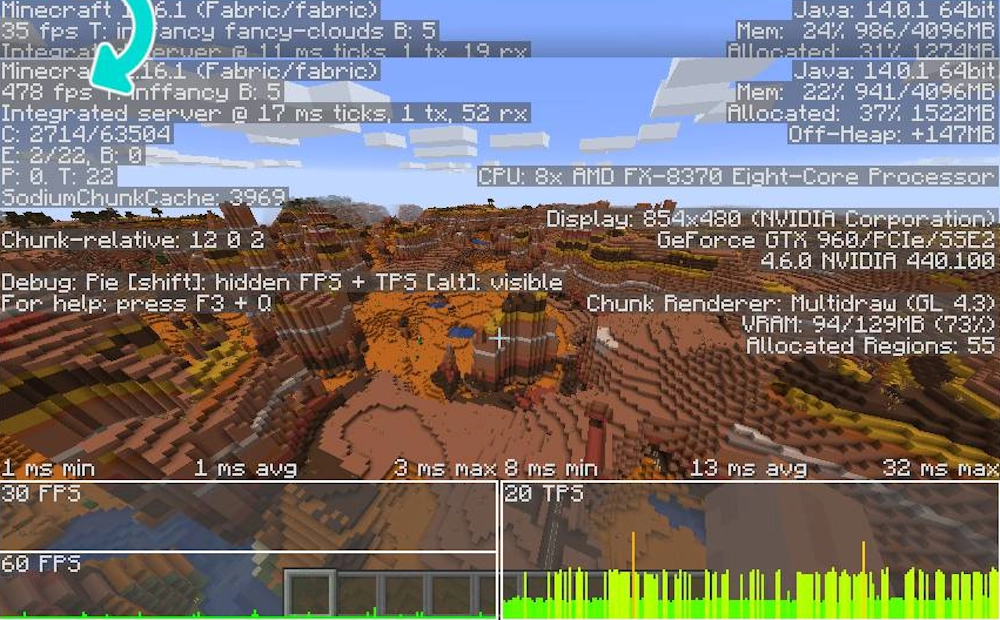
The exact result depends on the computer, Minecraft version, installed mods, and selected graphics settings. Older systems may receive a noticeable improvement, while stronger computers can benefit from more stable frame times and fewer sudden drops.
Better Video Settings
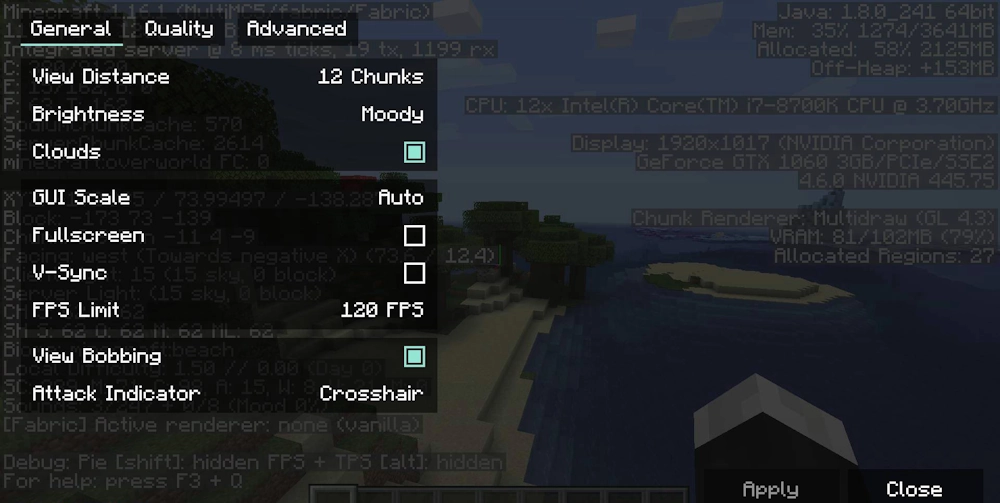
Sodium replaces the default Video Settings screen with a cleaner menu. The available options are divided into sections, making it easier to adjust render distance, graphics quality, animations, particles, and advanced performance settings.
Most players can leave the default configuration unchanged because the mod enables suitable optimizations automatically. Lowering render distance or reducing graphical effects can provide additional performance on weaker laptops.
Screenshots
How to Install Sodium
- Download the Sodium file for your exact Minecraft version.
- Move the JAR file into the Minecraft mods folder.
- Launch the game and open Video Settings to confirm that Sodium is active.